
NES
Adventures in the Magic Kingdom
Also known as: 마법 왕국 모험, Abenteuer im Zauber-Königreich, Aventuras no Reino Mágico, 魔法王国历险, Avventure nel Regno della Magia, Aventuras en el Reino Mágico, 魔法王国アドベンチャー, Адвенчерс в Магик Кингдом, 魔法王國歷險, ادفينتوريس إن ماغيك كينغدوم, Αντβεντσερσ ιν Μαγκικ Κινγκντομ, Aventures dans le Royaume Enchanté
- Platform
- Nintendo Entertainment System
- Genre
- Action; Platform
- Developer
- Capcom
- Publisher
- Capcom
EmuAll provides verified clean ROM archives and in-browser emulation for Adventures in the Magic Kingdom (NES). Players can launch and play directly inside modern desktop and mobile browsers with zero local installation, full gamepad support, and instant save states.
ROM downloads
4Adventures in the Magic Kingdom (USA)
RecommendedAdventures in the Magic Kingdom (Europe)
Adventures in the Magic Kingdom (USA) (Beta 1)
Adventures in the Magic Kingdom (USA) (Beta 2)
Recommended Emulators(NES)
If you choose to download this ROM to play offline, we recommend these top standalone emulators:
About the Game
Players search the Magic Kingdom for six silver keys needed to open the Enchanted Castle. Challenges include Disney trivia, controlling a runaway Big Thunder Mountain train, driving through an obstacle maze, and stages based on Pirates of the Caribbean, Space Mountain, and the Haunted Mansion. The game combines action and platform play.
More NES games
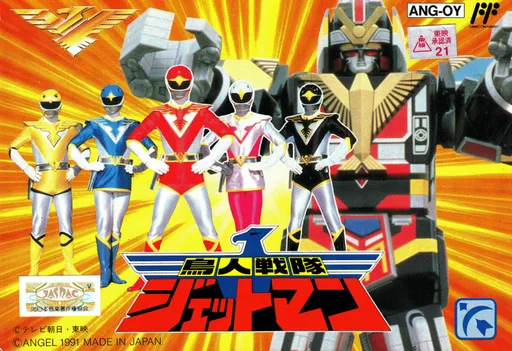 nes
nesChoujin Sentai Jetman
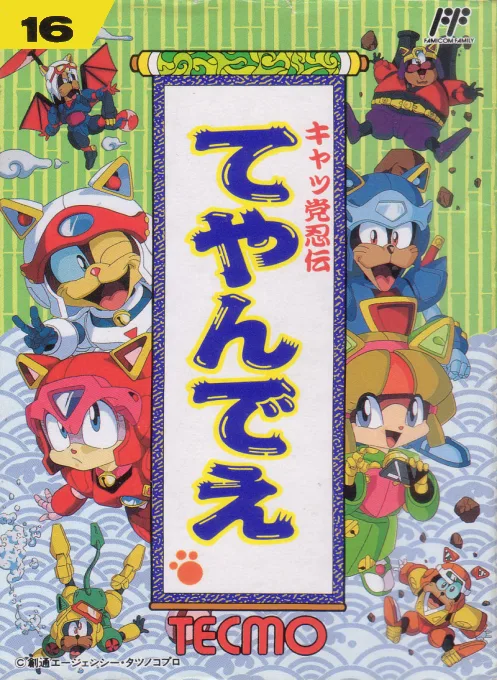 nes
nesCat Ninden Teyandee
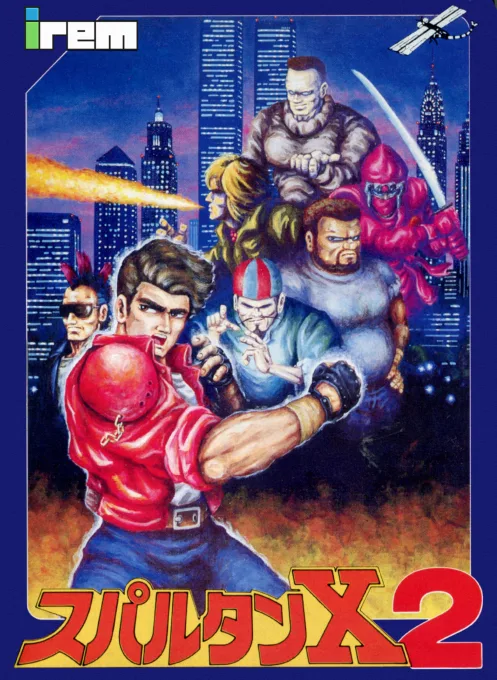 nes
nesSpartan X 2
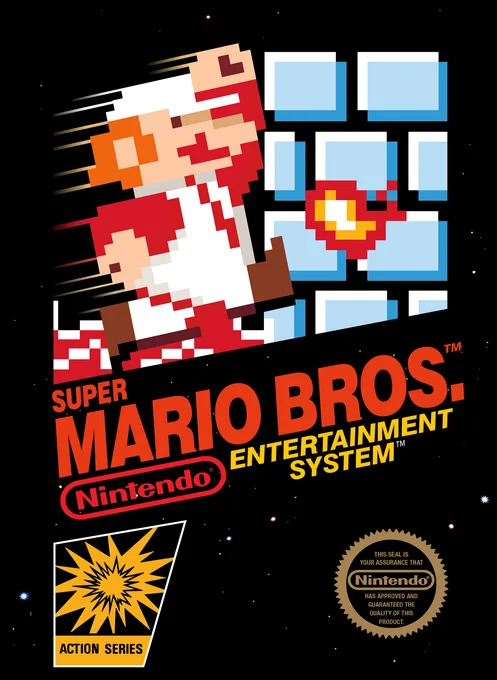 nes
nesSuper Mario Bros.
 nes
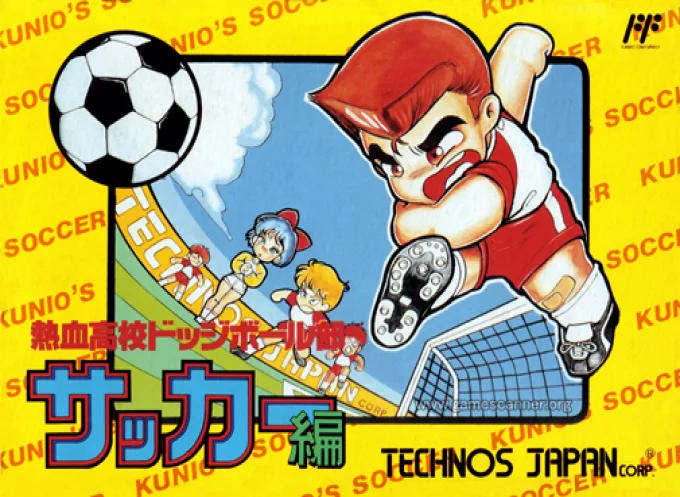
nesNekketsu Koukou Dodgeball-bu - Soccer Hen
![Kunio Kun No Nekketsu Soccer League [T-Eng1.1 Pentarouzero]](https://cdn.emuall.com/covers/76PzY8VVrYp7qrbW9VxNmh/64tupFJzjwFmYWngeubv9R.webp?t=KAPXvEfeW90xdySe8GTkXWgWjR657bL0yfrE9epf8l-CWVszZCIBkg) nes
nesKunio Kun No Nekketsu Soccer League [T-Eng1.1 Pentarouzero]
 nes
nesKunio-kun no Nekketsu Soccer League
 nes
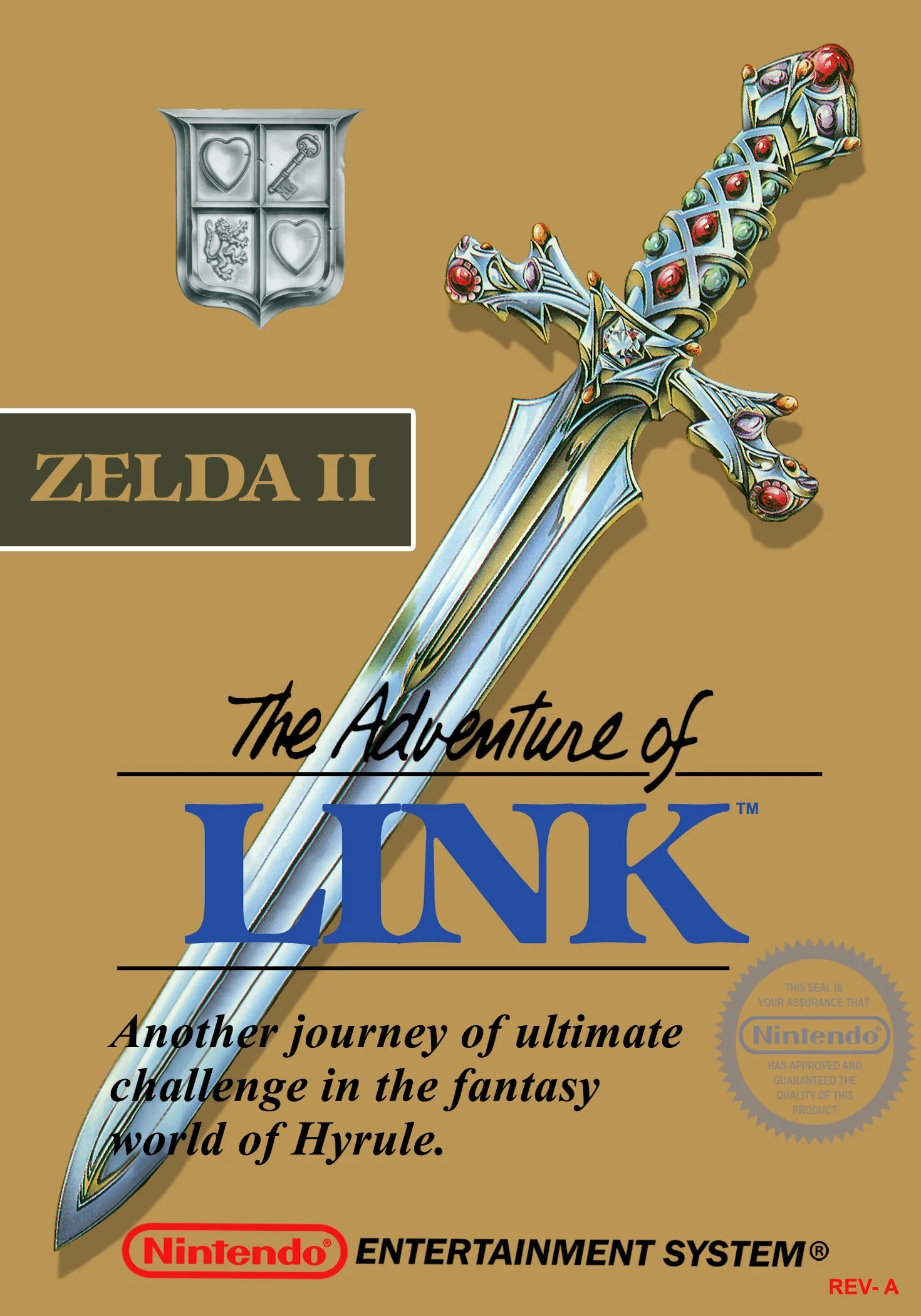
nesThe Legend of Zelda II - The Adventure of Link
 nes
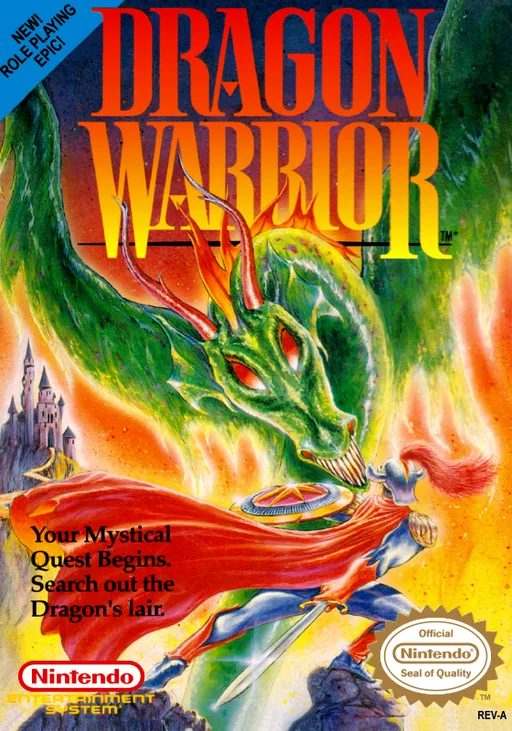
nesDragon Warrior
 nes
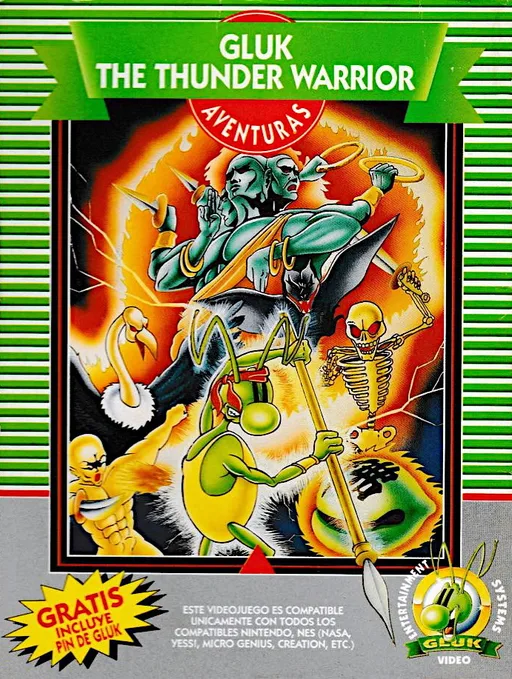
nesGluk the Thunder Warrior
 nes
nesAnkoku Shinwa - Yamato Takeru Densetsu
 nes
nesWorld Games
Frequently Asked Questions
Q1.Can I play Adventures in the Magic Kingdom online in a web browser without downloading?
Yes, EmuAll allows you to play Adventures in the Magic Kingdom (NES) directly inside modern web browsers (Chrome, Safari, Edge, Firefox) on PC, Mac, Chromebook, iOS, and Android devices without installing any emulator.
Q2.Does Adventures in the Magic Kingdom support in-browser save states?
Yes, the in-browser emulator features instant Save States and Load States, storing your game progress directly in your browser storage so you can pick up where you left off.
Q3.What controls are supported? Can I use a controller for Adventures in the Magic Kingdom?
The emulator fully supports standard keyboard controls as well as plug-and-play USB and Bluetooth gamepads (including Xbox, PlayStation, and generic controllers).