
GBA
Backyard Skateboarding
Also known as: 뒷뜰 스케이트보딩, باكيارد سكاتيبوردينغ, 庭院滑板, 庭院滑板 Backyard Skateboarding, バックヤード スケートボーディング, Бакярд Скатебординг, Μπακγιαρντ Σκατεμπορντινγκ
- Platform
- Game Boy Advance
- Genre
- Sports
- Year
- 2004
- Developer
- Humongous Entertainment
- Publisher
- Atari
EmuAll provides verified clean ROM archives and in-browser emulation for Backyard Skateboarding (GBA). Players can launch and play directly inside modern desktop and mobile browsers with zero local installation, full gamepad support, and instant save states.
ROM downloads
1庭院滑板 Backyard Skateboarding(US)(Atari)(32Mb)
Recommended Emulators(GBA)
If you choose to download this ROM to play offline, we recommend these top standalone emulators:
About the Game
Backyard Skateboarding for Game Boy Advance is a kid-friendly skateboarding game featuring the Backyard Sports cast of characters. Players choose from various child characters to perform tricks, grinds, and aerial maneuvers across neighborhood-themed skate parks. The game includes trick competitions, time trials, and free skate modes with simplified controls designed for younger players. It captures the accessible, cartoon aesthetic of the Backyard Sports franchise while introducing basic skateboarding mechanics.
More GBA games
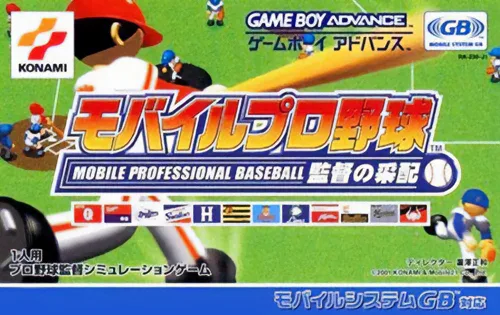 gba
gba职业棒球-行动版 Mobile Pro Yakyuu - Kantoku no Saihai
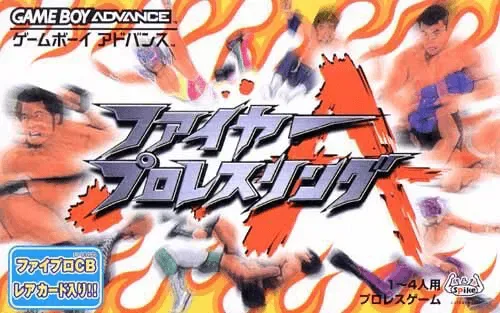 gba
gbaFire Pro Wrestling A
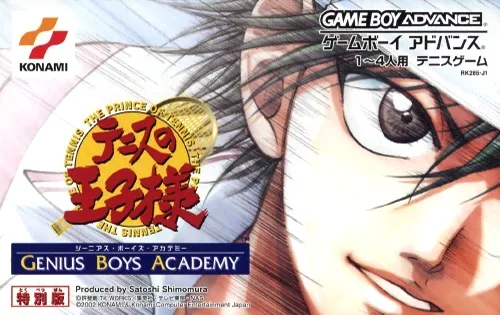 gba
gba网球王子 Tennis no Ouji-sama - Genius Boys Academy
 gba
gbaDarts, Billiards & Bowling 3-in-1 Rec Room Challenge
 gba
gba超级躲避球A Bakunetsu Dodge Ball Fighters
 gba
gbaGanbare Dodge Fighters
 gba
gbaDisney Sports - Skateboarding
 gba
gbaHarlem Globetrotters Original
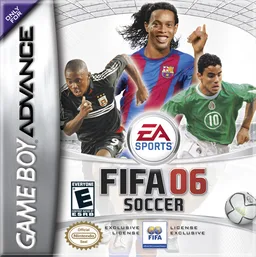 gba
gbaFIFA足球2006 FIFA 06
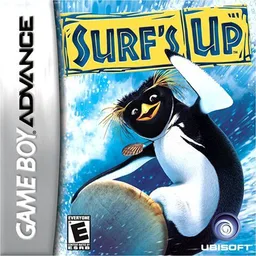 gba
gbaSurf Season
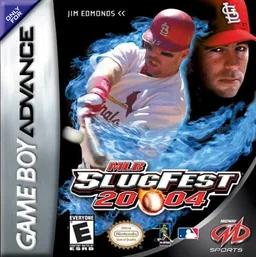 gba
gba美国职棒大联盟2004 MLB SlugFest 20-04
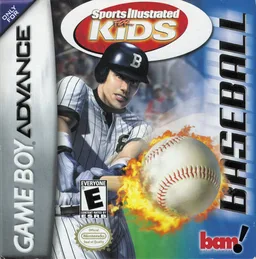 gba
gbaSports Illustrated for Kids - Baseball
Frequently Asked Questions
Q1.Can I play Backyard Skateboarding online in a web browser without downloading?
Yes, EmuAll allows you to play Backyard Skateboarding (GBA) directly inside modern web browsers (Chrome, Safari, Edge, Firefox) on PC, Mac, Chromebook, iOS, and Android devices without installing any emulator.
Q2.Does Backyard Skateboarding support in-browser save states?
Yes, the in-browser emulator features instant Save States and Load States, storing your game progress directly in your browser storage so you can pick up where you left off.
Q3.What controls are supported? Can I use a controller for Backyard Skateboarding?
The emulator fully supports standard keyboard controls as well as plug-and-play USB and Bluetooth gamepads (including Xbox, PlayStation, and generic controllers).