
DS
Boulder Dash - Rocks!
Also known as: Баулдер Даш - Рокс!, ボールダーダッシュ - ロックス!, 巨石衝撞 - 岩石!, 볼더 대시 - 록스!, 巨石冲撞 - 岩石!, Μπουλντερ Ντασ - Ροκσ!, باولدير داش - روكس!
- Platform
- Nintendo DS
- Genre
- Action/Puzzle
- Year
- 2007
- Developer
- 10tacle Studios
- Publisher
- 10tacle Studios
EmuAll provides verified clean ROM archives and in-browser emulation for Boulder Dash - Rocks! (DS). Players can launch and play directly inside modern desktop and mobile browsers with zero local installation, full gamepad support, and instant save states.
ROM downloads
1Boulder Dash - Rocks! (Europe) (En,Fr,De,Es,It)
Recommended Emulators(DS)
If you choose to download this ROM to play offline, we recommend these top standalone emulators:
About the Game
Boulder Dash: Rocks! is an action-puzzle game for Nintendo DS and the sequel to the classic series. Players control Rockford, a miner, in cave worlds collecting diamonds while pushing rocks and digging for exits. New additions include a ray gun with multiple power-ups, boss fights against the octopus-like Tentacle, and multiplayer modes. Gameplay involves a timer, falling rocks/traps, enemies to avoid or defeat, and strategic level design across themed worlds. The story follows Rockford's quest to win his girlfriend Crystal's heart by gathering enough diamonds before Tentacle does. It stands out for modern handheld graphics, new game modes, and blending classic Boulder Dash mechanics with fresh challenges.
More DS games
 ds
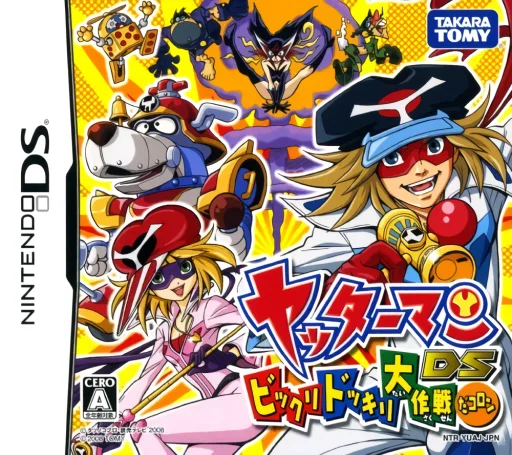
dsYatterman DS - Bikkuri Dokkiri Daisakusen da Koron
 ds
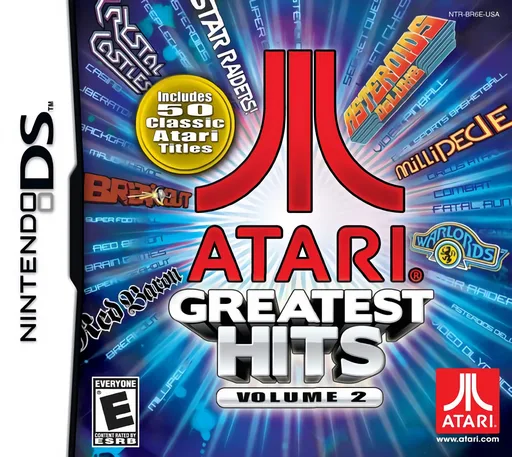
dsAtari Greatest Hits - Volume 2
 ds
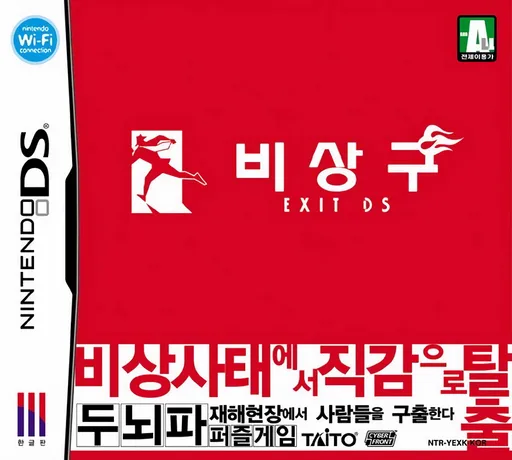
dsBisanggu - Exit DS
 ds
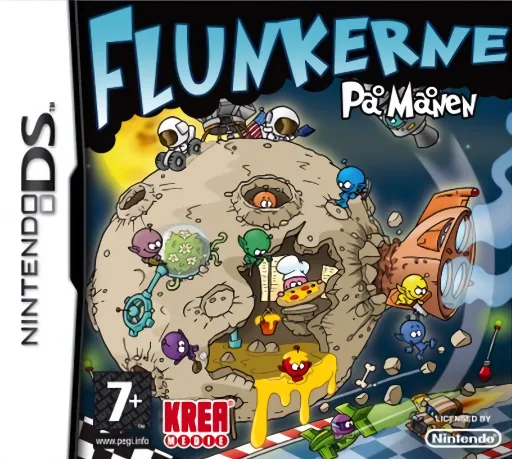
dsFlunkerne - Paa Maanen
 ds
dsPac-Pix
 ds
dsSpongeBob SquarePants - Frantic Fry Cook
 ds
dsLupin Sansei - Shijou Saidai no Zunousen
 ds
dsMinDStorm 2
 ds
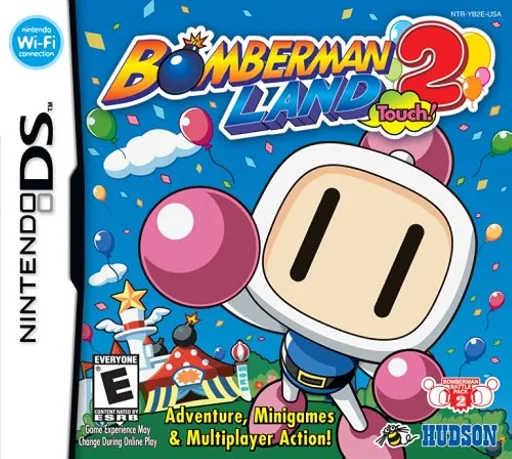
dsBomberman
 ds
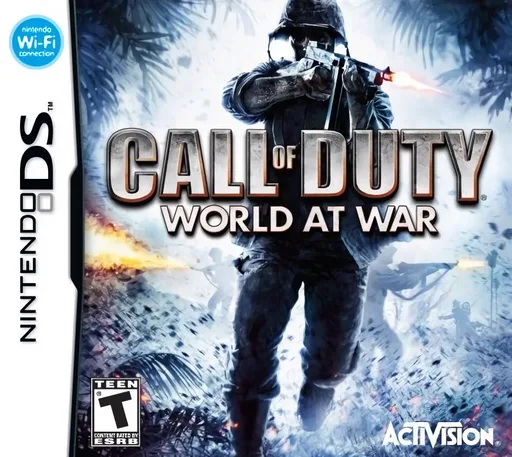
dsCall of Duty - World at War
 ds
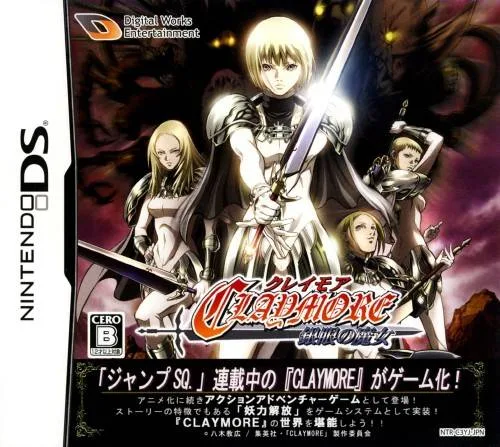
dsClaymore - The Witch with Silver Eyes
 ds
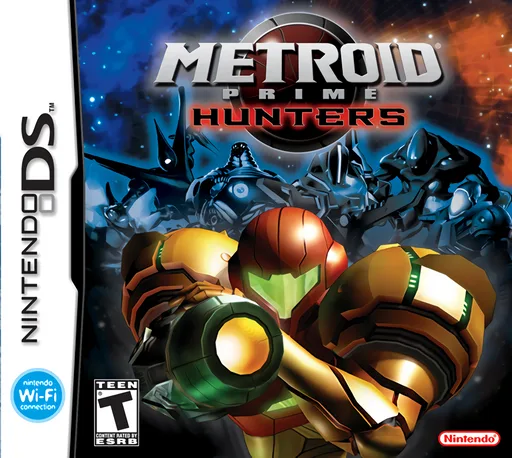
dsMetroid Prime - Hunters (Rev 1)
Frequently Asked Questions
Q1.Can I play Boulder Dash - Rocks! online in a web browser without downloading?
Yes, EmuAll allows you to play Boulder Dash - Rocks! (DS) directly inside modern web browsers (Chrome, Safari, Edge, Firefox) on PC, Mac, Chromebook, iOS, and Android devices without installing any emulator.
Q2.Does Boulder Dash - Rocks! support in-browser save states?
Yes, the in-browser emulator features instant Save States and Load States, storing your game progress directly in your browser storage so you can pick up where you left off.
Q3.What controls are supported? Can I use a controller for Boulder Dash - Rocks!?
The emulator fully supports standard keyboard controls as well as plug-and-play USB and Bluetooth gamepads (including Xbox, PlayStation, and generic controllers).