
GB
Chachamaru Panic
Also known as: Pánico de Chachamaru, 茶茶丸恐慌, 茶茶丸パニック, Panique de Chachamaru, Panico di Chachamaru, 차차마루 패닉, Chachamaru Panik, Pânico de Chachamaru
- Platform
- Game Boy
- Genre
- Puzzle/Action
- Year
- 1993
- Developer
- Taito
- Publisher
- Taito
EmuAll provides verified clean ROM archives and in-browser emulation for Chachamaru Panic (GB). Players can launch and play directly inside modern desktop and mobile browsers with zero local installation, full gamepad support, and instant save states.
ROM downloads
1Chachamaru Panic (Japan)
Recommended Emulators(GB)
If you choose to download this ROM to play offline, we recommend these top standalone emulators:
About the Game
Chachamaru Panic is a puzzle-action game featuring the titular character Chachamaru navigating through obstacle-filled stages. The game combines elements of action and puzzle-solving as players must manipulate platforms and objects to progress. Players guide the character through various levels while collecting items and avoiding hazards. The title is known for its charming visuals and quirky gameplay mechanics that define Taito's handheld portfolio.
More GB games
 gb
gb4 in 1
 gb
gbBomber Boy
 gb
gbKonami GB Collection Vol.1
 gb
gbBomber King - Scenario 2
 gb
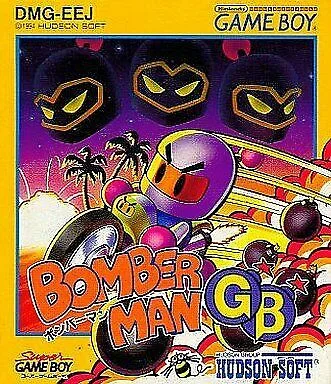
gbBomberman GB
 gb
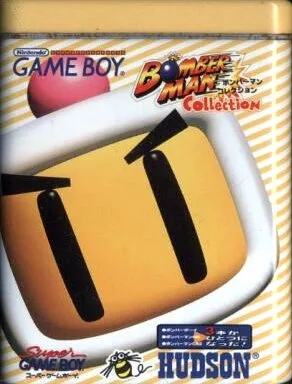
gbBomberman Collection
 gb
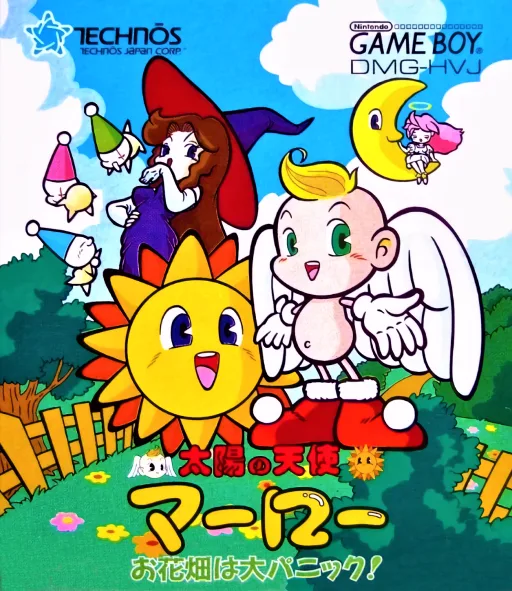
gbTaiyou no Tenshi Marlowe - Ohanabatake wa Dai-panic
 gb
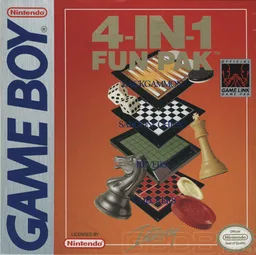
gb4-in-1 Fun Pak
 gb
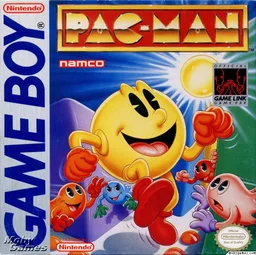
gbPac-Man (Namco)
 gb
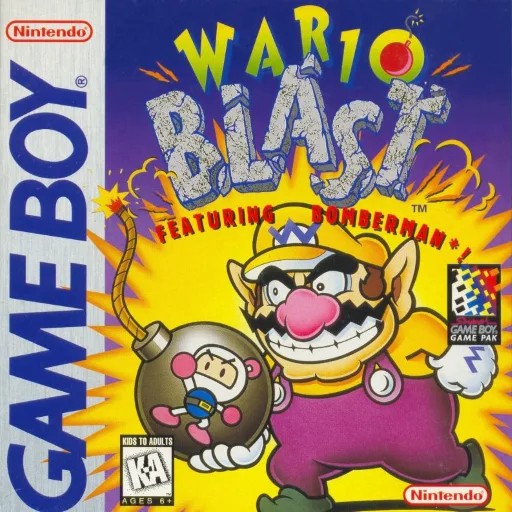
gbWario Blast featuring Bomberman!
 gb
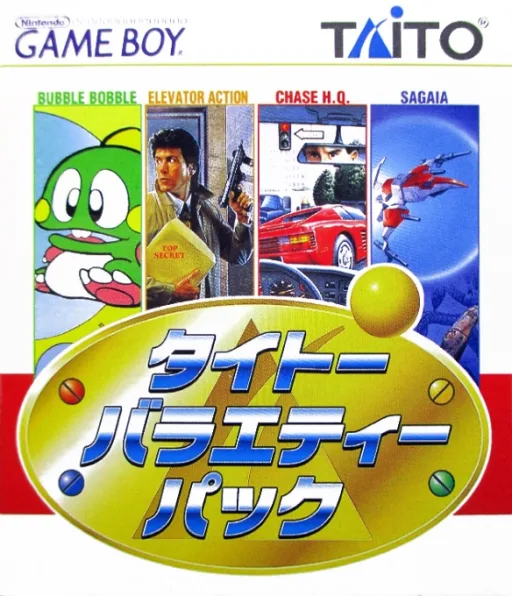
gbTaito Variety Pack
Frequently Asked Questions
Q1.Can I play Chachamaru Panic online in a web browser without downloading?
Yes, EmuAll allows you to play Chachamaru Panic (GB) directly inside modern web browsers (Chrome, Safari, Edge, Firefox) on PC, Mac, Chromebook, iOS, and Android devices without installing any emulator.
Q2.Does Chachamaru Panic support in-browser save states?
Yes, the in-browser emulator features instant Save States and Load States, storing your game progress directly in your browser storage so you can pick up where you left off.
Q3.What controls are supported? Can I use a controller for Chachamaru Panic?
The emulator fully supports standard keyboard controls as well as plug-and-play USB and Bluetooth gamepads (including Xbox, PlayStation, and generic controllers).