
GBA
Dragon Ball Z – Buu's Fury
Also known as: 드래곤볼 Z - 부의 분노, Dragon Ball Z – La furia de Boo, Dragon Ball Z – A Fúria de Boo, Dragon Ball Z – Buus Zorn, ドラゴンボールZ ブウの怒り, Dragon Ball Z – La colère de Boo, 龙珠Z – 布欧的愤怒, 龍珠Z – 布歐的憤怒, Dragon Ball Z – La furia di Boo
- Platform
- Game Boy Advance
- Genre
- Fighting
- Year
- 2005
- Developer
- Spike
- Publisher
- Atari
EmuAll provides verified clean ROM archives and in-browser emulation for Dragon Ball Z – Buu's Fury (GBA). Players can launch and play directly inside modern desktop and mobile browsers with zero local installation, full gamepad support, and instant save states.
ROM downloads
1龙珠Z – 布欧的愤怒[Advance汉化组](v1
Recommended Emulators(GBA)
If you choose to download this ROM to play offline, we recommend these top standalone emulators:
About the Game
Dragon Ball Z: Budokai Tenkaichi is a third-person arena fighter where Goku and his allies battle in fully 3D open environments. Players select from over 50 playable fighters (including Kid Goku, Super Saiyan forms, Gotenks, and Kid Buu) and control camera angles freely while navigating destructible stages. Combat features rapid combos, charge attacks, and arena movement with no fixed camera lock. Story mode follows Goku's journey through the Saiyan, Frieza, and Majin Buu sagas. Unlockable characters and modes like Versus and Invitation battles add replayability. It stands out for its cinematic 3D arenas and epic multi-character battles.
More GBA games
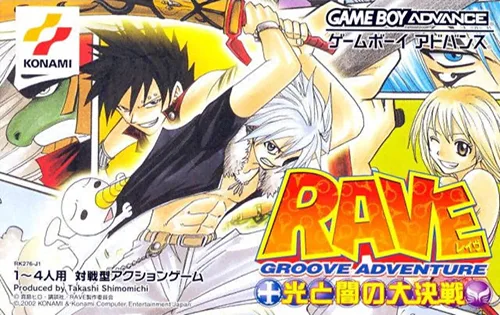 gba
gbaGroove Adventure Rave - The Great Battle of Light and Darkness
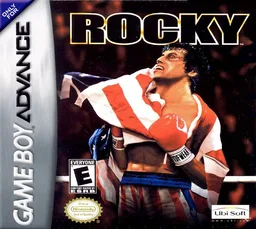 gba
gbaRocky
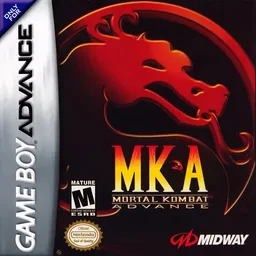 gba
gbaMortal Kombat Advance
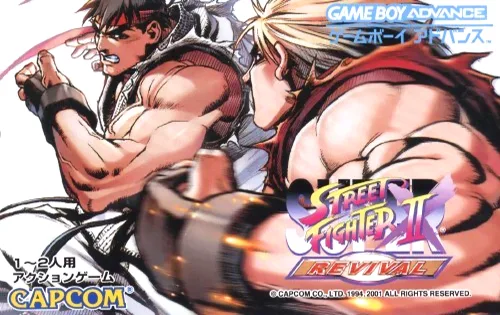 gba
gba超级街头霸王II X - 重生
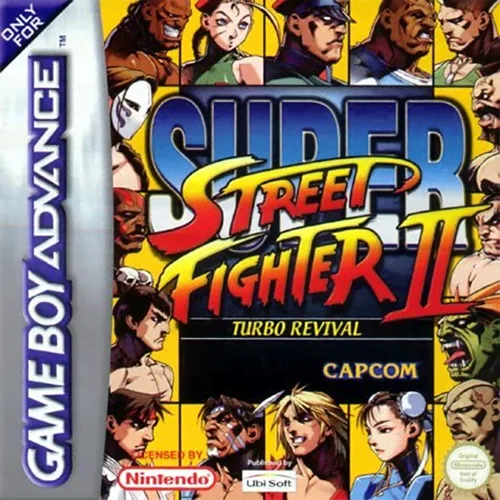 gba
gbaSuper Street Fighter II Turbo: Revival
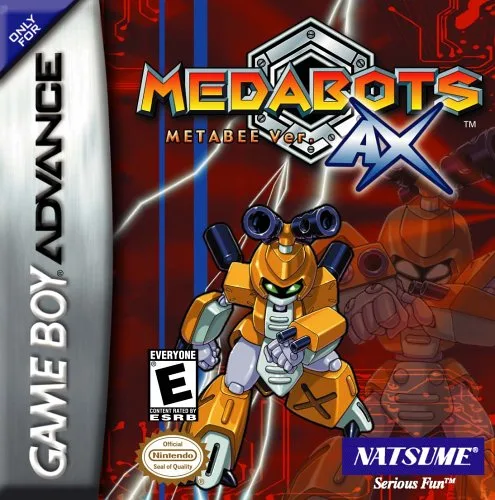 gba
gbaMedabots AX - Metabee Version
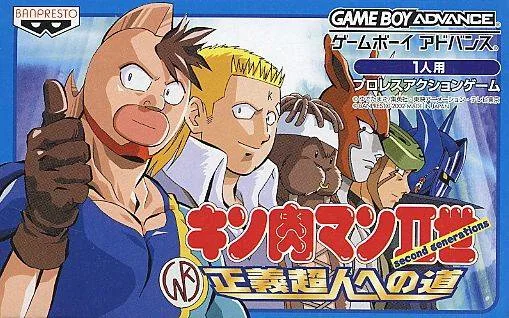 gba
gba筋肉人Ⅱ世-正义超人之道 Kinnikuman IIsei - Seigi Choujin heno Michi
 gba
gbaThe King of Fighters EX - NeoBlood (v1.0)
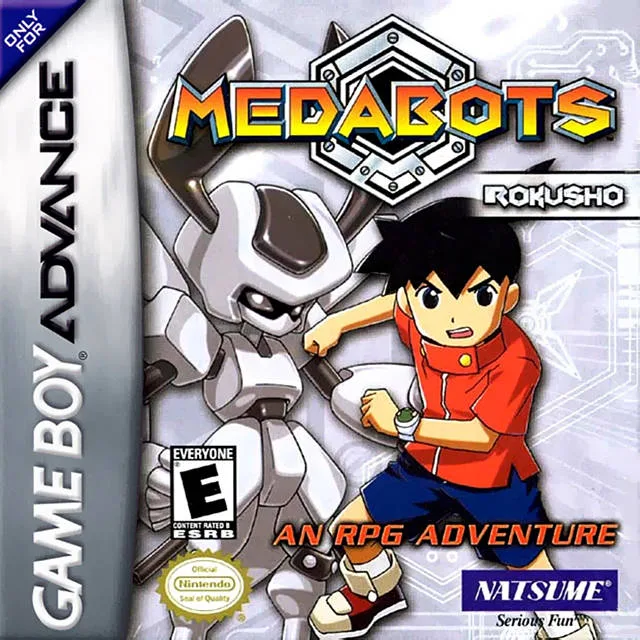 gba
gbaMedabots - Rokusho Version
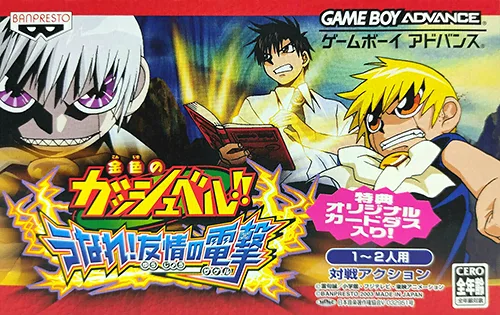 gba
gbaKonjiki no Gashbell!! - Unare! Yuujou no Zakeru
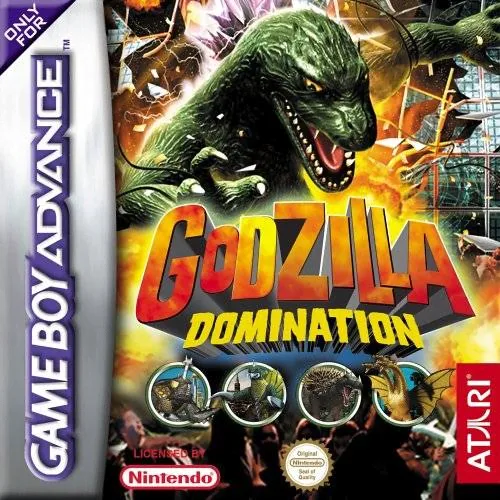 gba
gba哥斯拉怪兽大乱斗 Godzilla - Kaijuu Dairantou Advance
Frequently Asked Questions
Q1.Can I play Dragon Ball Z – Buu's Fury online in a web browser without downloading?
Yes, EmuAll allows you to play Dragon Ball Z – Buu's Fury (GBA) directly inside modern web browsers (Chrome, Safari, Edge, Firefox) on PC, Mac, Chromebook, iOS, and Android devices without installing any emulator.
Q2.Does Dragon Ball Z – Buu's Fury support in-browser save states?
Yes, the in-browser emulator features instant Save States and Load States, storing your game progress directly in your browser storage so you can pick up where you left off.
Q3.What controls are supported? Can I use a controller for Dragon Ball Z – Buu's Fury?
The emulator fully supports standard keyboard controls as well as plug-and-play USB and Bluetooth gamepads (including Xbox, PlayStation, and generic controllers).