
DS
English Training - Have Fun Improving Your Skills
Also known as: Ενγκλισ Τραινινγκ - Χαβ Φουν Ιμπροβινγκ Γιορ Σκιλσ, Енглиш Трайнинг - Хав Фун Импровинг Ёр Скиллс, ينغليش تراينينغ - هاف فون يمبروفينغ يور سكيلس, 英语训练 - 享受提升你的技能, イングリッシュ トレーニング スキルアップ楽習, 英語訓練 - 開心提升你的技能, 영어 트레이닝 - 즐겁게 실력 향상
- Platform
- Nintendo DS
- Genre
- Educational
- Year
- 2006
- Developer
- Rocket Company
- Publisher
- Nintendo
EmuAll provides verified clean ROM archives and in-browser emulation for English Training - Have Fun Improving Your Skills (DS). Players can launch and play directly inside modern desktop and mobile browsers with zero local installation, full gamepad support, and instant save states.
ROM downloads
1English Training - Have Fun Improving Your Skills (Europe) (Fr,De,Es,It,Nl)
Recommended Emulators(DS)
If you choose to download this ROM to play offline, we recommend these top standalone emulators:
About the Game
An English language learning game for Nintendo DS that focuses on improving vocabulary, grammar, and conversation skills through interactive mini-games and lessons. The game features a structured curriculum with varying difficulty levels and tracks player progress. Players engage in activities like word matching, sentence construction, and dialogue practice to enhance their English proficiency in an enjoyable way.
More DS games
 ds
dsBerlitz - My English Coach
 ds
dsLeft Brain, Right Brain - Use Both Hands, Train Both Sides
 ds
dsNathan Entrainement CE2
 ds
dsGyouretsu no Dekiru - Houritsu Soudanjo
 ds
dsEikoh Seminar Koushiki DS Kyouzai - Koukou Eitango - Eitan Zamurai DS
 ds
dsNippon Suugaku Kentei Kyoukai Kounin - Suken DS - Otona ga Tokenai! Kodomo no Sansuu
 ds
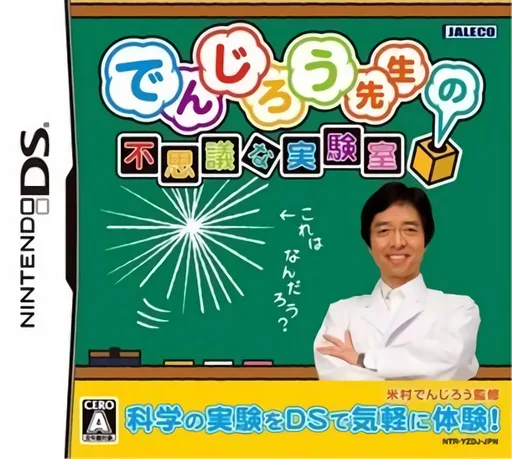
dsDenjirou Sensei no Fushigi na Jikkenshitsu
 ds
dsKaite Oboeru - Doragana
 ds
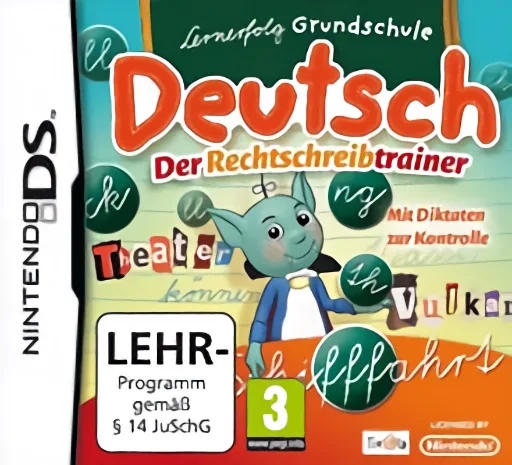
dsLernerfolg Grundschule - Deutsch - Der Rechtschreibtrainer
 ds
dsNew Chuugaku Eitango Target 1800 DS
 ds
dsKoukou Juken Eitango Get Through 1900 - Eitan Zamurai DS
 ds
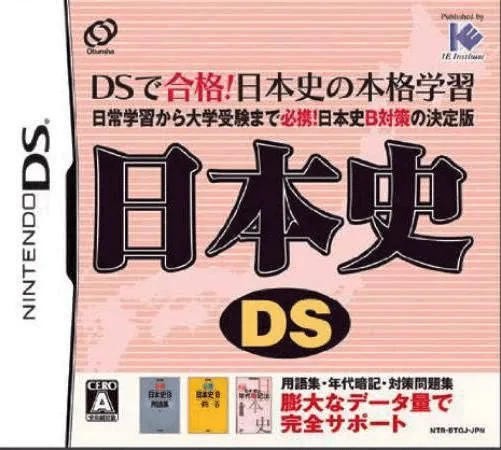
dsNihonshi DS
Frequently Asked Questions
Q1.Can I play English Training - Have Fun Improving Your Skills online in a web browser without downloading?
Yes, EmuAll allows you to play English Training - Have Fun Improving Your Skills (DS) directly inside modern web browsers (Chrome, Safari, Edge, Firefox) on PC, Mac, Chromebook, iOS, and Android devices without installing any emulator.
Q2.Does English Training - Have Fun Improving Your Skills support in-browser save states?
Yes, the in-browser emulator features instant Save States and Load States, storing your game progress directly in your browser storage so you can pick up where you left off.
Q3.What controls are supported? Can I use a controller for English Training - Have Fun Improving Your Skills?
The emulator fully supports standard keyboard controls as well as plug-and-play USB and Bluetooth gamepads (including Xbox, PlayStation, and generic controllers).