
GBA
Family Feud
Also known as: 家庭斗争 Family Feud, 패밀리 페이드, ファミリー・フュード, 家庭爭鬥
- Platform
- Game Boy Advance
- Genre
- Miscellaneous
- Year
- 2006
- Developer
- Atomic Planet
- Publisher
- Global Star Software
EmuAll provides verified clean ROM archives and in-browser emulation for Family Feud (GBA). Players can launch and play directly inside modern desktop and mobile browsers with zero local installation, full gamepad support, and instant save states.
ROM downloads
1家庭斗争 Family Feud(US)(Take 2)(32Mb)
Recommended Emulators(GBA)
If you choose to download this ROM to play offline, we recommend these top standalone emulators:
About the Game
Family Feud for Game Boy Advance is a trivia game based on the TV quiz show. Players answer survey questions in a family vs. family format, competing to score points. Key modes include regular rounds, Fast Money (high-stakes bonus round), and unlocked previous seasons' sets. Gameplay involves typing or selecting answers with time limits; correct responses earn money or points. It stands out for local multiplayer support (up to 2-4 players), voice acting by host Todd Newton, and faithful recreation of the TV show's family dynamic and set designs from various eras.
More GBA games
 gba
gba简单2960第四集-王牌扑克 Simple 2960 Tomodachi Series Vol. 4 - The Trump - Minna de Asoberu 12 Shurui no Trump Game
 gba
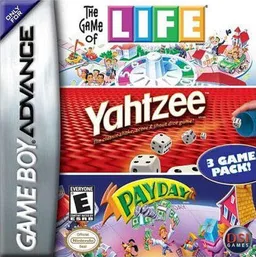
gba3 in 1 - Life + Yahtzee + Payday
 gba
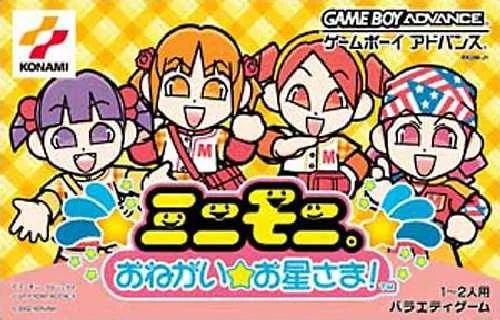
gbaMinimoni - Onegai Ohoshi-sama!
 gba
gbaKawaii Pet Game Gallery
 gba
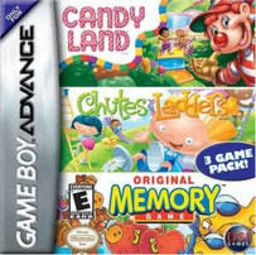
gba3 in 1 - Candy Land + Chutes and Ladders + Memory
 gba
gbaRec Room Challenge
 gba
gbaGames Explosion!
 gba
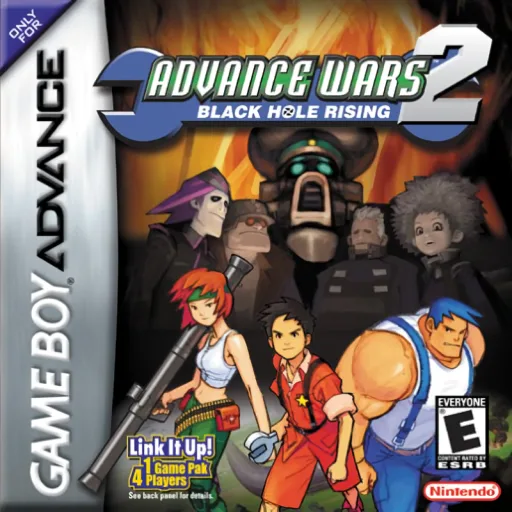
gbaAdvance Wars 2 - Black Hole Rising
 gba
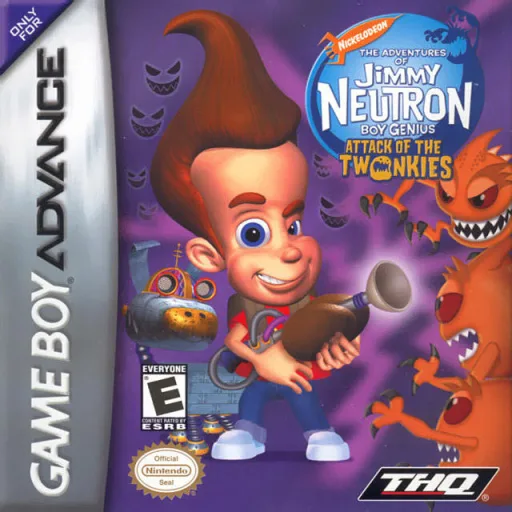
gbaJimmy Neutron Boy Genius - Attack of the Twonkies
 gba
gbaContra Hard Spirits
 gba
gbaBlackthorne
 gba
gbaMario & Luigi - Superstar Saga
Frequently Asked Questions
Q1.Can I play Family Feud online in a web browser without downloading?
Yes, EmuAll allows you to play Family Feud (GBA) directly inside modern web browsers (Chrome, Safari, Edge, Firefox) on PC, Mac, Chromebook, iOS, and Android devices without installing any emulator.
Q2.Does Family Feud support in-browser save states?
Yes, the in-browser emulator features instant Save States and Load States, storing your game progress directly in your browser storage so you can pick up where you left off.
Q3.What controls are supported? Can I use a controller for Family Feud?
The emulator fully supports standard keyboard controls as well as plug-and-play USB and Bluetooth gamepads (including Xbox, PlayStation, and generic controllers).