
NES
Family Pinball
Also known as: 家庭 Pinball, فاميلي بينبال, 패밀리 피ンボ올, Familien Pinball, ファミリーピンボール, Фамили Пинбалл, Φαμιλι Πινμπαλ
- Platform
- Nintendo Entertainment System
- Genre
- Pinball
- Year
- 1989
- Developer
- KID
- Publisher
- Namco
EmuAll provides verified clean ROM archives and in-browser emulation for Family Pinball (NES). Players can launch and play directly inside modern desktop and mobile browsers with zero local installation, full gamepad support, and instant save states.
ROM downloads
2Family Pinball (Japan)
RecommendedFamily Pinball (Japan) (Namcot Collection)
Recommended Emulators(NES)
If you choose to download this ROM to play offline, we recommend these top standalone emulators:
About the Game
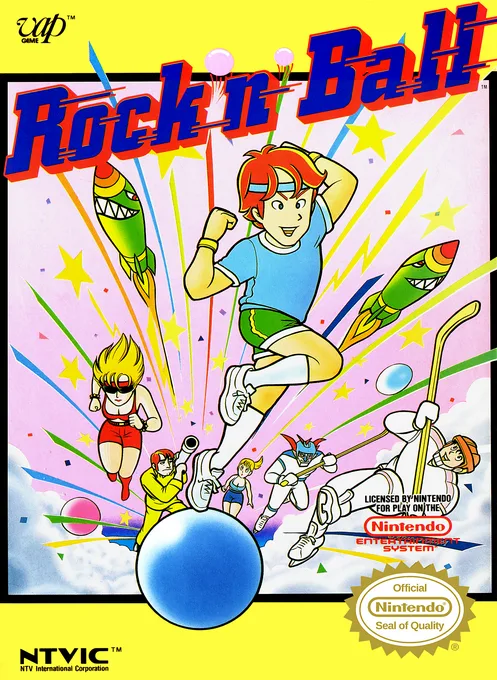
Family Pinball is a pinball video game for the Famicom and NES. Gameplay features four modes: classic Pinball with flippers and bumpers, Nineball where balls form bingo patterns, Battle Pinball pitting two players against each other in a flipper-based Pong-style contest, and Sports Pinball turning the table into a soccer or hockey field with player-controlled goals. The Japanese version uses licensed Namco characters such as Pac-Man, Wonder Momo, and Valkyrie as playable figures on the tables, while the North American release Rock 'n Ball uses generic human characters. Characters include Pac-Man, Wonder Momo, Valkyrie, and guest guests like Kagekiyo and Ki. What makes it stand out is the innovative variety of modes blending traditional pinball with sports and battle elements, plus Pac-Man-themed tables and Namco crossovers for a fun, family-friendly pinball experience full of twists on classic mechanics.
More NES games
 nes
nesSuper Pinball
 nes
nesPinball
 nes
nesRock 'n' Ball
 nes
nesPin Bot
 nes
nesSpartan X 2
 nes
nesSuper Mario Bros.
 nes
nesNekketsu Koukou Dodgeball-bu - Soccer Hen
![Kunio Kun No Nekketsu Soccer League [T-Eng1.1 Pentarouzero]](https://cdn.emuall.com/covers/76PzY8VVrYp7qrbW9VxNmh/64tupFJzjwFmYWngeubv9R.webp?t=KAPXvEfeW90xdySe8GTkXWgWjR657bL0yfrE9epf8l-CWVszZCIBkg) nes
nesKunio Kun No Nekketsu Soccer League [T-Eng1.1 Pentarouzero]
 nes
nesKunio-kun no Nekketsu Soccer League
 nes
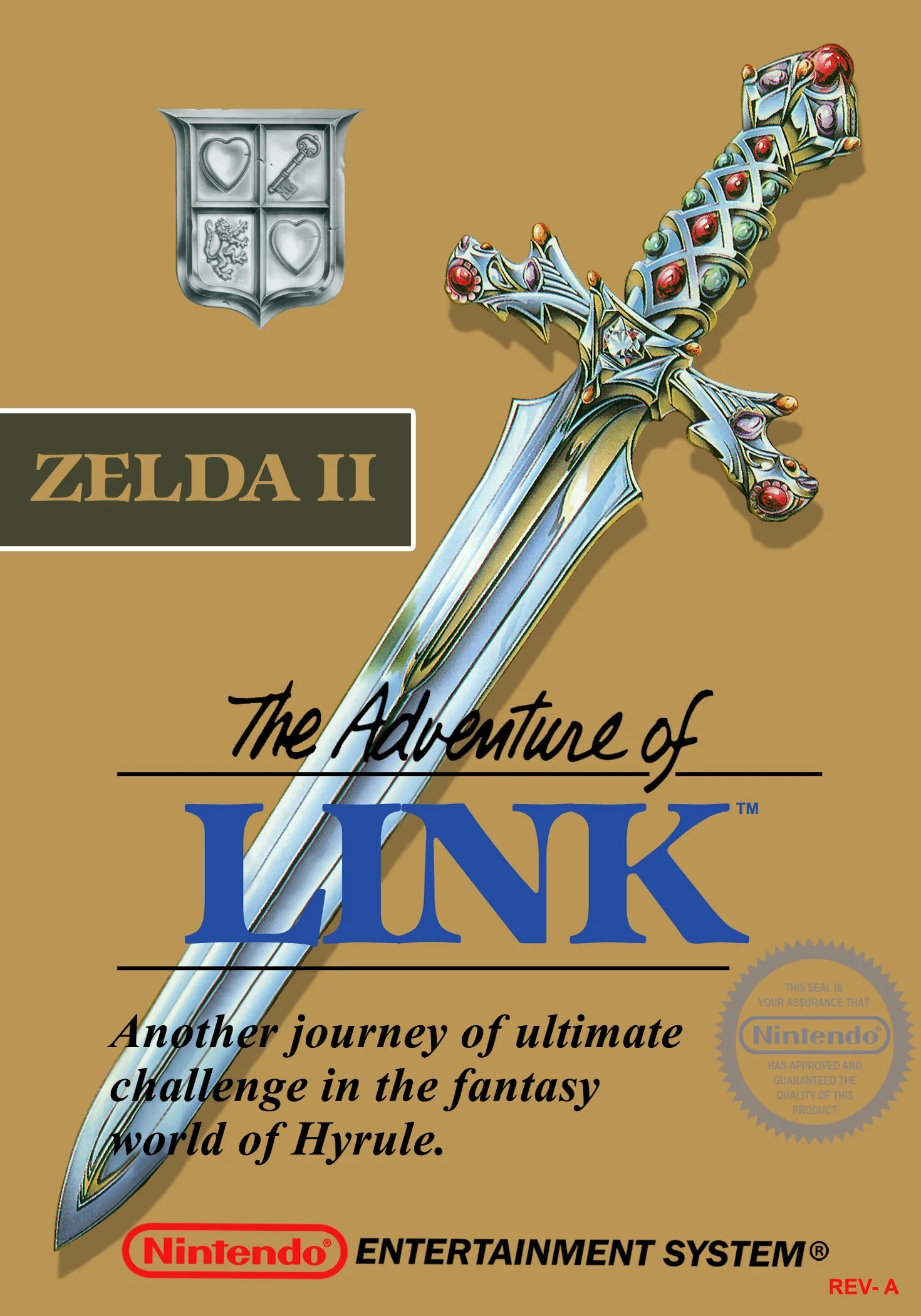
nesThe Legend of Zelda II - The Adventure of Link
 nes
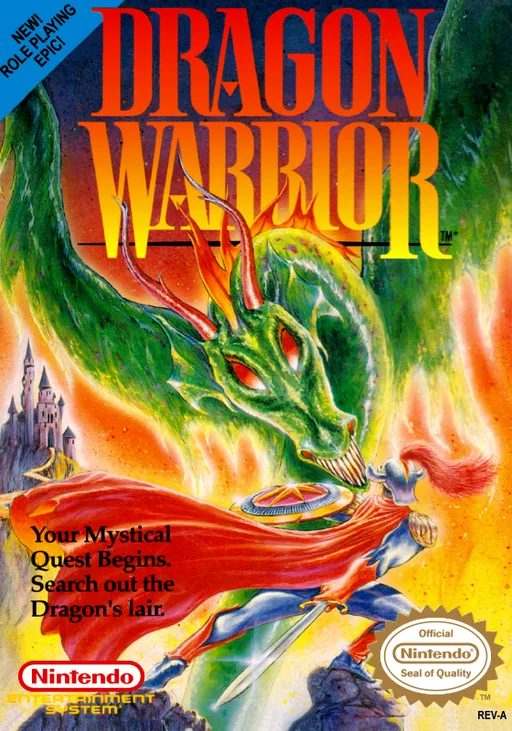
nesDragon Warrior
 nes
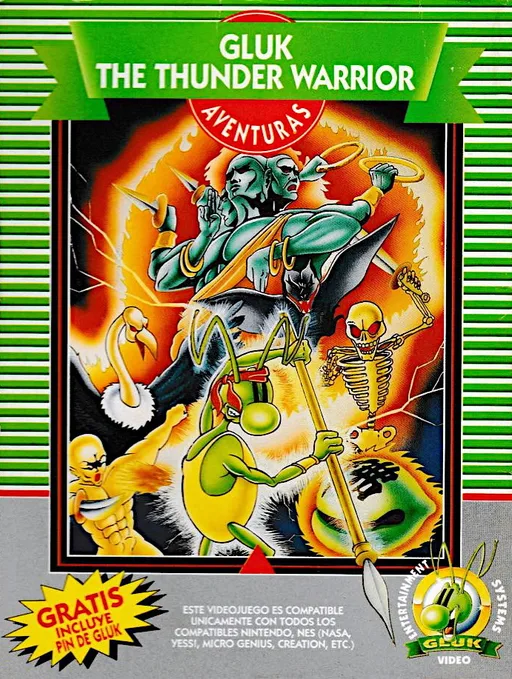
nesGluk the Thunder Warrior
Frequently Asked Questions
Q1.Can I play Family Pinball online in a web browser without downloading?
Yes, EmuAll allows you to play Family Pinball (NES) directly inside modern web browsers (Chrome, Safari, Edge, Firefox) on PC, Mac, Chromebook, iOS, and Android devices without installing any emulator.
Q2.Does Family Pinball support in-browser save states?
Yes, the in-browser emulator features instant Save States and Load States, storing your game progress directly in your browser storage so you can pick up where you left off.
Q3.What controls are supported? Can I use a controller for Family Pinball?
The emulator fully supports standard keyboard controls as well as plug-and-play USB and Bluetooth gamepads (including Xbox, PlayStation, and generic controllers).