
GBA
Finding Nemo
Also known as: 海底總動員:尋找倫莫(1), 海底总动员:寻找伦莫(1), Findet Nemo, 니모를 찾아서
- Platform
- Game Boy Advance
EmuAll provides verified clean ROM archives and in-browser emulation for Finding Nemo (GBA). Players can launch and play directly inside modern desktop and mobile browsers with zero local installation, full gamepad support, and instant save states.
ROM downloads
1海底总动员:寻找伦莫(1)
Recommended Emulators(GBA)
If you choose to download this ROM to play offline, we recommend these top standalone emulators:
About the Game
On his first day of school, Nemo disobeys his father and ventures away from the reef to touch the bottom of a boat. This enrages Marlin, and starts an argument in front of Nemo's classmates. To his father's horror, Nemo is captured by a scuba diver. Marlin tries to save Nemo but is blinded by the camera flash of another diver. The boat disappears into the distance.
More GBA games
 gba
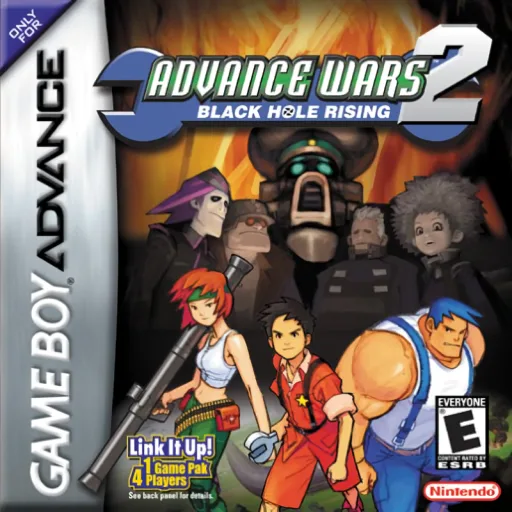
gbaAdvance Wars 2 - Black Hole Rising
 gba
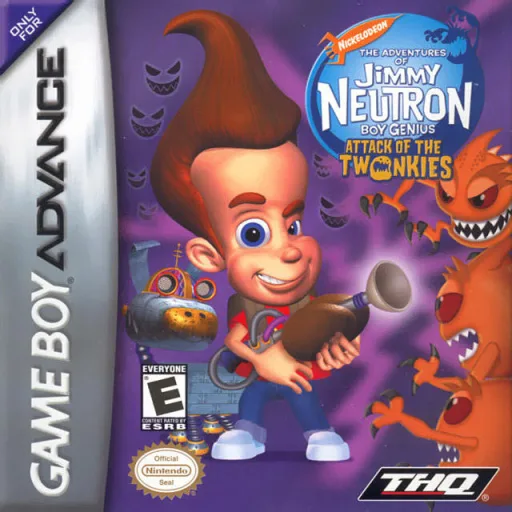
gbaJimmy Neutron Boy Genius - Attack of the Twonkies
 gba
gbaContra Hard Spirits
 gba
gbaBlackthorne
 gba
gbaMario & Luigi - Superstar Saga
 gba
gbaDragon Ball - Advanced Adventure
 gba
gbaArmy Men Advance
 gba
gbaPrince of Persia - The Sands of Time
 gba
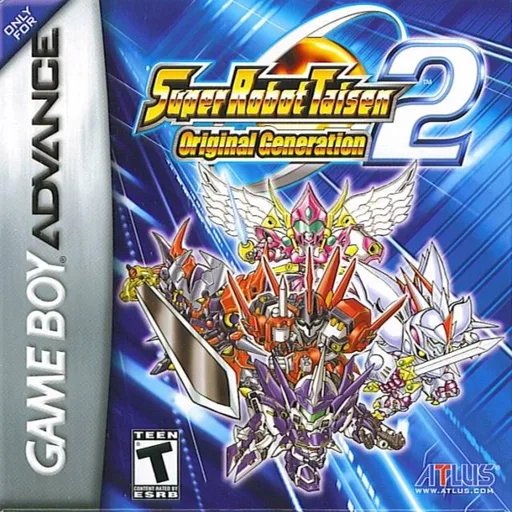
gbaSuper Robot Taisen - Original Generation 2
 gba
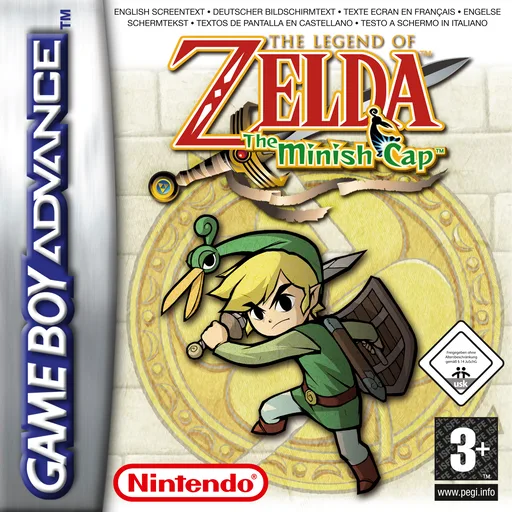
gba塞尔达传说-缩小帽 Legend of Zelda, The - The Minish Cap
 gba
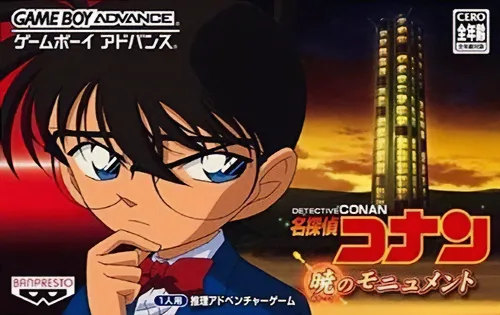
gbaDetective Conan - Monument of the Dawn
 gba
gbaTeenage Mutant Ninja Turtles
Frequently Asked Questions
Q1.Can I play Finding Nemo online in a web browser without downloading?
Yes, EmuAll allows you to play Finding Nemo (GBA) directly inside modern web browsers (Chrome, Safari, Edge, Firefox) on PC, Mac, Chromebook, iOS, and Android devices without installing any emulator.
Q2.Does Finding Nemo support in-browser save states?
Yes, the in-browser emulator features instant Save States and Load States, storing your game progress directly in your browser storage so you can pick up where you left off.
Q3.What controls are supported? Can I use a controller for Finding Nemo?
The emulator fully supports standard keyboard controls as well as plug-and-play USB and Bluetooth gamepads (including Xbox, PlayStation, and generic controllers).