
GBA
Foster's Home for Imaginary Friends
Also known as: 親親麻吉, 포스터 홈 포 이매지너리 프렌즈, フォスターズ ホーム フォー イマジナリー フレンズ, 亲亲麻吉 Foster's Home for Imaginary Friends
- Platform
- Game Boy Advance
- Genre
- Action
- Year
- 2006
- Developer
- Collision Studios
- Publisher
- Crave Entertainment
EmuAll provides verified clean ROM archives and in-browser emulation for Foster's Home for Imaginary Friends (GBA). Players can launch and play directly inside modern desktop and mobile browsers with zero local installation, full gamepad support, and instant save states.
ROM downloads
2亲亲麻吉 Foster's Home for Imaginary Friends(US)(Crave Entertainment)(32Mb)
Recommended亲亲麻吉 Foster's Home for Imaginary Friends(EU)(505 Games)(32Mb)
Recommended Emulators(GBA)
If you choose to download this ROM to play offline, we recommend these top standalone emulators:
About the Game
Foster’s Home for Imaginary Friends is an action game inspired by stories from the animated series, with players controlling Mac and Bloo as they solve unusual challenges and complete mission objectives. It takes place in and around Foster’s Home and includes series characters such as Wilt, Eduardo, and Coco.
More GBA games
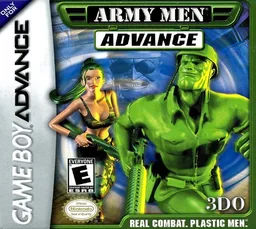 gba
gbaArmy Men Advance
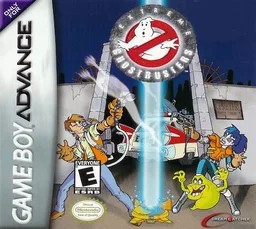 gba
gbaExtreme Ghostbusters - Code Ecto-1
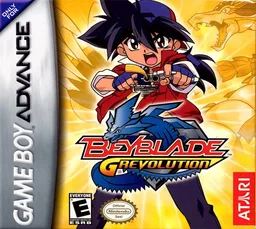 gba
gbaBeyblade G-Revolution
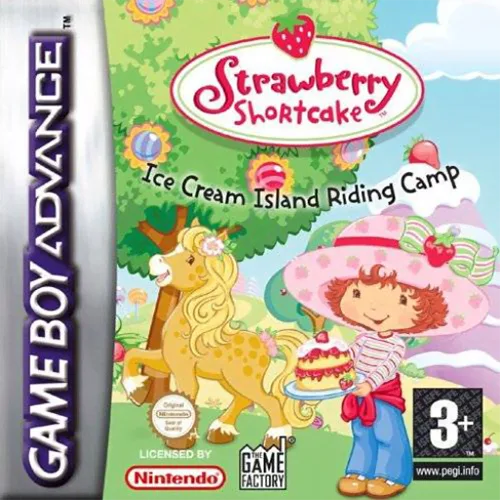 gba
gba蛋糕上的草莓 冰淇淋小岛 Strawberry Shortcake - Ice Cream Island Riding Camp
 gba
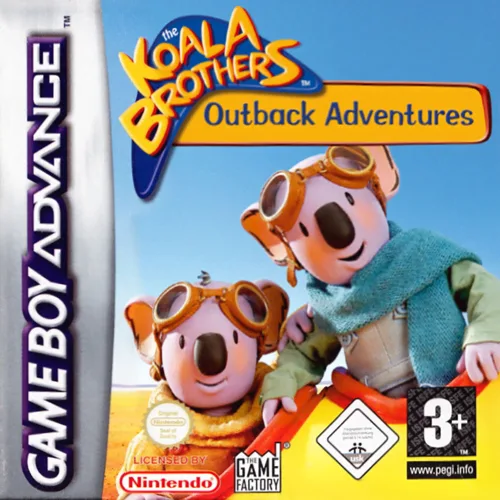
gbaOutback Adventures
 gba
gbaKunio-kun: The World Legends EX
 gba
gbaCroket! Great: Space-Time Adventurer
 gba
gbaUeki no Housoku
 gba
gbaThe Three Stooges
 gba
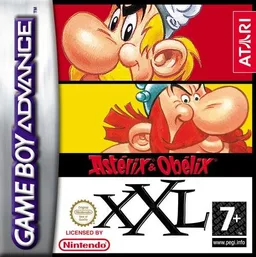
gbaAsterix & Obelix XXL
 gba
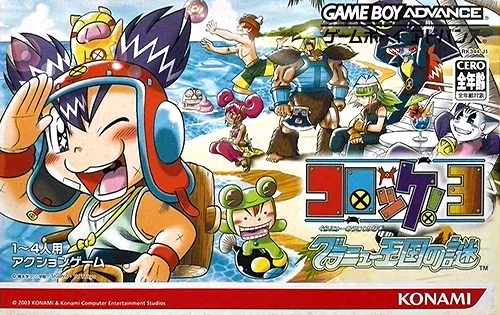
gbaCroket! 3 - Guranyuu Oukoku no Nazo
 gba
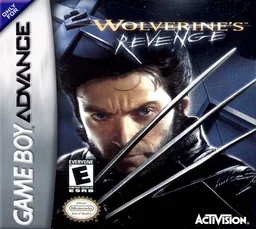
gbaX-Men 2 - Wolverine's Revenge
Frequently Asked Questions
Q1.Can I play Foster's Home for Imaginary Friends online in a web browser without downloading?
Yes, EmuAll allows you to play Foster's Home for Imaginary Friends (GBA) directly inside modern web browsers (Chrome, Safari, Edge, Firefox) on PC, Mac, Chromebook, iOS, and Android devices without installing any emulator.
Q2.Does Foster's Home for Imaginary Friends support in-browser save states?
Yes, the in-browser emulator features instant Save States and Load States, storing your game progress directly in your browser storage so you can pick up where you left off.
Q3.What controls are supported? Can I use a controller for Foster's Home for Imaginary Friends?
The emulator fully supports standard keyboard controls as well as plug-and-play USB and Bluetooth gamepads (including Xbox, PlayStation, and generic controllers).