
GBC
Game Boy Gallery 4
Also known as: Гам Бой Галлери 4, 게임 보이 갤러리 4, غام بوي غاليري 4, 遊戲男孩畫廊4, 游戏男孩画廊4, Γκαμ Μποι Γκαλερι 4, ゲームボーイギャラリー4
- Platform
- Game Boy Color
- Genre
- Compilation
- Year
- 2002
- Developer
- TOSE
- Publisher
- Nintendo
EmuAll provides verified clean ROM archives and in-browser emulation for Game Boy Gallery 4 (GBC). Players can launch and play directly inside modern desktop and mobile browsers with zero local installation, full gamepad support, and instant save states.
ROM downloads
1Game Boy Gallery 4 (Australia) (SGB Enhanced) (GB Compatible)
Recommended Emulators(GBC)
If you choose to download this ROM to play offline, we recommend these top standalone emulators:
About the Game
Game Boy Gallery 4 is a compilation of classic Nintendo arcade and Game & Watch games reimagined with characters from the Mario universe. Players can enjoy modern versions featuring Mario, Luigi, Yoshi, and other familiar characters, as well as classic black-and-white versions of games like Donkey Kong Jr., Mario's Cement Factory, Rain Shower, and Boxing. Each game supports unlockable stars that track player achievements and high scores. This fourth entry in the Game Boy Gallery series offers nostalgic arcade action with Nintendo's signature polish on Game Boy Color.
More GBC games
 gbc
gbcGame Boy Gallery 3
 gbc
gbcMicrosoft - The Best of Entertainment Pack
 gbc
gbc31-in-1 Mighty Mix
 gbc
gbcKonami GB Collection Vol.3
 gbc
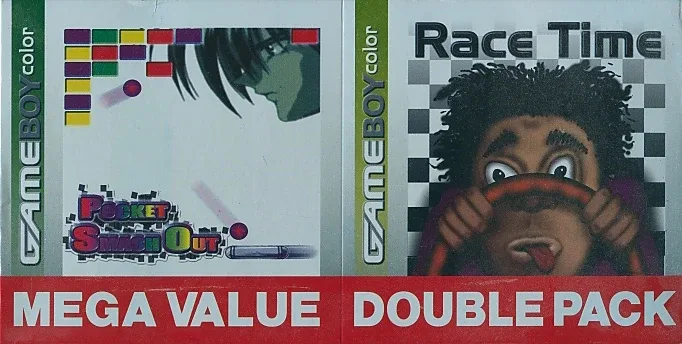
gbcPocket Smash Out & Race Time
 gbc
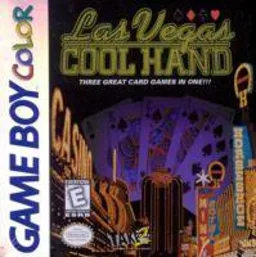
gbcCool Hand
 gbc
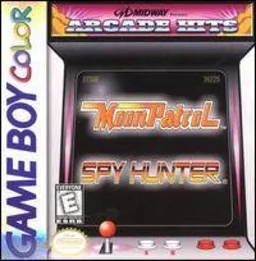
gbcMidway presents Arcade Hits - Moon Patrol & Spy Hunter
 gbc
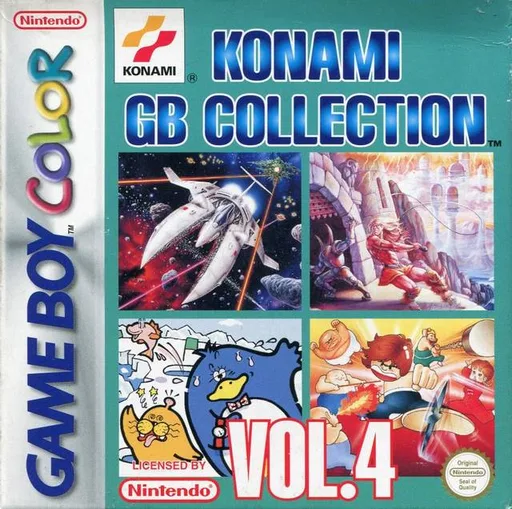
gbcKonami GB Collection Vol.4
 gbc
gbcKonami GB Collection Vol.2
 gbc
gbcSuper Robot Wars LB
 gbc
gbcPerfect Dark
 gbc
gbcPokemon Diamond V2 (Hack)
Frequently Asked Questions
Q1.Can I play Game Boy Gallery 4 online in a web browser without downloading?
Yes, EmuAll allows you to play Game Boy Gallery 4 (GBC) directly inside modern web browsers (Chrome, Safari, Edge, Firefox) on PC, Mac, Chromebook, iOS, and Android devices without installing any emulator.
Q2.Does Game Boy Gallery 4 support in-browser save states?
Yes, the in-browser emulator features instant Save States and Load States, storing your game progress directly in your browser storage so you can pick up where you left off.
Q3.What controls are supported? Can I use a controller for Game Boy Gallery 4?
The emulator fully supports standard keyboard controls as well as plug-and-play USB and Bluetooth gamepads (including Xbox, PlayStation, and generic controllers).