
GBA
节奏天国
- Platform
- Game Boy Advance
- Genre
- Rhythm
- Year
- 2006
- Developer
- Nintendo SPD
- Publisher
- Nintendo
EmuAll provides verified clean ROM archives and in-browser emulation for 节奏天国 (GBA). Players can launch and play directly inside modern desktop and mobile browsers with zero local installation, full gamepad support, and instant save states.
ROM downloads
2节奏天国[漫游](简)(JP)(128Mb)
Recommended节奏天国[Jctg](简)(JP)(128Mb)
Recommended Emulators(GBA)
If you choose to download this ROM to play offline, we recommend these top standalone emulators:
About the Game
Rhythm Tengoku (Rhythm Heaven) is a rhythm game for the Game Boy Advance featuring a collection of short, high-energy mini-games that test precise timing through simple controls and vibrant visuals. Players tap, slide, or move the stylus to match on-screen cues, progressing through eight sets of levels with escalating difficulty and special remix stages. The story follows a mysterious narrator introducing each game's unique characters and settings, including the eccentric Drum Samurai (Tsunku-inspired) and various idols or dancers. What stands out is its addictive, accessible gameplay that blends music education with chaotic fun, originally Japan-only but spawning a massive series.
More GBA games
 gba
gbaAdvance Wars 2 - Black Hole Rising
 gba
gbaJimmy Neutron Boy Genius - Attack of the Twonkies
 gba
gbaContra Hard Spirits
 gba
gbaBlackthorne
 gba
gbaMario & Luigi - Superstar Saga
 gba
gbaDragon Ball - Advanced Adventure
 gba
gbaArmy Men Advance
 gba
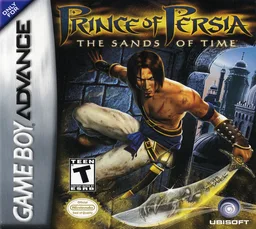
gbaPrince of Persia - The Sands of Time
 gba
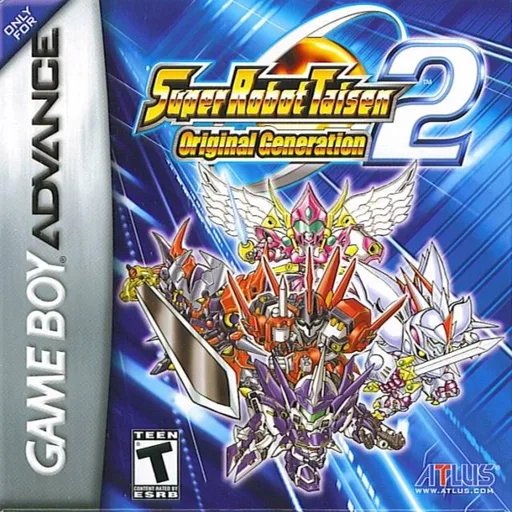
gbaSuper Robot Taisen - Original Generation 2
 gba
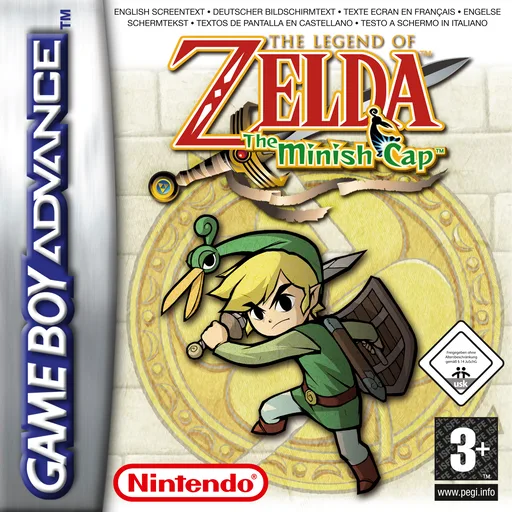
gba塞尔达传说-缩小帽 Legend of Zelda, The - The Minish Cap
 gba
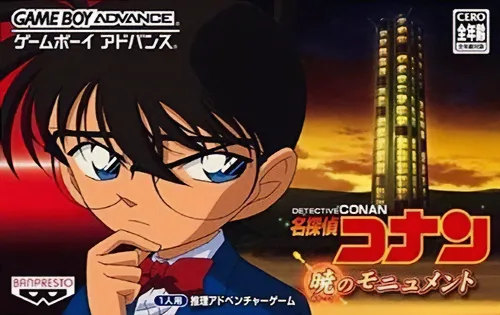
gbaDetective Conan - Monument of the Dawn
 gba
gbaTeenage Mutant Ninja Turtles
Frequently Asked Questions
Q1.Can I play 节奏天国 online in a web browser without downloading?
Yes, EmuAll allows you to play 节奏天国 (GBA) directly inside modern web browsers (Chrome, Safari, Edge, Firefox) on PC, Mac, Chromebook, iOS, and Android devices without installing any emulator.
Q2.Does 节奏天国 support in-browser save states?
Yes, the in-browser emulator features instant Save States and Load States, storing your game progress directly in your browser storage so you can pick up where you left off.
Q3.What controls are supported? Can I use a controller for 节奏天国?
The emulator fully supports standard keyboard controls as well as plug-and-play USB and Bluetooth gamepads (including Xbox, PlayStation, and generic controllers).