
DS
Kaitou Rousseau
Also known as: Кайто Руссо, 怪盗卢梭/怪盗鲁索(Advance汉化组), 怪盗ルソー, 怪盜盧梭/怪盜魯索(Advance漢化組), 괴도 루소
- Platform
- Nintendo DS
- Genre
- Adventure
- Developer
- Namco
- Publisher
- Namco
EmuAll provides verified clean ROM archives and in-browser emulation for Kaitou Rousseau (DS). Players can launch and play directly inside modern desktop and mobile browsers with zero local installation, full gamepad support, and instant save states.
ROM downloads
2怪盗卢梭/怪盗鲁索(Advance汉化组)
Recommended怪盗卢梭/怪盗鲁索
Recommended Emulators(DS)
If you choose to download this ROM to play offline, we recommend these top standalone emulators:
About the Game
Kaitou Rousseau is a touch screen adventure game skillfully blended into a comic book set up. The entire tale of the game is told through panels where Rousseau (or Rusou as the kids call him), Seine and everyone else chat with pop up bubbles. On the bottom screen you can poke other characters like his classmates Shibun and Pochi to talk to them or tap on items to inspect them. After you are done with a screen it rolls up from the touch screen to the static top screen, just like if you flipped a page in a book. The top screen also serves as reference, which comes in handy when you need a quick clue.
More DS games
 ds
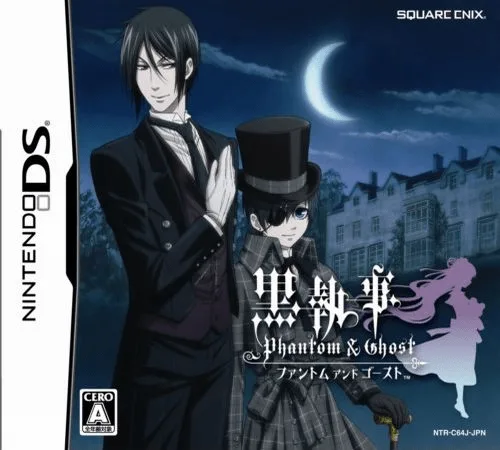
dsKuroshitsuji - Phantom & Ghost
 ds
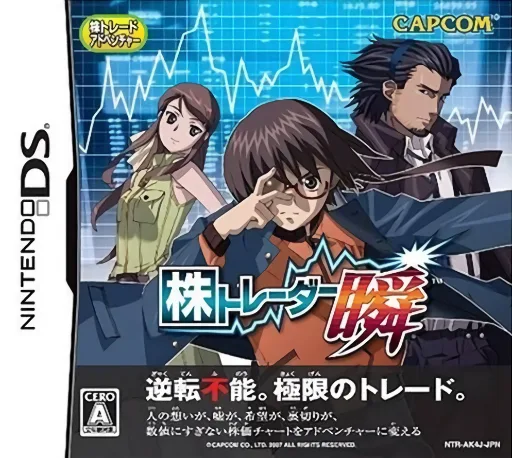
dsKabu Trader Shun
 ds
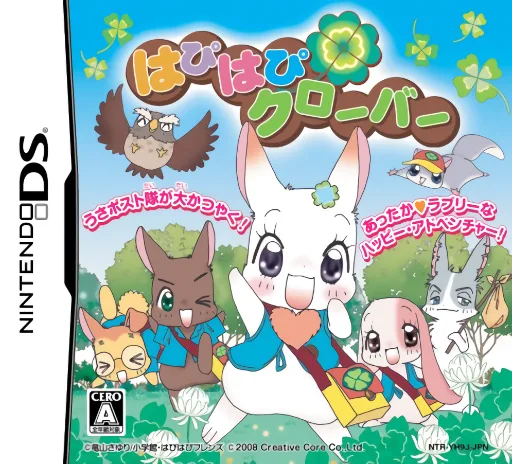
dsHapi Hapi Clover
 ds
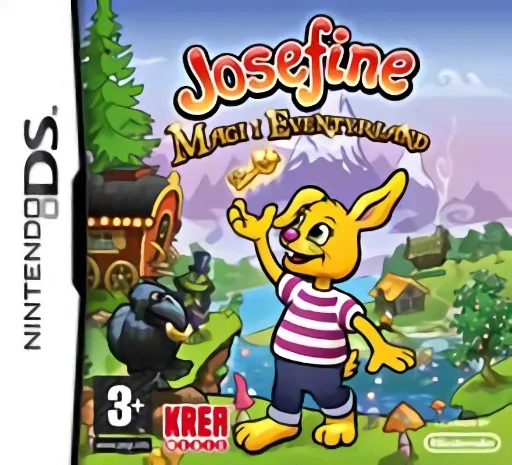
dsJosefine - Magi i Eventyrland
 ds
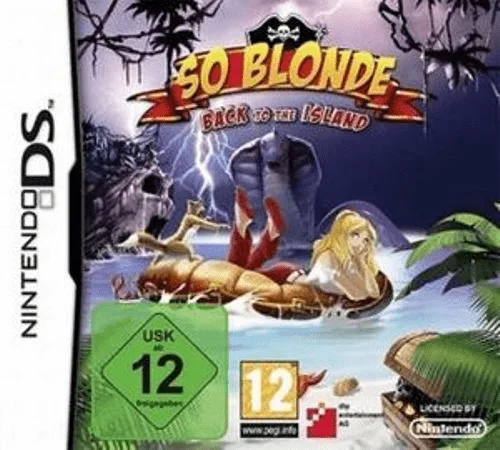
dsSo Blonde - Back to the Island
 ds
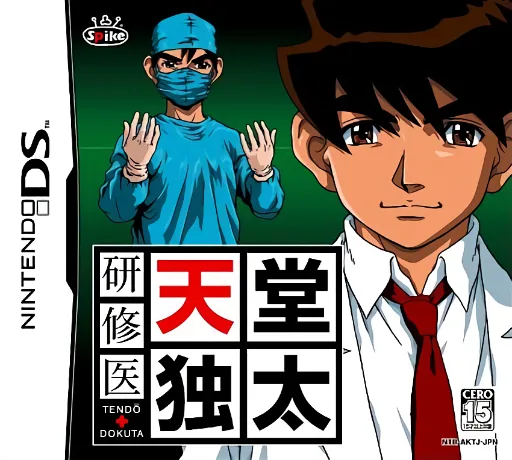
dsKenshuui Tendo Dokuta
 ds
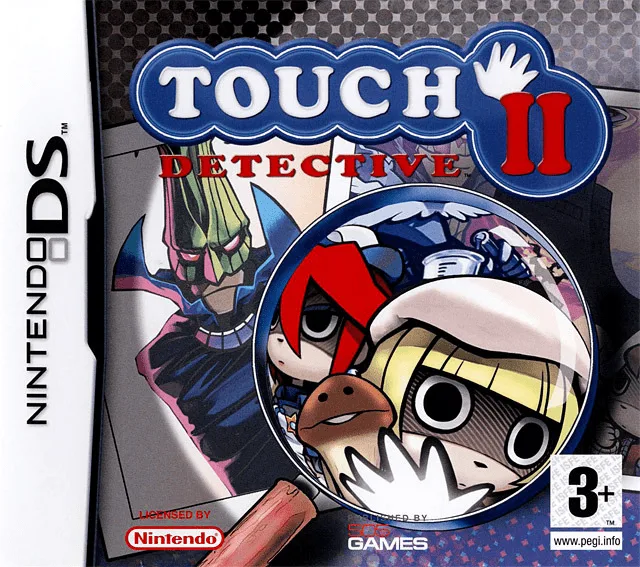
dsTouch Detective II
 ds
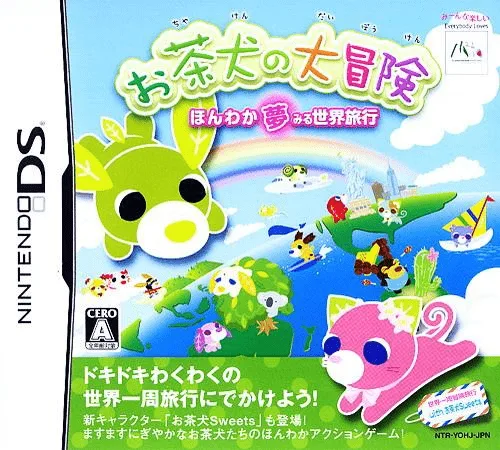
dsOchaken no Daibouken - Honwaka Yumemiru Sekai Ryokou
 ds
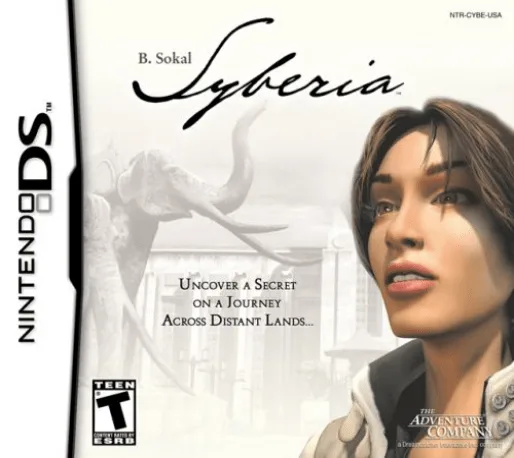
dsSyberia
 ds
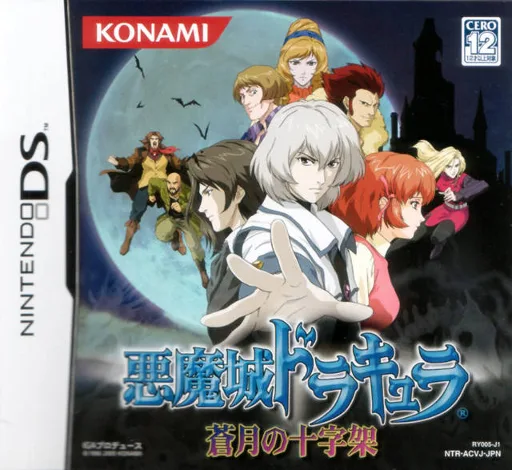
dsAkumajou Dracula - Sougetsu no Juujika
 ds
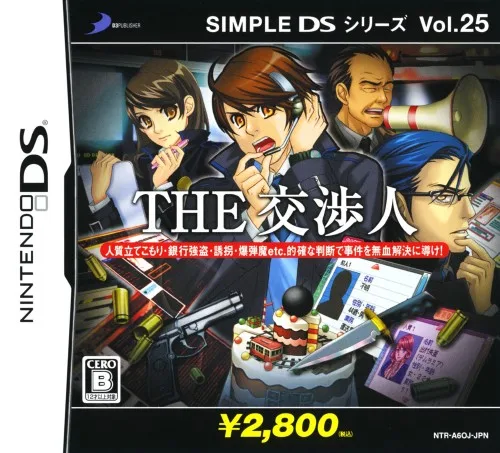
dsSimple DS Series Vol. 25 - The Koushounin
Frequently Asked Questions
Q1.Can I play Kaitou Rousseau online in a web browser without downloading?
Yes, EmuAll allows you to play Kaitou Rousseau (DS) directly inside modern web browsers (Chrome, Safari, Edge, Firefox) on PC, Mac, Chromebook, iOS, and Android devices without installing any emulator.
Q2.Does Kaitou Rousseau support in-browser save states?
Yes, the in-browser emulator features instant Save States and Load States, storing your game progress directly in your browser storage so you can pick up where you left off.
Q3.What controls are supported? Can I use a controller for Kaitou Rousseau?
The emulator fully supports standard keyboard controls as well as plug-and-play USB and Bluetooth gamepads (including Xbox, PlayStation, and generic controllers).