
DS
Lock's Quest
Also known as: 洛克的任务, 鎖與鑰匙的奇幻冒險, ロックスクエスト, لوك كوست, Лок Квест, 록스 퀘스트, Λοκ Κουεστ
- Platform
- Nintendo DS
- Genre
- Strategy/Puzzle
- Year
- 2008
- Developer
- THQ
- Publisher
- THQ
EmuAll provides verified clean ROM archives and in-browser emulation for Lock's Quest (DS). Players can launch and play directly inside modern desktop and mobile browsers with zero local installation, full gamepad support, and instant save states.
ROM downloads
2Lock's Quest (USA) (En,Fr)
RecommendedLock's Quest (Europe) (En,Fr,De,Es,It)
Recommended Emulators(DS)
If you choose to download this ROM to play offline, we recommend these top standalone emulators:
About the Game
Lock's Quest is a strategic tower defense puzzle game on DS featuring Lock, a young boy defending his kingdom from Sir Magnus and his robotic forces. Gameplay alternates between building and positioning defensive towers, then defending against enemy waves in real-time action sequences. Lock collects puzzle pieces and parts to construct towers with unique abilities like projectile launchers and ice cannons. The game combines strategic planning with action, requiring players to balance offense and defense across numerous missions. Its dual-screen setup makes clever use of the DS hardware for simultaneous tower building and battle management.
More DS games
 ds
dsClover: Path of the Sacred Stone - Perfect Chinese Localization
 ds
dsOverlord Minions
 ds
dsKunitori Zunou Battle - Nobunaga no Yabou
 ds
dsCall of Duty - World at War
 ds
dsClaymore - The Witch with Silver Eyes
 ds
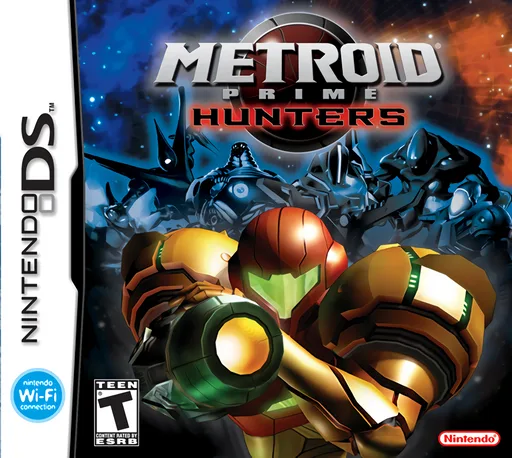
dsMetroid Prime - Hunters (Rev 1)
 ds
dsImagine - Babysitters
 ds
dsKaidan Restaurant - Zoku! Shin Menu 100-sen
 ds
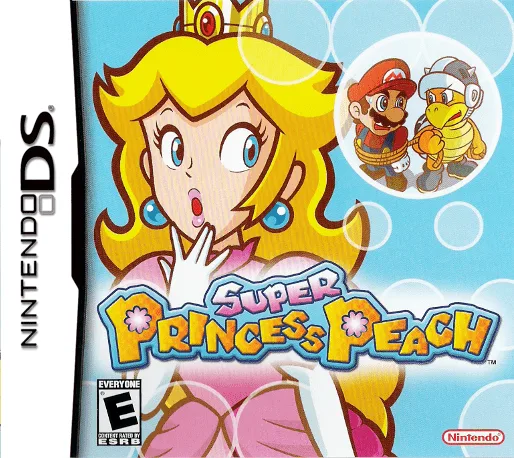
dsSuper Princess Peach
 ds
dsBoku wa Koukuu Kanseikan DS - Air Traffic Controller
 ds
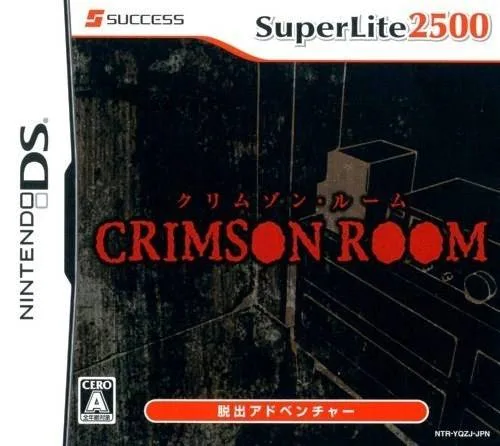
dsSuper Lite 2500 Crimson Room
 ds
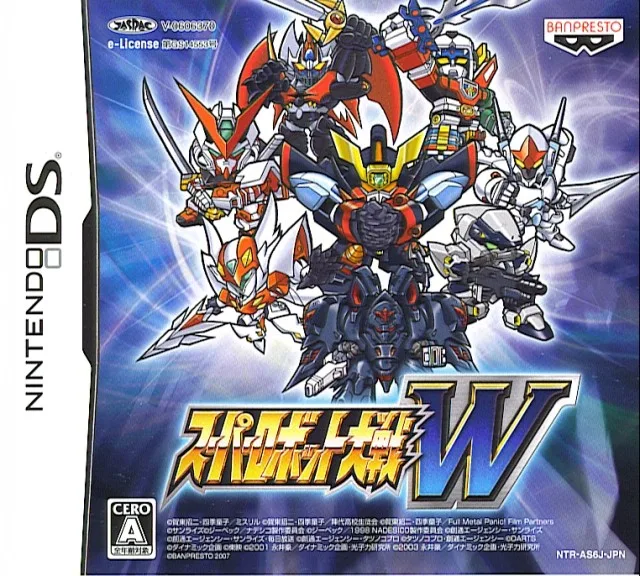
dsSuper Robot Wars W V1.1 Perfect Edition
Frequently Asked Questions
Q1.Can I play Lock's Quest online in a web browser without downloading?
Yes, EmuAll allows you to play Lock's Quest (DS) directly inside modern web browsers (Chrome, Safari, Edge, Firefox) on PC, Mac, Chromebook, iOS, and Android devices without installing any emulator.
Q2.Does Lock's Quest support in-browser save states?
Yes, the in-browser emulator features instant Save States and Load States, storing your game progress directly in your browser storage so you can pick up where you left off.
Q3.What controls are supported? Can I use a controller for Lock's Quest?
The emulator fully supports standard keyboard controls as well as plug-and-play USB and Bluetooth gamepads (including Xbox, PlayStation, and generic controllers).