
SNES
Magic Sword
Also known as: 魔法之劍, 매직 소드, 魔法之剑, Магик Суорд, マジックソード
- Platform
- Super Nintendo
- Genre
- Platform
- Developer
- Capcom
- Publisher
- Capcom
EmuAll provides verified clean ROM archives and in-browser emulation for Magic Sword (SNES). Players can launch and play directly inside modern desktop and mobile browsers with zero local installation, full gamepad support, and instant save states.
ROM downloads
3Magic Sword (USA)
RecommendedMagic Sword (Europe)
Magic Sword (Japan)
Recommended Emulators(SNES)
If you choose to download this ROM to play offline, we recommend these top standalone emulators:
About the Game
The Black Orb awakens, bringing an ancient evil back as monsters ravage the lands around Drockmar Keep. A mysterious warrior enters the keep and battles mummies, serpents, and other enemies across its 50 floors. Players can free sorcerers, ninjas, and lizard men from the dungeons to serve as allies before confronting the keeper of the Black Orb.
More SNES games
 snes
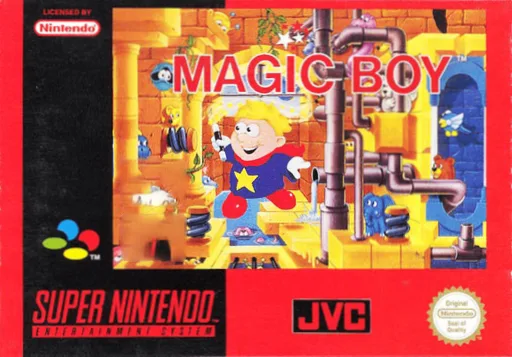
snesMagic Boy
 snes
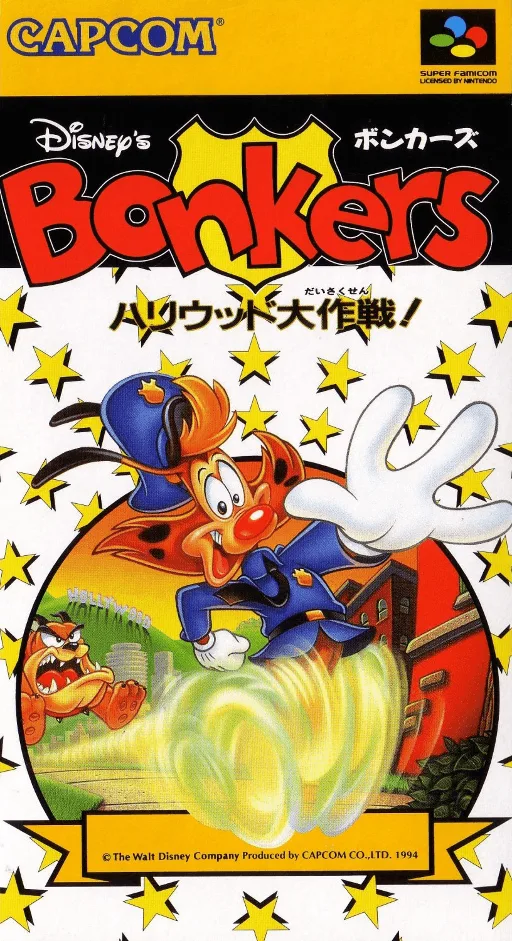
snesBonkers - Hollywood Daisakusen!
 snes
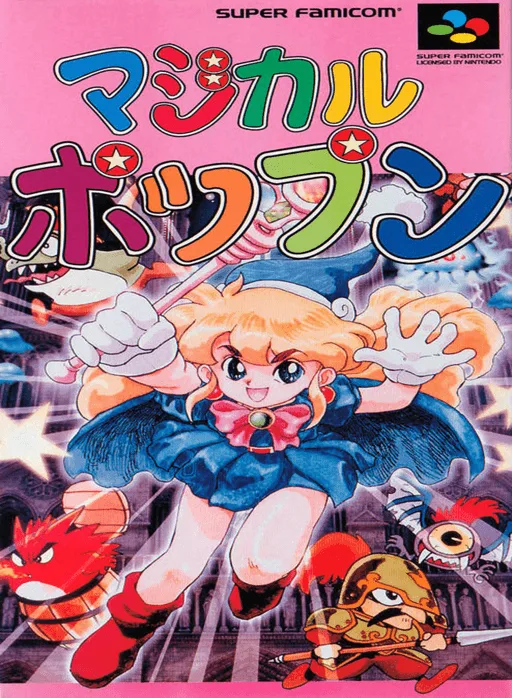
snesMagical Pop'n
 snes
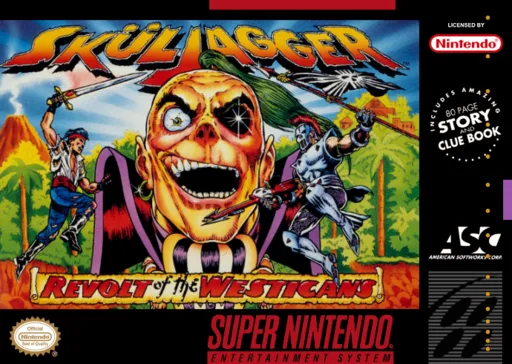
snesSkuljagger - Revolt of the Westicans
 snes
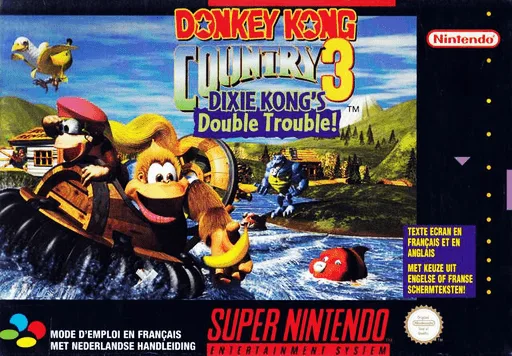
snesDonkey Kong Country 3 - Dixie Kong's Double Trouble!
 snes
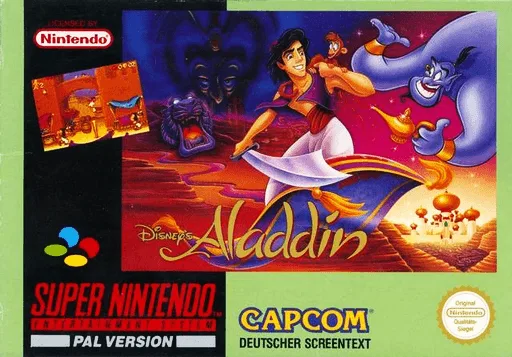
snesAladdin
 snes
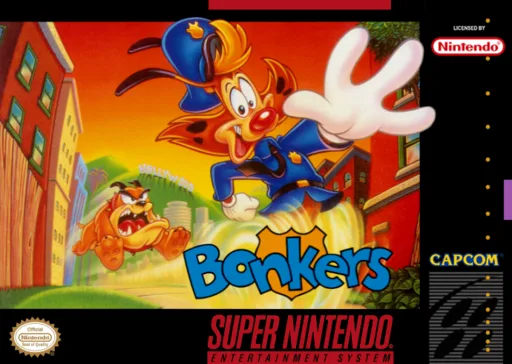
snesBonkers
 snes
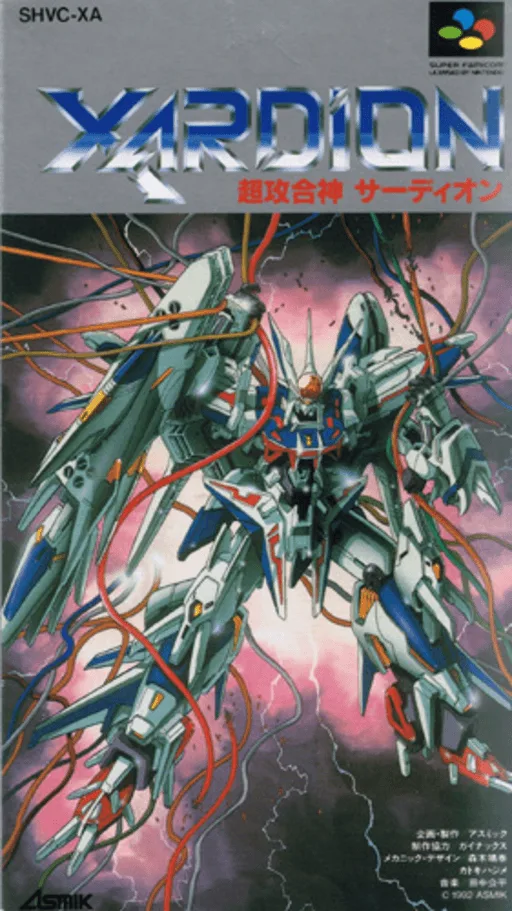
snesXardion
 snes
snesSocks the Cat Rocks the Hill
 snes
snesTNN Bass Tournament of Champions
 snes
snesSkuljagger - Revolt of the Westicans
 snes
snesSNES Burn-in Test Cartridge
Frequently Asked Questions
Q1.Can I play Magic Sword online in a web browser without downloading?
Yes, EmuAll allows you to play Magic Sword (SNES) directly inside modern web browsers (Chrome, Safari, Edge, Firefox) on PC, Mac, Chromebook, iOS, and Android devices without installing any emulator.
Q2.Does Magic Sword support in-browser save states?
Yes, the in-browser emulator features instant Save States and Load States, storing your game progress directly in your browser storage so you can pick up where you left off.
Q3.What controls are supported? Can I use a controller for Magic Sword?
The emulator fully supports standard keyboard controls as well as plug-and-play USB and Bluetooth gamepads (including Xbox, PlayStation, and generic controllers).