
GBA
Magical Elements!
Also known as: 魔法元素!, Elementos Mágicos!, ماغيكال يليمينتس!, Μαγκικαλ Ελεμεντσ!, 마법 요소!, Éléments Magiques!, Магикал Елементс!, Elementi Magici!
- Platform
- Game Boy Advance
- Genre
- Action RPG
- Year
- 2003
- Developer
- SIMS
- Publisher
- SIMS
EmuAll provides verified clean ROM archives and in-browser emulation for Magical Elements! (GBA). Players can launch and play directly inside modern desktop and mobile browsers with zero local installation, full gamepad support, and instant save states.
ROM downloads
1魔法元素(JP)(32Mb)
Recommended Emulators(GBA)
If you choose to download this ROM to play offline, we recommend these top standalone emulators:
About the Game
Elemix! is an Action RPG on the Game Boy Advance where the player controls Prince Skip, a young prince whose magic ring containing three elemental forces is stolen by an evil sorcerer named Darkleon. The gameplay revolves around real-time action combat and light puzzle-solving as Skip uses the Fire, Ice, and Wood elements to defeat monsters, open barriers, and progress through various stages and dungeons. The story follows Skip's adventure to reclaim the ring and restore peace to the kingdom while collecting monster companions that join the party. Standout features include colorful hand-drawn art, fast-paced elemental matching mechanics, and a short but charming stage-based structure with multiple paths and endings.
More GBA games
 gba
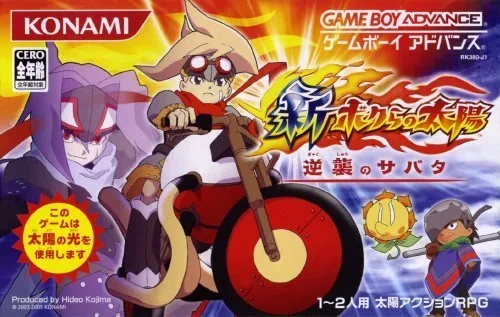
gbaShin Bokura no Taiyou - Gyakushuu no Sabata
 gba
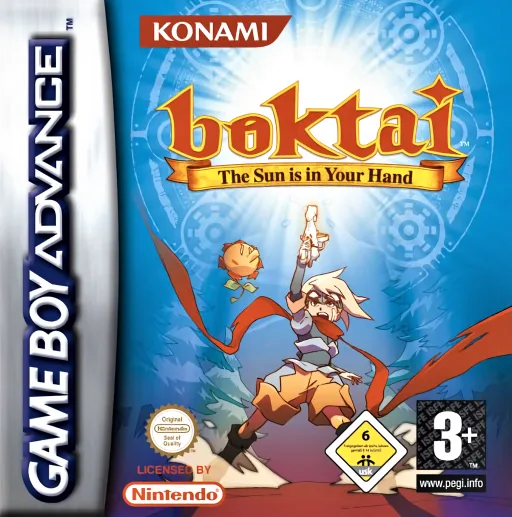
gbaBoktai - The Sun is in Your Hand
 gba
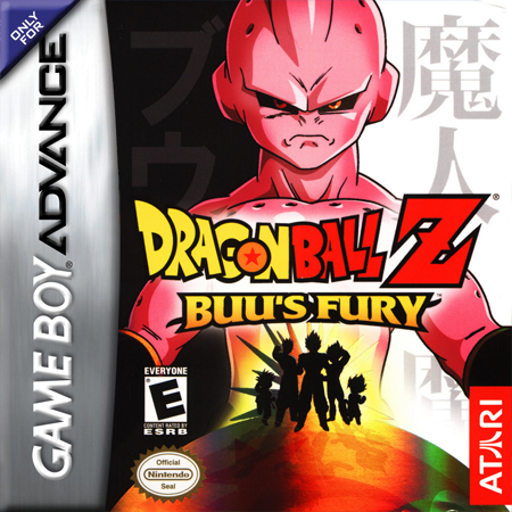
gbaDragonball Z - Buu's Fury
 gba
gbaShining Soul II
 gba
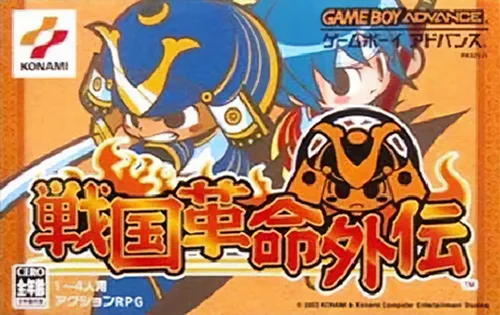
gbaSengoku Kakumei Gaiden
 gba
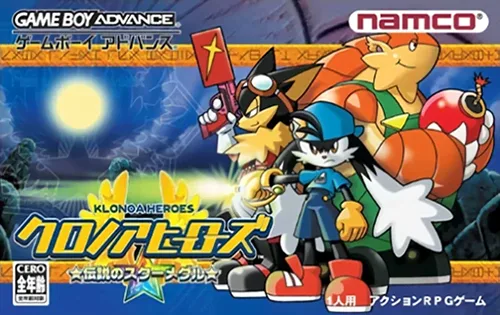
gba克罗帝亚英雄们-传说的星之徽章 Klonoa Heroes - Densetsu no Star Medal
 gba
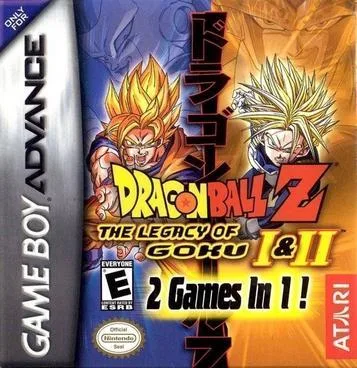
gbaDragonball Z - The Legacy Of Goku 2
 gba
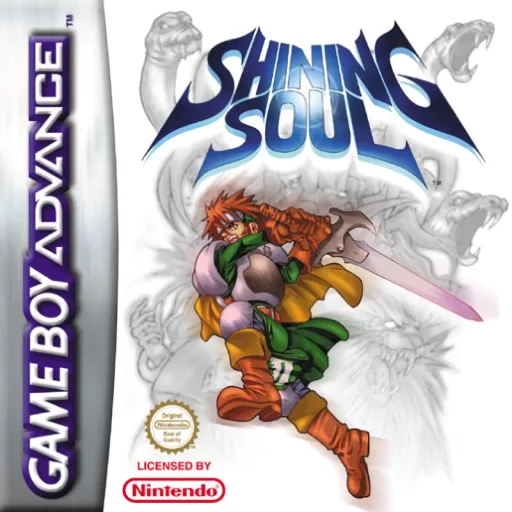
gbaShining Soul
 gba
gbaAdvance Wars 2 - Black Hole Rising
 gba
gbaJimmy Neutron Boy Genius - Attack of the Twonkies
 gba
gbaContra Hard Spirits
 gba
gbaBlackthorne
Frequently Asked Questions
Q1.Can I play Magical Elements! online in a web browser without downloading?
Yes, EmuAll allows you to play Magical Elements! (GBA) directly inside modern web browsers (Chrome, Safari, Edge, Firefox) on PC, Mac, Chromebook, iOS, and Android devices without installing any emulator.
Q2.Does Magical Elements! support in-browser save states?
Yes, the in-browser emulator features instant Save States and Load States, storing your game progress directly in your browser storage so you can pick up where you left off.
Q3.What controls are supported? Can I use a controller for Magical Elements!?
The emulator fully supports standard keyboard controls as well as plug-and-play USB and Bluetooth gamepads (including Xbox, PlayStation, and generic controllers).