
GBC
Mario Golf
Also known as: 마리오골프GB, Mario Golf GB, マリオゴルフGB, 瑪利歐高爾夫, 마리오골프, 瑪利歐高爾夫GB, 马力欧高尔夫GB, ماريو غولف غب, Марио Голф Гб, 马力欧高尔夫, Μαριο Γκολφ Γκμπ, マリオゴルフ
- Platform
- Game Boy Color
- Genre
- Sports
- Year
- 1999
- Developer
- Camelot Software Planning
- Publisher
- Nintendo
EmuAll provides verified clean ROM archives and in-browser emulation for Mario Golf (GBC). Players can launch and play directly inside modern desktop and mobile browsers with zero local installation, full gamepad support, and instant save states.
ROM downloads
3Mario Golf (USA)
RecommendedMario Golf (Europe)
Mario Golf GB (Japan)
Recommended Emulators(GBC)
If you choose to download this ROM to play offline, we recommend these top standalone emulators:
About the Game
Mario Golf is a sports RPG game for Game Boy Color featuring golf tournaments and role-playing elements. Players choose from four main characters in the story mode, controlling them freely across courses like the Marion Club and Palm Club while leveling up through exploration and challenges. Multiplayer supports 1-2 players, and data transfers via Transfer Pak to the Nintendo 64 version. Special modes include mini golf and doubles matches with characters like Lime, Lily, and Flint. Characters have unique stats in distance, trajectory, and control. What makes it stand out is the hybrid RPG and golf gameplay with free-play mode and environmental interaction.
More GBC games
 gbc
gbcNBA Pro 99
 gbc
gbcDavid O'Leary's Total Soccer 2000
 gbc
gbcNFL Blitz
 gbc
gbcThree Lions
 gbc
gbcAnpfiff - Der RTL Fussball-Manager
 gbc
gbcNaminori Yarou!
 gbc
gbcPro Foot
 gbc
gbcPro Darts
 gbc
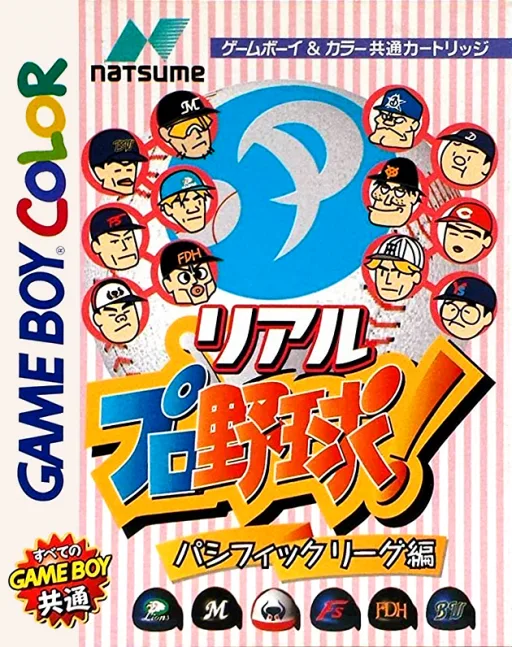
gbcReal Pro Yakyuu! - Pacific League Hen
 gbc
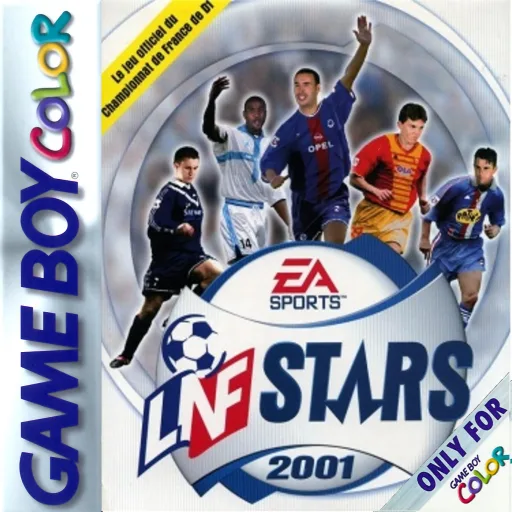
gbcLNF Stars 2001
 gbc
gbcZebco Fishing!
Frequently Asked Questions
Q1.Can I play Mario Golf online in a web browser without downloading?
Yes, EmuAll allows you to play Mario Golf (GBC) directly inside modern web browsers (Chrome, Safari, Edge, Firefox) on PC, Mac, Chromebook, iOS, and Android devices without installing any emulator.
Q2.Does Mario Golf support in-browser save states?
Yes, the in-browser emulator features instant Save States and Load States, storing your game progress directly in your browser storage so you can pick up where you left off.
Q3.What controls are supported? Can I use a controller for Mario Golf?
The emulator fully supports standard keyboard controls as well as plug-and-play USB and Bluetooth gamepads (including Xbox, PlayStation, and generic controllers).