
DS
Mawasundaa!!
Also known as: 마와순다!!, 转起来!!, 旋轉太郎!!, まわすんだあ!!
- Platform
- Nintendo DS
- Genre
- Miscellaneous
- Year
- 2007
- Developer
- Taito
- Publisher
- Majesco
EmuAll provides verified clean ROM archives and in-browser emulation for Mawasundaa!! (DS). Players can launch and play directly inside modern desktop and mobile browsers with zero local installation, full gamepad support, and instant save states.
ROM downloads
1Mawasundaa!! (Japan)
Recommended Emulators(DS)
If you choose to download this ROM to play offline, we recommend these top standalone emulators:
About the Game
Turn It Around (Mawasundaa!! in Japan) is a Taito-developed Nintendo DS game featuring a collection of quirky minigames centered on rotating a virtual dial using the stylus on the lower touch screen. Players compete to achieve high scores in fast-paced challenges, including recreations or inspired versions of classic Taito arcade titles such as Arkanoid (Pong-style ball-breaking) and Bubble Bobble-style BubBob. Gameplay modes include a challenge mode to play all mini-games in sequence and individual high-score challenges, plus a two-player wireless mode (requires two cartridges). There is no overarching story or characters; all action features simple, flat-style generic figures. What makes it stand out is the innovative single-stylus spin mechanic adapted from Taito's original turntable arcade cabinet for the portable DS, delivering accessible, nostalgic arcade variety in under an hour per playthrough.
More DS games
 ds
dsQuiz Magic Academy DS
 ds
dsTable Game Spirits
 ds
dsJeopardy!
 ds
dsTouch 'N' Play Collection
 ds
dsGachapin Challenge DS
 ds
dsOtona no Renai Shousetsu - DS Harlequin Selection
 ds
dsIt's Tehodoki! Hannya Shingyou Nyuumon
 ds
dsTable Game Spirits Victory
 ds
dsItouke no Urawaza DS
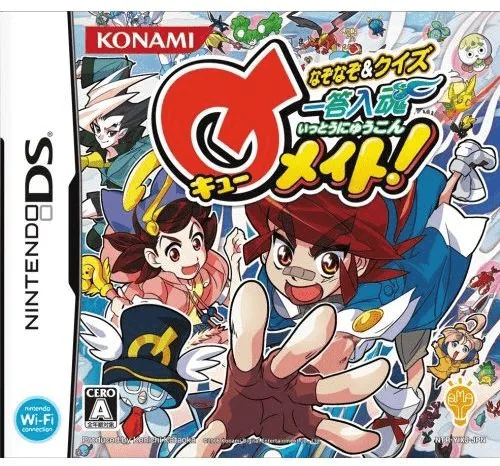 ds
dsNazonazo & Quiz - Ittou Nyuukon Q Mate!
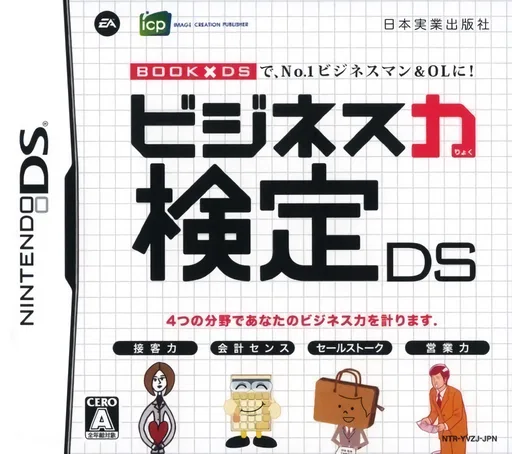 ds
dsBusiness Ryoku Kentei DS
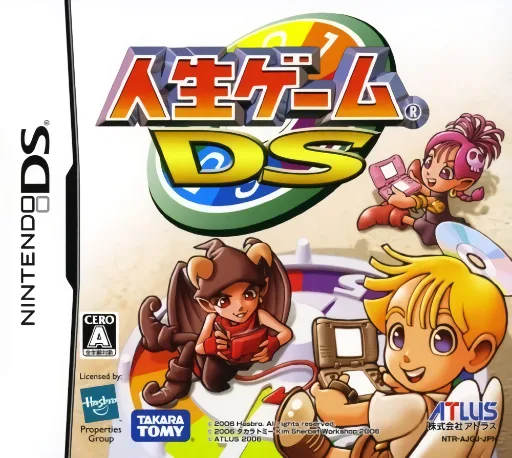 ds
dsJinsei Game DS
Frequently Asked Questions
Q1.Can I play Mawasundaa!! online in a web browser without downloading?
Yes, EmuAll allows you to play Mawasundaa!! (DS) directly inside modern web browsers (Chrome, Safari, Edge, Firefox) on PC, Mac, Chromebook, iOS, and Android devices without installing any emulator.
Q2.Does Mawasundaa!! support in-browser save states?
Yes, the in-browser emulator features instant Save States and Load States, storing your game progress directly in your browser storage so you can pick up where you left off.
Q3.What controls are supported? Can I use a controller for Mawasundaa!!?
The emulator fully supports standard keyboard controls as well as plug-and-play USB and Bluetooth gamepads (including Xbox, PlayStation, and generic controllers).