
DS
Mezase! Shoujo Manga Ka!! Ciao Manga School
Also known as: 目标!少女漫画家!Ciao漫画学校, Vise-le! Mangaka Shojo !! École de Manga Ciao, ¡Aspira! ¡Mangaka Shoujo! Escuela de Manga Ciao, Werde Mangaka! Ciao Manga Schule, めざせ!少女漫画家!!チャオ漫画スクール, Vise! Jovem Mangaká!! Escola de Mangá Ciao, 노려라! 소녀 만화가!! 차오 만화 스쿨, 目標!少女漫畫家!!Ciao 漫畫學院, Aspira! Scuola di Manga Shoujo Ciao!!
- Platform
- Nintendo DS
- Developer
- Unknown
- Publisher
- Unknown
EmuAll provides verified clean ROM archives and in-browser emulation for Mezase! Shoujo Manga Ka!! Ciao Manga School (DS). Players can launch and play directly inside modern desktop and mobile browsers with zero local installation, full gamepad support, and instant save states.
ROM downloads
1Mezase! Shoujo Manga Ka!! Ciao Manga School (Japan)
Recommended Emulators(DS)
If you choose to download this ROM to play offline, we recommend these top standalone emulators:
About the Game
A simulation game for Nintendo DS centered on becoming a manga artist. Players learn manga creation techniques and develop their artistic skills through various lessons and exercises.
More DS games
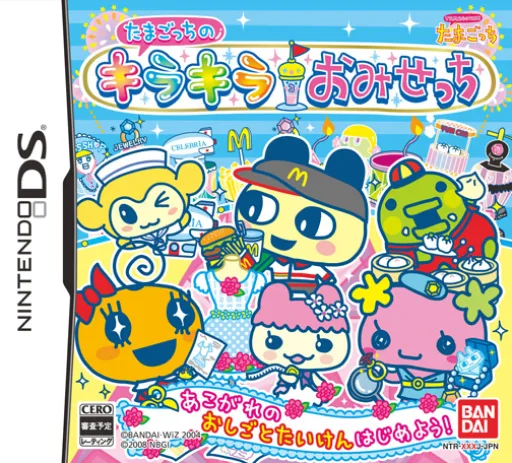 ds
dsTamagotch no Kira Kira Omisetchi
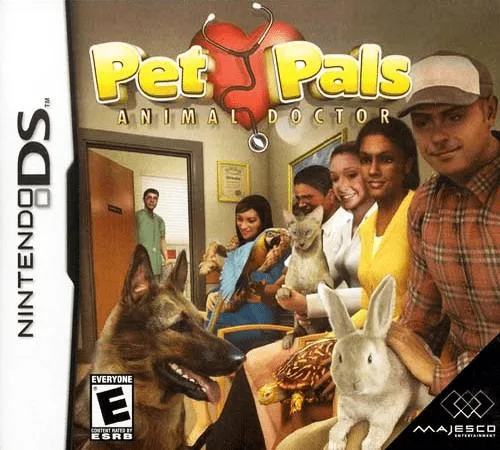 ds
dsPet Pals - Animal Doctor
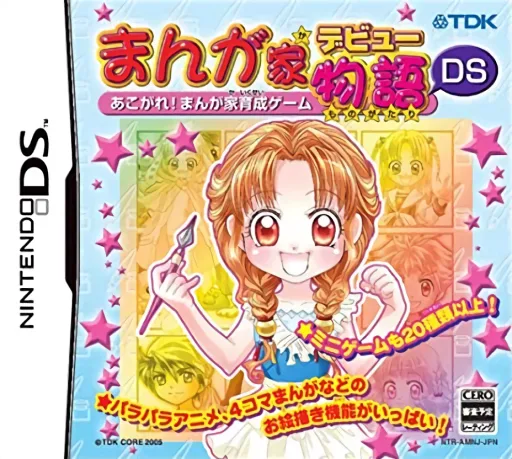 ds
dsManga-ka Debut Monogatari DS - Akogare! Manga-ka Ikusei Game
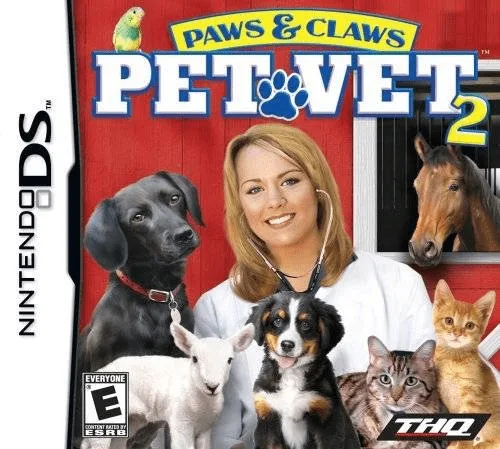 ds
dsPaws & Claws - Pet Vet 2
 ds
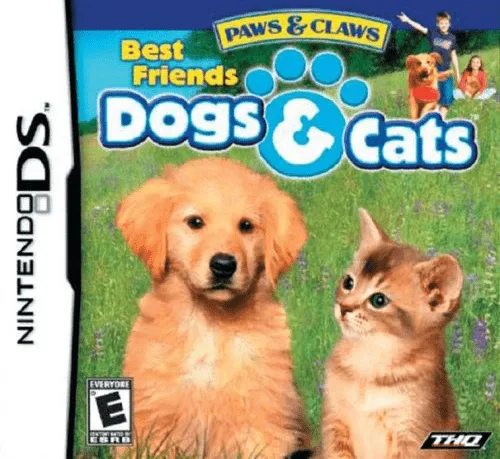
dsMy Best Friends - Cats & Dogs
 ds
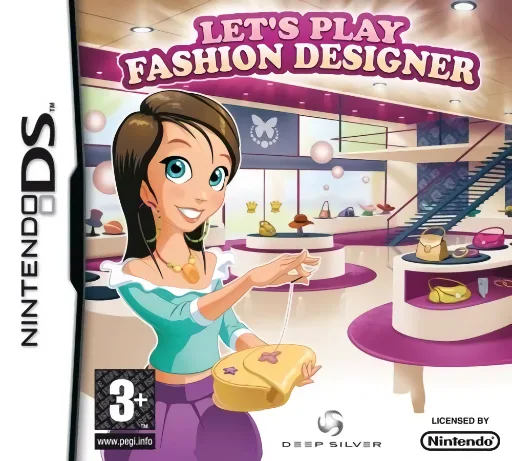
dsLet's Play Fashion Designer
 ds
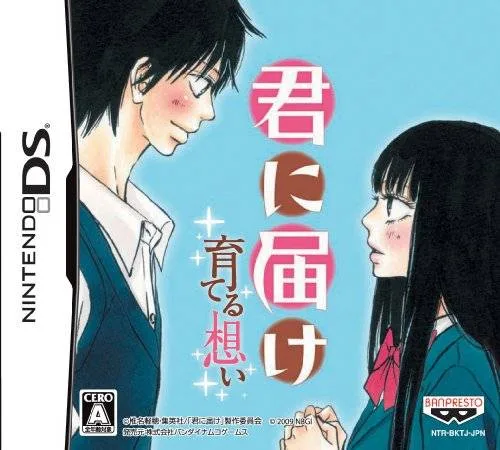
dsKare Kano: Cultivation of Love
 ds
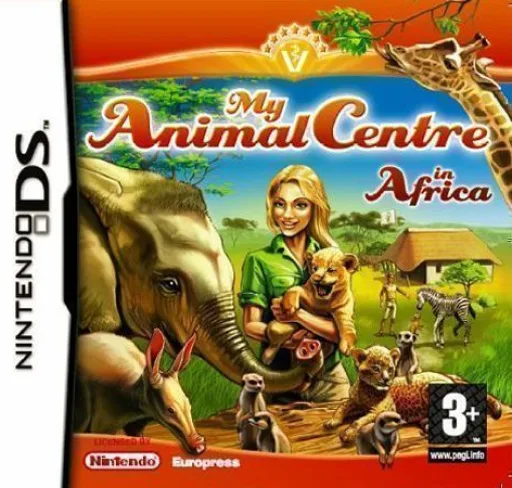
dsMy Animal Centre in Africa
 ds
dsPlay Gardens
 ds
dsBeautiful Aquarium DS: Whales, Dolphins, and Penguins
 ds
dsPet Pals - New Leash on Life
Frequently Asked Questions
Q1.Can I play Mezase! Shoujo Manga Ka!! Ciao Manga School online in a web browser without downloading?
Yes, EmuAll allows you to play Mezase! Shoujo Manga Ka!! Ciao Manga School (DS) directly inside modern web browsers (Chrome, Safari, Edge, Firefox) on PC, Mac, Chromebook, iOS, and Android devices without installing any emulator.
Q2.Does Mezase! Shoujo Manga Ka!! Ciao Manga School support in-browser save states?
Yes, the in-browser emulator features instant Save States and Load States, storing your game progress directly in your browser storage so you can pick up where you left off.
Q3.What controls are supported? Can I use a controller for Mezase! Shoujo Manga Ka!! Ciao Manga School?
The emulator fully supports standard keyboard controls as well as plug-and-play USB and Bluetooth gamepads (including Xbox, PlayStation, and generic controllers).