
GBA
Namco Museum 50th Anniversary
Also known as: Ναμκο Μουσεουμ 50θ Ανιβερσαρι, Намко Мусеум 50т Анниверсари, 南梦宫博物馆2 Namco Museum 50th Anniversary, نامكو موسيوم 50ث انيفيرساري, Namco Museum 50º Aniversário, 남코 뮤지엄 50주년, 南夢宮博物館2 Namco Museum 50th Anniversary, ナムコミュージアム50周年
- Platform
- Game Boy Advance
- Genre
- Compilation
- Year
- 2005
- Developer
- Digital Eclipse
- Publisher
- Namco
EmuAll provides verified clean ROM archives and in-browser emulation for Namco Museum 50th Anniversary (GBA). Players can launch and play directly inside modern desktop and mobile browsers with zero local installation, full gamepad support, and instant save states.
ROM downloads
3Namco Museum: 50th Anniversary
Recommended南梦宫博物馆 Namco Museum 50th Anniversary(EU)(M5)(Namco)(32Mb)
南梦宫博物馆2 Namco Museum 50th Anniversary(US)(Namco)(32Mb)
Recommended Emulators(GBA)
If you choose to download this ROM to play offline, we recommend these top standalone emulators:
About the Game
A compilation celebrating Namco's 50th anniversary, featuring classic arcade games including Pac-Man, Galaga, Dig Dug, and others. The GBA version includes a curated selection of titles adapted for handheld play. Each game retains its original arcade gameplay with adjustments for the portable screen. The collection offers arcade history through playable classics that defined early gaming.
More GBA games
 gba
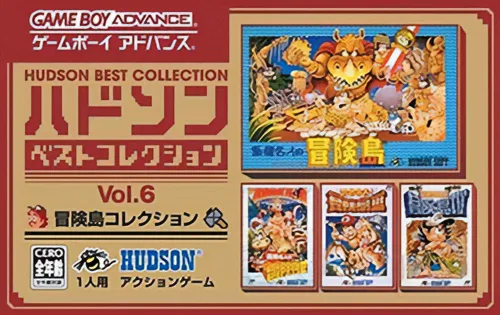
gbaHudson Best Collection Vol. 6
 gba
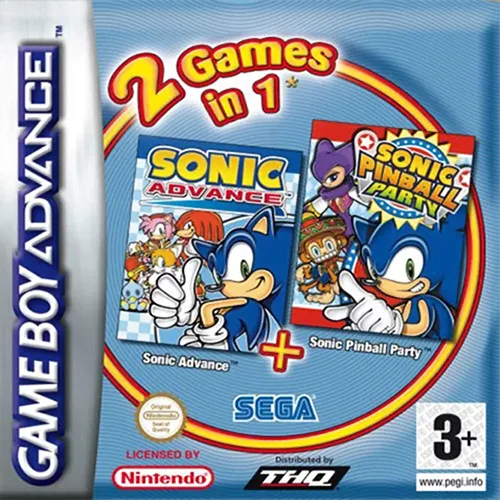
gba2 Games in 1 - Sonic Pinball Party + Sonic Advance
 gba
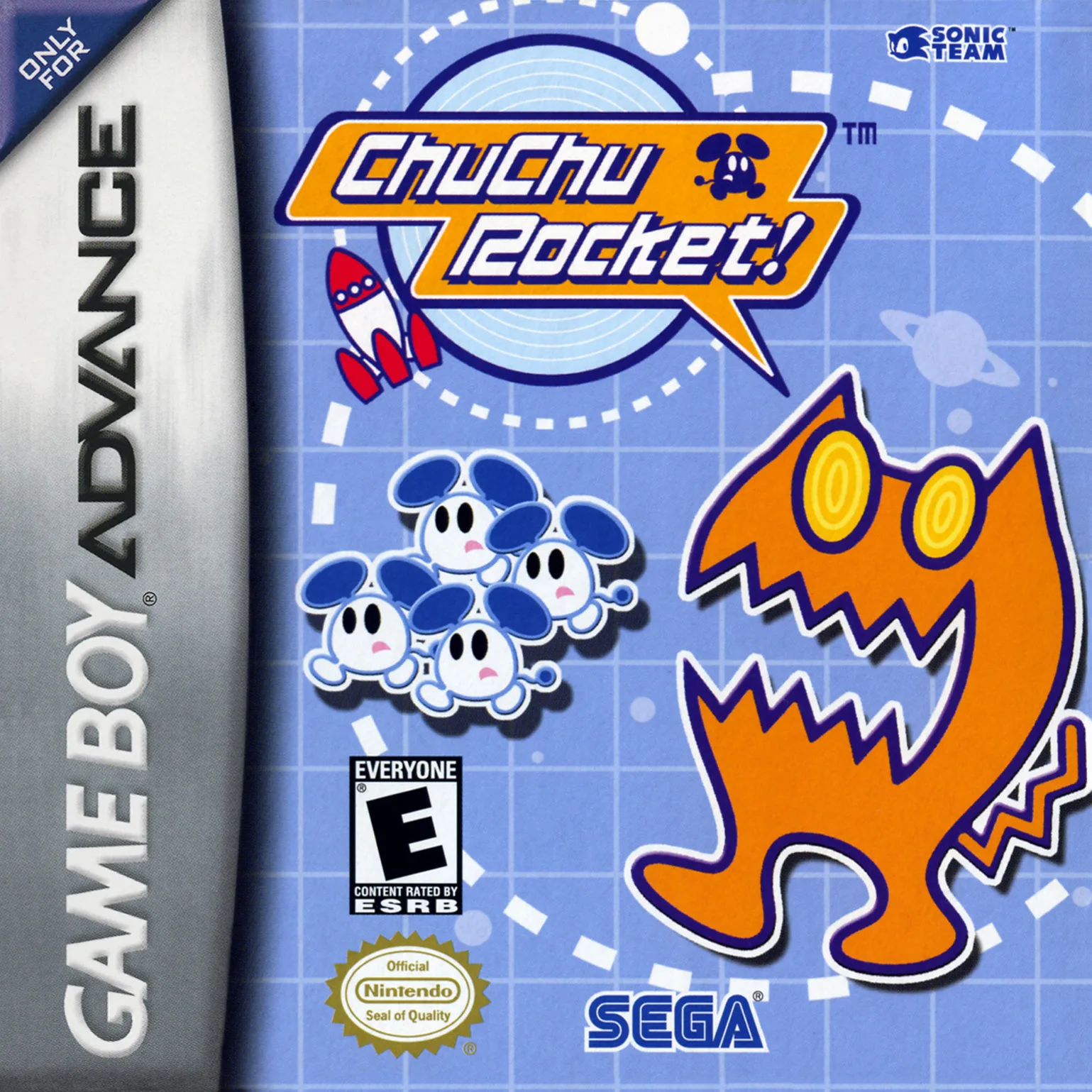
gbaChu Chu Rocket!
 gba
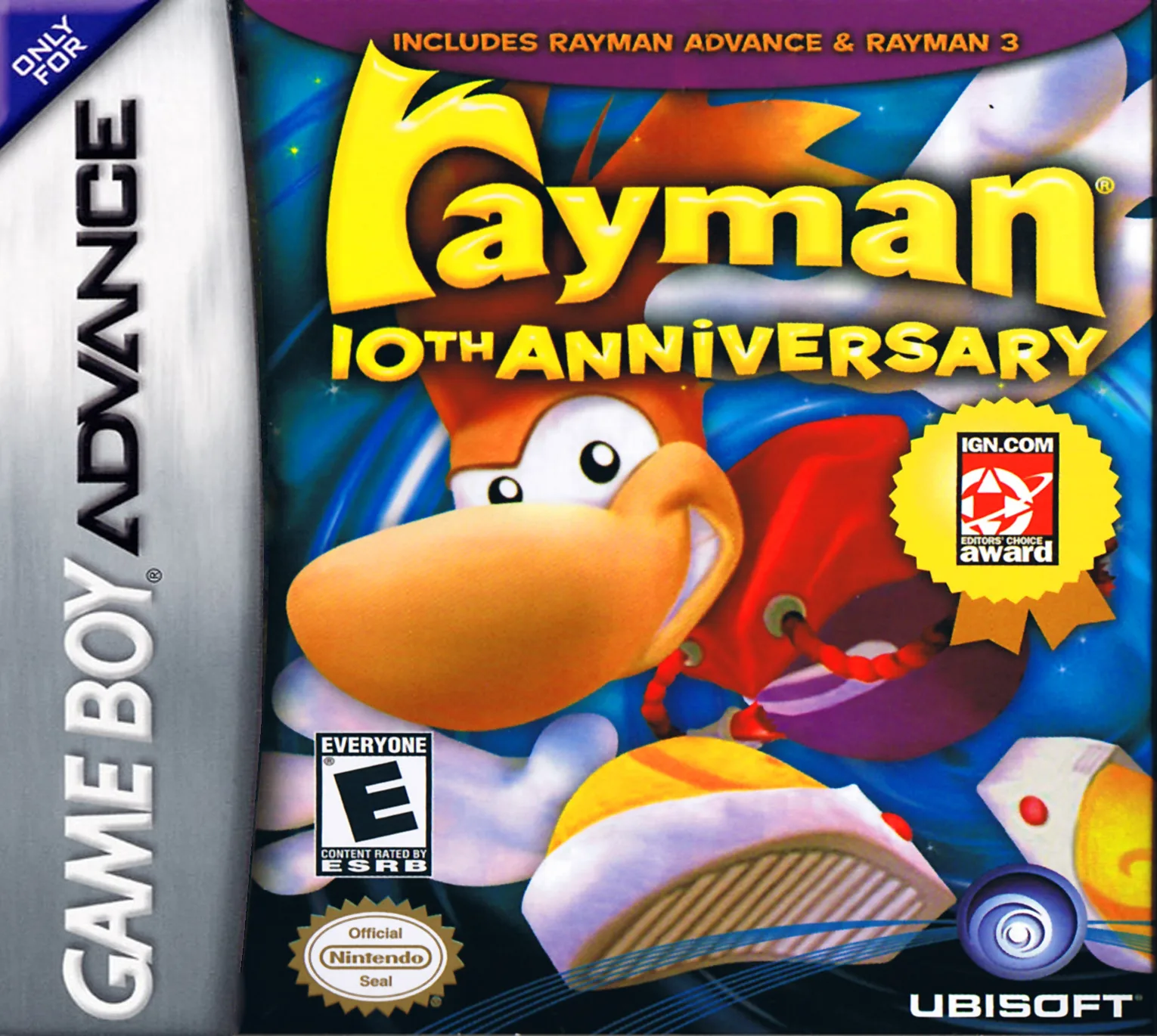
gbaRayman 10th Anniversary - Rayman Advance + Rayman 3 - Hoodlum Havoc
 gba
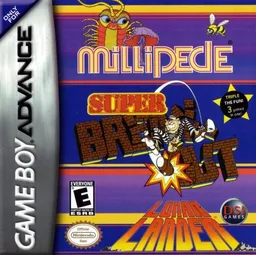
gba街机游戏3合1-方块射击 Millipede - Super Breakout - Lunar Lander
 gba
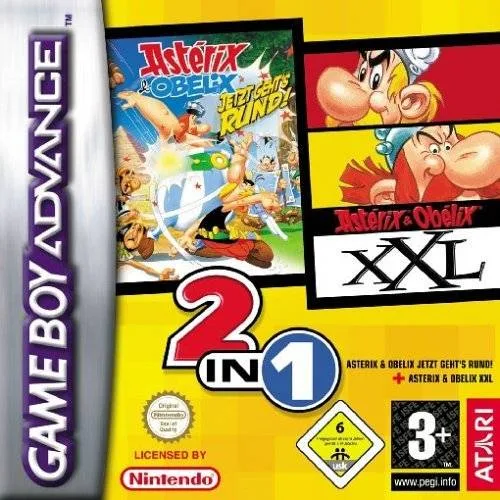
gba2 Games in 1 - Asterix & Obelix - Bash Them All! + Asterix & Obelix XXL
 gba
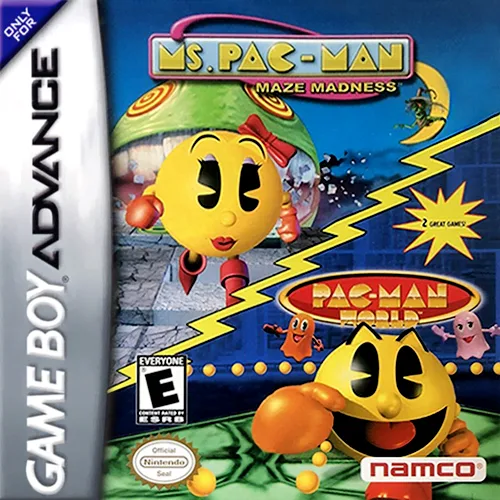
gba2 Games in 1 - Pac-Man World + Ms. Pac-Man - Maze Madness
 gba
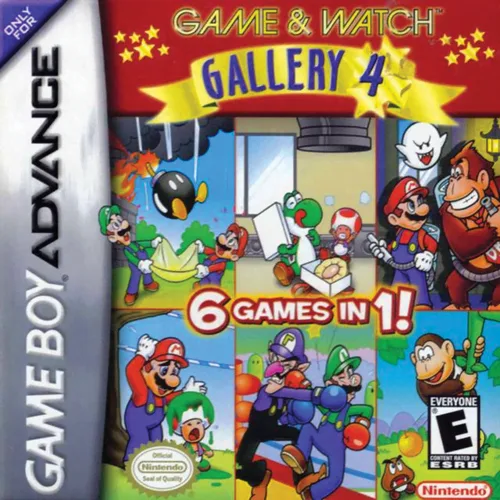
gbaGame & Watch Gallery 4
 gba
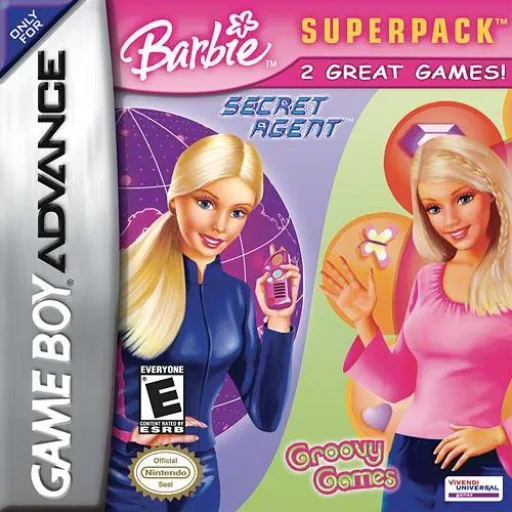
gba2 Games in 1 - Barbie Groovy Games + Secret Agent Barbie - Royal Jewels Mission
 gba
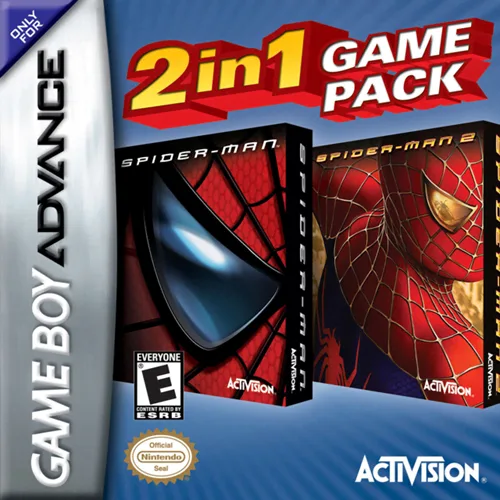
gba2 Games in 1 - Spider-Man + Spider-Man 2
 gba
gba终极街机游戏合集 Ultimate Arcade Games
Frequently Asked Questions
Q1.Can I play Namco Museum 50th Anniversary online in a web browser without downloading?
Yes, EmuAll allows you to play Namco Museum 50th Anniversary (GBA) directly inside modern web browsers (Chrome, Safari, Edge, Firefox) on PC, Mac, Chromebook, iOS, and Android devices without installing any emulator.
Q2.Does Namco Museum 50th Anniversary support in-browser save states?
Yes, the in-browser emulator features instant Save States and Load States, storing your game progress directly in your browser storage so you can pick up where you left off.
Q3.What controls are supported? Can I use a controller for Namco Museum 50th Anniversary?
The emulator fully supports standard keyboard controls as well as plug-and-play USB and Bluetooth gamepads (including Xbox, PlayStation, and generic controllers).