
GAME GEAR
Nazo Puyo 2
Also known as: 나조 푸요 2, 谜普优2, ナゾプヨ2, 謎普優2
- Platform
- Game Gear
- Genre
- Puzzle
- Year
- 1994
- Developer
- Compile
- Publisher
- Sega
EmuAll provides verified clean ROM archives and in-browser emulation for Nazo Puyo 2 (GAME GEAR). Players can launch and play directly inside modern desktop and mobile browsers with zero local installation, full gamepad support, and instant save states.
ROM downloads
1Nazo Puyo 2 (Japan)
Recommended Emulators(GAME GEAR)
If you choose to download this ROM to play offline, we recommend these top standalone emulators:
About the Game
Nazo Puyo 2 is a single-player puzzle game for the Game Gear in the Puyo Puyo series. Gameplay involves dropping colorful puyo creatures in columns and clearing them by forming groups of 4 or more connected puyos of the same color, creating chains for high scores. It features a campaign mode where players fight through levels to reach Satan, with new puzzle types, increased difficulty, and the ability to counter garbage puyos sent by opponents. Modes include single-player, versus, and multiplayer. The game includes story elements with character interactions and voice lines. What makes it stand out is its addictive combo-based gameplay, improved counter mechanics compared to the original, and battery save system. The series is known for colorful animations, catchy music, and clever puzzle design that rewards pattern recognition.
More GAME GEAR games
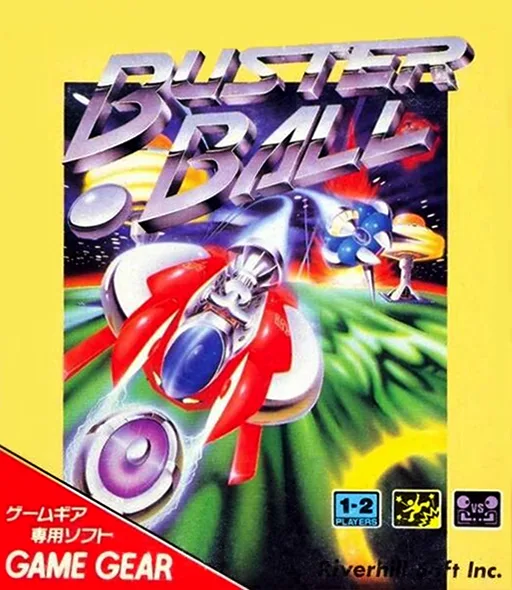 game_gear
Buster Ball
 game_gear
Crazy Faces
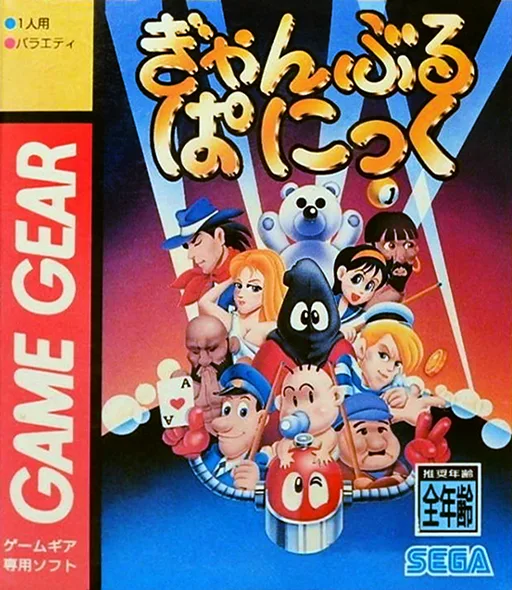 game_gear
Gamble Panic
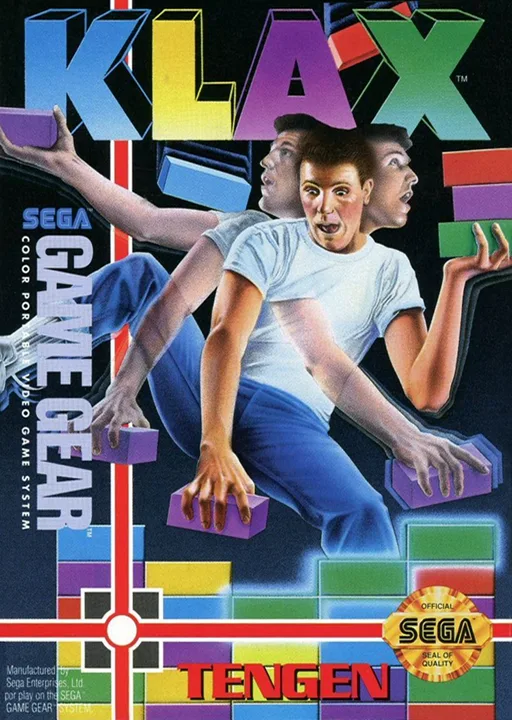 game_gear
Klax
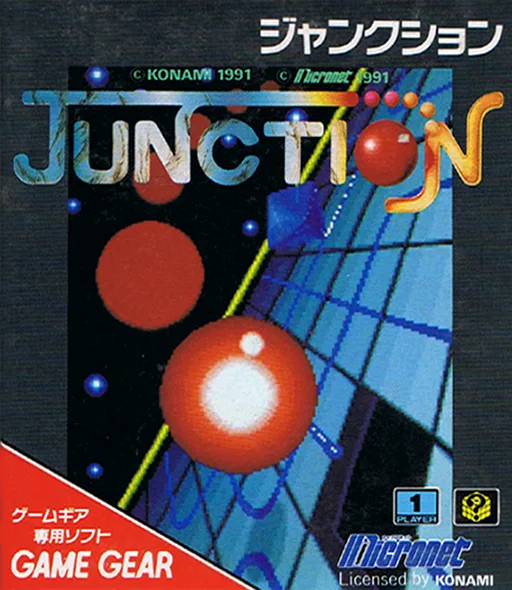 game_gear
Junction
 game_gear
Wheel of Fortune
 game_gear
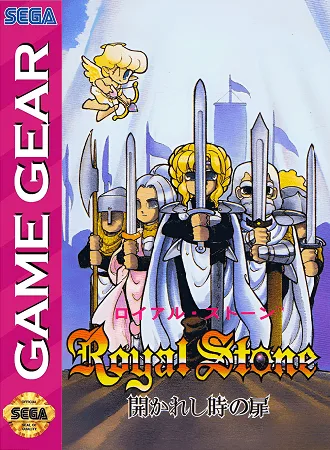
Royal Stone
 game_gear
Simpsons, The - Krusty's Fun House
 game_gear
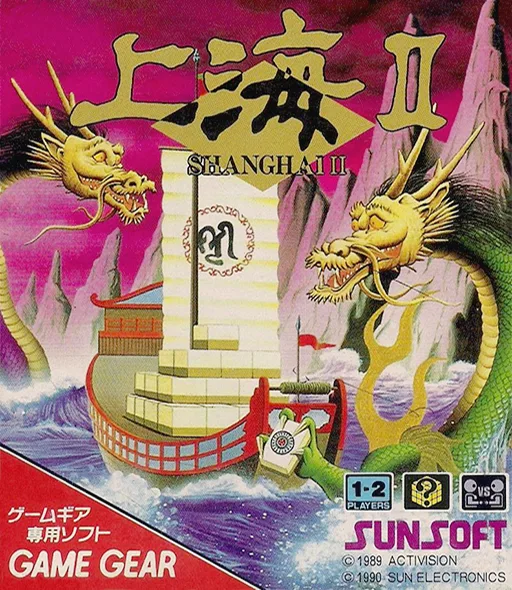
Shanghai II
 game_gear
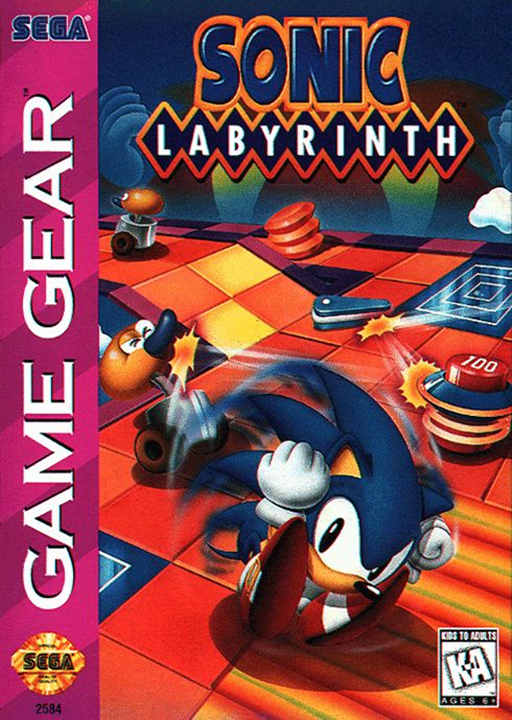
Sonic Labyrinth
 game_gear
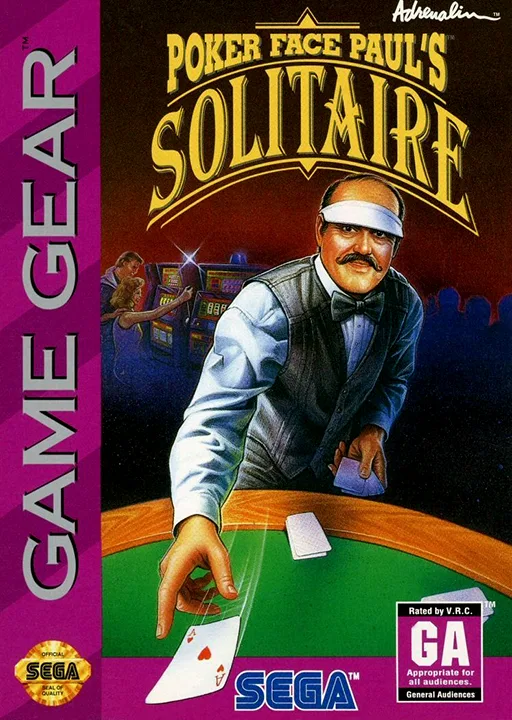
Poker Face Paul's Solitaire
Frequently Asked Questions
Q1.Can I play Nazo Puyo 2 online in a web browser without downloading?
Yes, EmuAll allows you to play Nazo Puyo 2 (GAME GEAR) directly inside modern web browsers (Chrome, Safari, Edge, Firefox) on PC, Mac, Chromebook, iOS, and Android devices without installing any emulator.
Q2.Does Nazo Puyo 2 support in-browser save states?
Yes, the in-browser emulator features instant Save States and Load States, storing your game progress directly in your browser storage so you can pick up where you left off.
Q3.What controls are supported? Can I use a controller for Nazo Puyo 2?
The emulator fully supports standard keyboard controls as well as plug-and-play USB and Bluetooth gamepads (including Xbox, PlayStation, and generic controllers).