
GB
Pachio-kun Game Gallery
Also known as: Galeria de Jogos Pachio-kun, Galleria Giochi Pachio-kun, 帕奇歐君遊戲畫廊, パチ子くん ゲームギャラリー, Пачио-кун Гам Галлери, Πατσιο-κουν Γκαμ Γκαλερι, 파치오군 게임 갤러리, Galerie de Jeux Pachio-kun, باتشيو-كون غام غاليري, 帕奇欧君游戏画廊, Galería de Juegos Pachio-kun
- Platform
- Game Boy
- Genre
- Board
- Year
- 1994
- Developer
- Coconuts Japan
- Publisher
- Coconuts Japan
EmuAll provides verified clean ROM archives and in-browser emulation for Pachio-kun Game Gallery (GB). Players can launch and play directly inside modern desktop and mobile browsers with zero local installation, full gamepad support, and instant save states.
ROM downloads
1Pachio-kun Game Gallery (Japan)
Recommended Emulators(GB)
If you choose to download this ROM to play offline, we recommend these top standalone emulators:
About the Game
A compilation of pachinko simulation games for the original Game Boy featuring the Pachio-kun mascot character. Players experience digital pachinko gameplay where they launch balls and aim for specific targets to trigger jackpots and bonus rounds. The game includes multiple pachinko machine variations with different layouts and rules. It brings the popular Japanese gambling entertainment to the portable Game Boy format.
More GB games
 gb
gbJeopardy! - Platinum Edition
 gb
gbHon Shougi
 gb
gbSuper Scrabble
 gb
gbNichibutsu Mahjong - Yoshimoto Gekijou
 gb
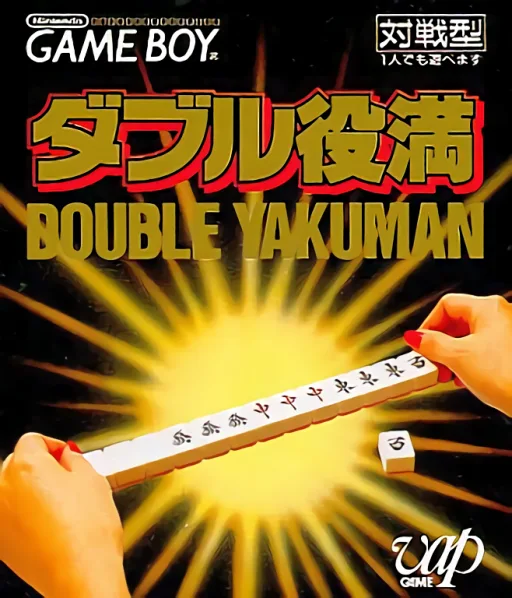
gbDouble Yakuman
 gb
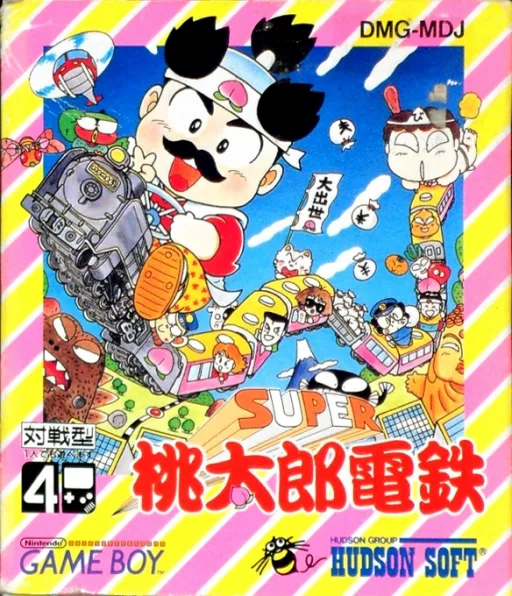
gbSuper Momotarou Dentetsu
 gb
gbWheel of Fortune
 gb
gbThe Game of Life
 gb
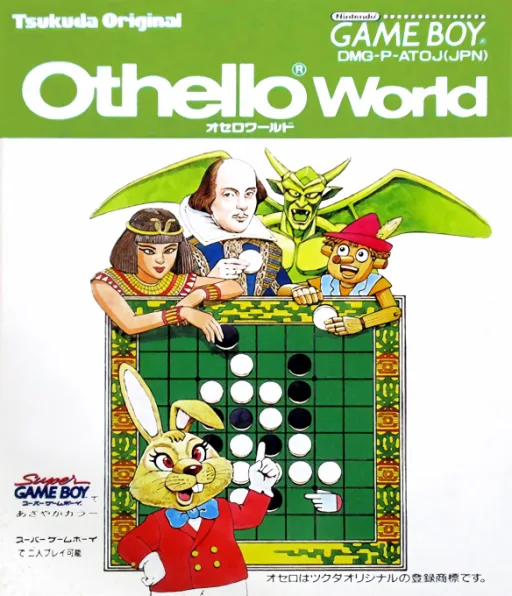
gbOthello World
 gb
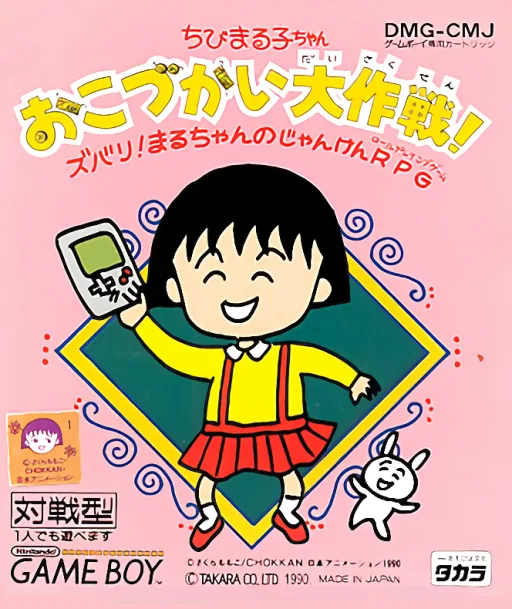
gbChibi Maruko-chan - Okozukai Daisakusen!
 gb
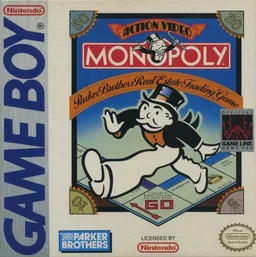
gbMonopoly
Frequently Asked Questions
Q1.Can I play Pachio-kun Game Gallery online in a web browser without downloading?
Yes, EmuAll allows you to play Pachio-kun Game Gallery (GB) directly inside modern web browsers (Chrome, Safari, Edge, Firefox) on PC, Mac, Chromebook, iOS, and Android devices without installing any emulator.
Q2.Does Pachio-kun Game Gallery support in-browser save states?
Yes, the in-browser emulator features instant Save States and Load States, storing your game progress directly in your browser storage so you can pick up where you left off.
Q3.What controls are supported? Can I use a controller for Pachio-kun Game Gallery?
The emulator fully supports standard keyboard controls as well as plug-and-play USB and Bluetooth gamepads (including Xbox, PlayStation, and generic controllers).