
MD
Pacific Conquest
Also known as: 太平洋争霸战, باسيفيك كونكويست, Guerra de Conquista del Pacífico, 태평양 쟁패전, Guerre de Conquête du Pacifique, 太平洋争覇戦, Conquista del Pacifico, Пасифик Конквест, 太平洋爭霸戰, Πασιφικ Κονκουεστ, Conquista do Pacífico
- Platform
- Mega Drive
- Genre
- Strategy/Simulation
- Year
- 1992
- Developer
- Koei
- Publisher
- Koei
EmuAll provides verified clean ROM archives and in-browser emulation for Pacific Conquest (MD). Players can launch and play directly inside modern desktop and mobile browsers with zero local installation, full gamepad support, and instant save states.
ROM downloads
1太平洋争霸战(2018新dump)(32Mb)
Recommended Emulators(MD)
If you choose to download this ROM to play offline, we recommend these top standalone emulators:
About the Game
Players command a Japanese admiral in WWII Pacific Theater battles, managing fleets and submarines in historical operations. Gameplay features turn-based naval strategy with ship management, mission objectives, and event triggers. Story follows real Pacific War campaigns like Midway. Standout mechanics include weather effects on combat, fatigue systems, and large-scale fleet movements. The game is praised for its strategic depth and historical accuracy in the Pacific War context, offering intense single-player or two-player modes.
More MD games
 md
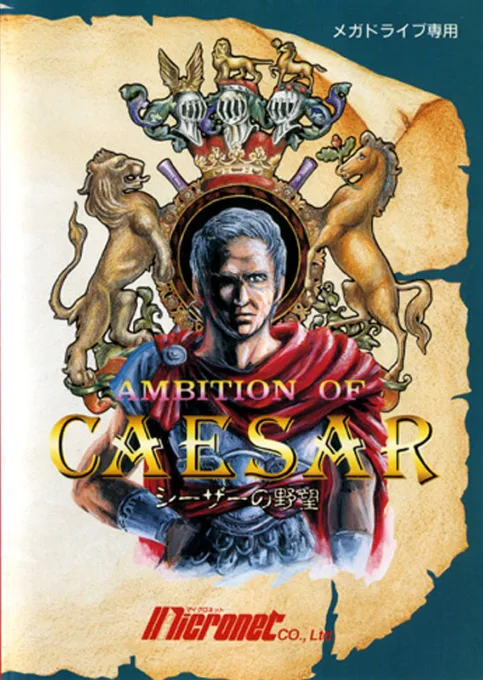
mdCaesar no Yabou
 md
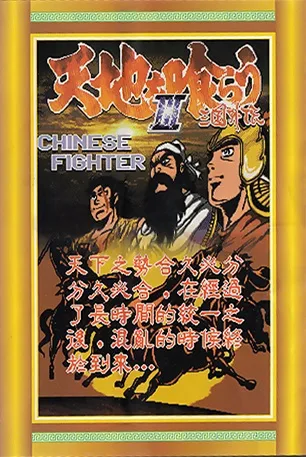
mdTenchi o Kurau III - Sangoku Gaiden
 md
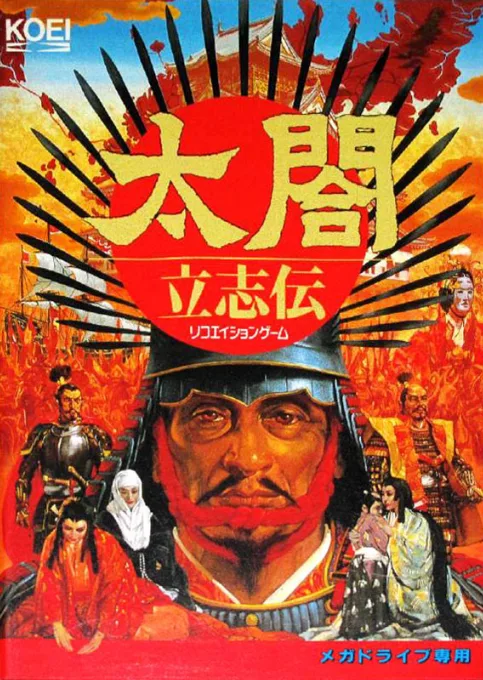
mdTaikō Denkō Den 1
 md
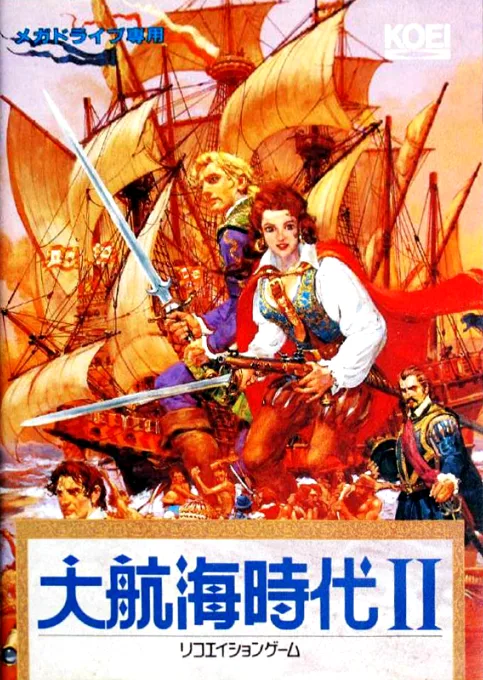
mdDaikoukai Jidai II
 md
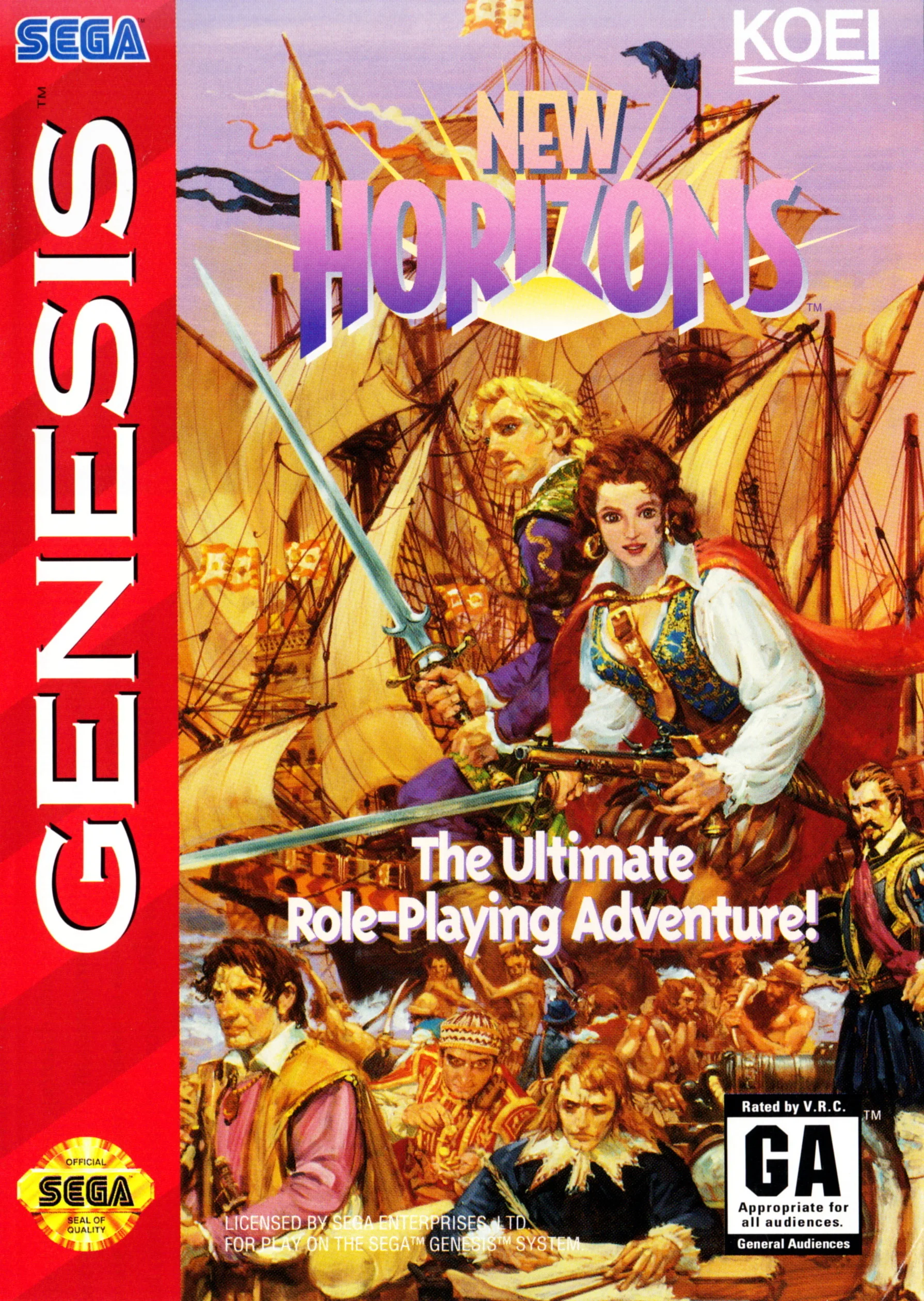
mdAge of Discovery 2
 md
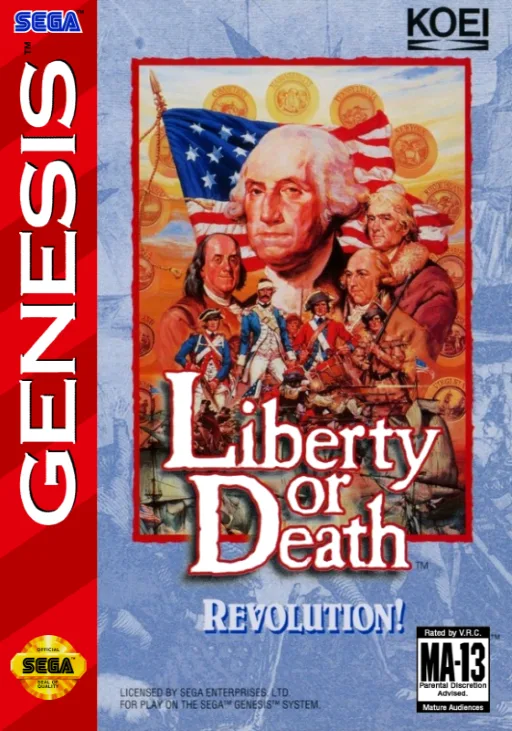
mdLiberty or Death
 md
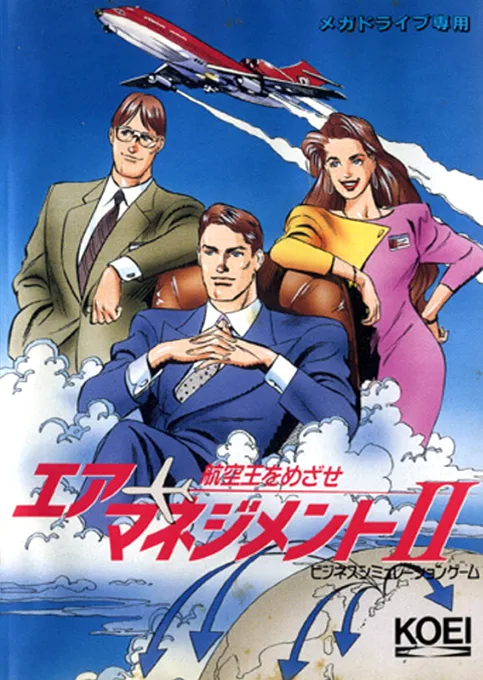
mdAir Management II - Koukuuou o Mezase
 md
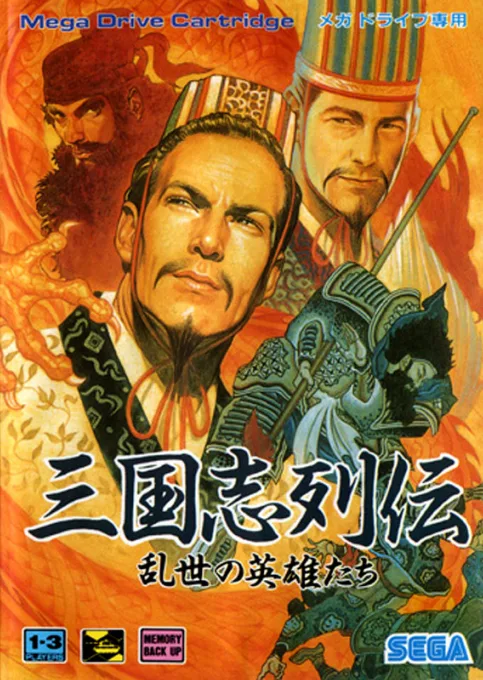
mdSangokushi Retsuden - Ransei no Eiyuutachi
 md
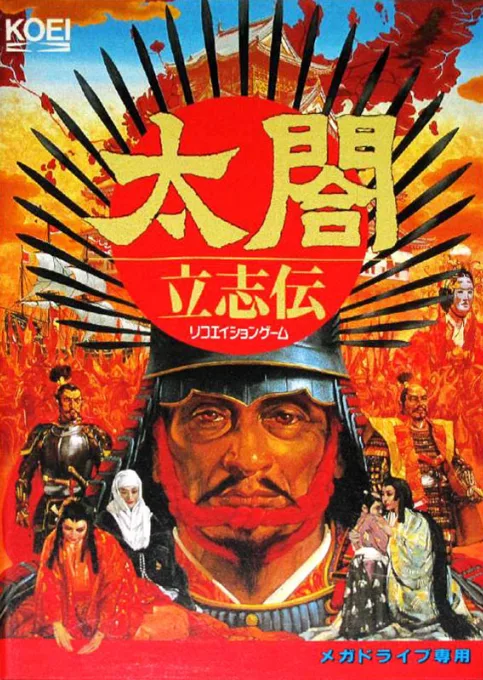
mdTaikou Risshiden
 md
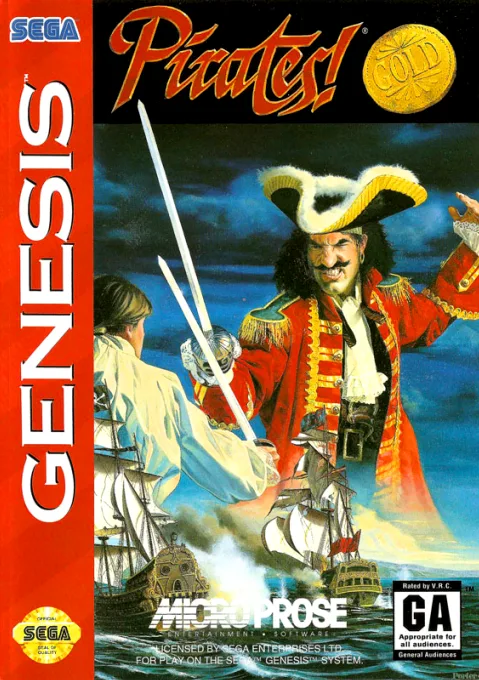
mdPirates! Gold
 md
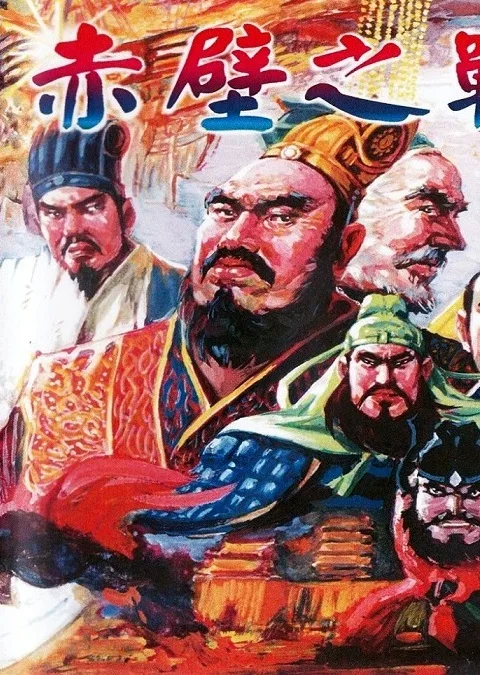
mdTenchi wo Kurau II
 md
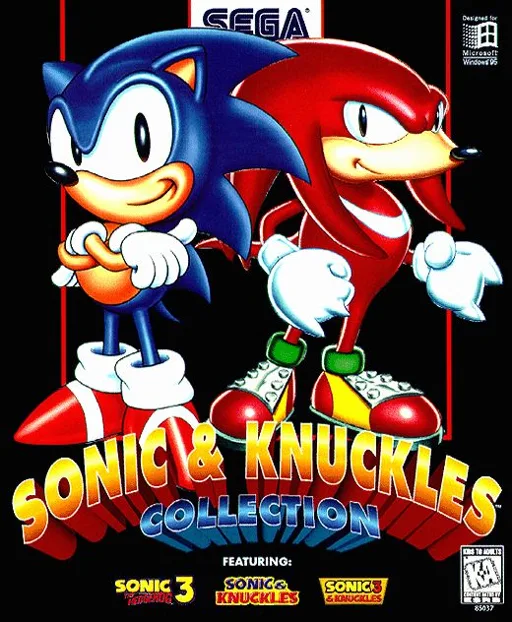
mdSonic & Knuckles + Sonic The Hedgehog 2 + Sonic The Hedgehog 3
Frequently Asked Questions
Q1.Can I play Pacific Conquest online in a web browser without downloading?
Yes, EmuAll allows you to play Pacific Conquest (MD) directly inside modern web browsers (Chrome, Safari, Edge, Firefox) on PC, Mac, Chromebook, iOS, and Android devices without installing any emulator.
Q2.Does Pacific Conquest support in-browser save states?
Yes, the in-browser emulator features instant Save States and Load States, storing your game progress directly in your browser storage so you can pick up where you left off.
Q3.What controls are supported? Can I use a controller for Pacific Conquest?
The emulator fully supports standard keyboard controls as well as plug-and-play USB and Bluetooth gamepads (including Xbox, PlayStation, and generic controllers).