
NES
Pharaoh
Also known as: ファラオ, فاراوه, Faraone, Faraó, Фараох, 파라오, Pharaon, 法老王, Faraón, Φαραοχ
- Platform
- Nintendo Entertainment System
- Genre
- Strategy/Simulation
- Year
- 1989
- Developer
- Thinking Rabbit
- Publisher
- FCI (Fujisankei Communications International)
EmuAll provides verified clean ROM archives and in-browser emulation for Pharaoh (NES). Players can launch and play directly inside modern desktop and mobile browsers with zero local installation, full gamepad support, and instant save states.
ROM downloads
1法老王[外星科技](CN)[RPG](8Mb)
Recommended Emulators(NES)
If you choose to download this ROM to play offline, we recommend these top standalone emulators:
About the Game
Pharaoh is a city-building strategy game where you construct and manage ancient Egyptian settlements. You balance resource management, monument construction, and defense against invaders across historical scenarios. The game challenges you to build pyramids, temples, and housing while maintaining food and employment. Its depth and complexity set it apart from typical NES strategy titles, offering genuine economic and logistical puzzle-solving.
More NES games
 nes
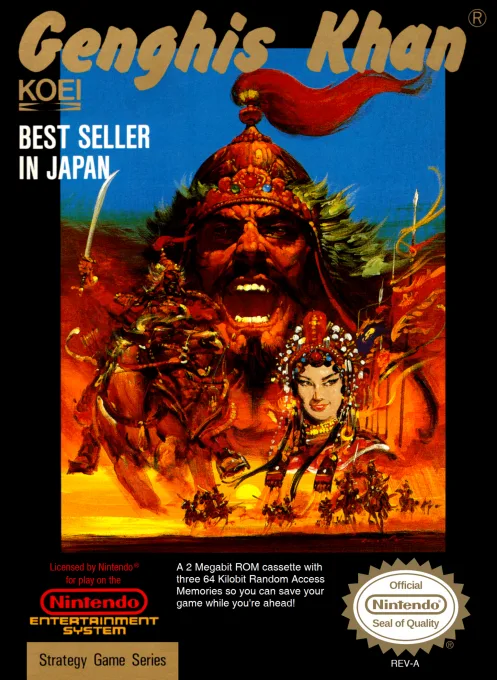
nesGenghis Khan
 nes
nesPresident no Sentaku
 nes
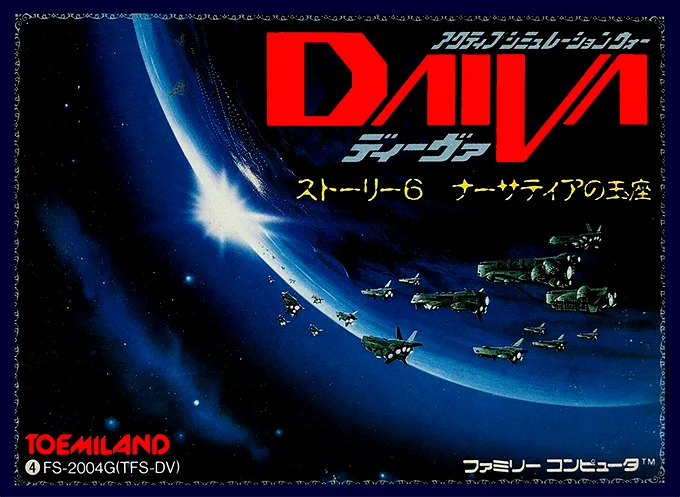
nesDaiva - Imperial of Nirsartia
 nes
nesIshin no Arashi
 nes
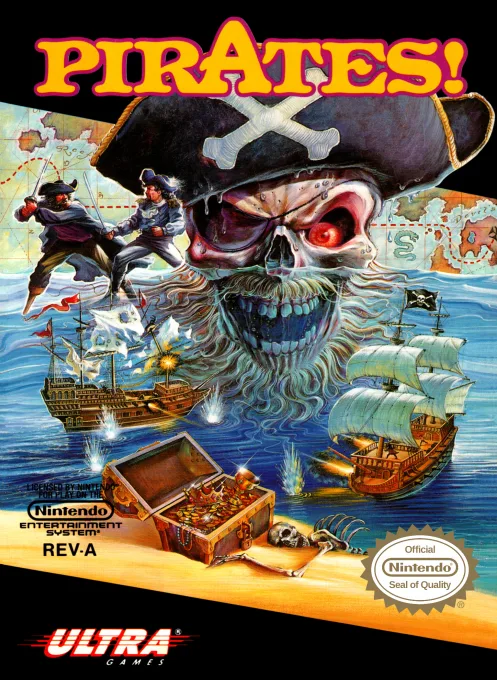
nesPirates!
Huan Shi Tian Di 2 - Autumn Wind's Five Zhang Plain
 nes
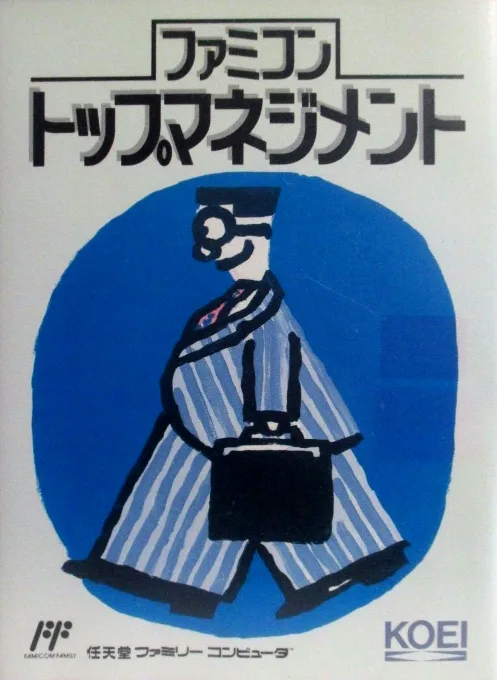
nesFamicom Top Management
 nes
nesZoids 2 - Zenebas no Gyakushuu
 nes
nesZoids - Chuuou Tairiku no Tatakai
Great Tang Fêngyun 4
Anti-Terror Storm: Gulf War
Frequently Asked Questions
Q1.Can I play Pharaoh online in a web browser without downloading?
Yes, EmuAll allows you to play Pharaoh (NES) directly inside modern web browsers (Chrome, Safari, Edge, Firefox) on PC, Mac, Chromebook, iOS, and Android devices without installing any emulator.
Q2.Does Pharaoh support in-browser save states?
Yes, the in-browser emulator features instant Save States and Load States, storing your game progress directly in your browser storage so you can pick up where you left off.
Q3.What controls are supported? Can I use a controller for Pharaoh?
The emulator fully supports standard keyboard controls as well as plug-and-play USB and Bluetooth gamepads (including Xbox, PlayStation, and generic controllers).