
DS
Professor Brainmaniac
Also known as: 天才教授, 疯狂大脑教授, プロフェッサー ブレインマニアック
- Platform
- Nintendo DS
- Genre
- Educational/Puzzle
- Year
- 2008
- Developer
- Frontline Studios
- Publisher
- Bold Games
EmuAll provides verified clean ROM archives and in-browser emulation for Professor Brainmaniac (DS). Players can launch and play directly inside modern desktop and mobile browsers with zero local installation, full gamepad support, and instant save states.
ROM downloads
1Professor Brainmaniac (Europe) (En,Fr,De,Es,It)
Recommended Emulators(DS)
If you choose to download this ROM to play offline, we recommend these top standalone emulators:
About the Game
Professor Brainmaniac is an educational puzzle game for Nintendo DS where players solve various brain teasers and games to advance through levels and improve problem-solving skills. Gameplay includes touch-screen interactions with different puzzle types focused on memory, logic, and creativity. The story follows Professor Brainmaniac guiding the player through educational content presented as fun games. Key characters are limited to the professor character himself. What makes it stand out is its targeted approach to mental stimulation through interactive puzzles without complex narrative.
More DS games
 ds
dsEntraineur Cerebral, L' - Logique
 ds
dsThink - Training fuer den Kopf - Kids - Spiel Dich Schlau!
 ds
dsZennou Series Vol. 03 - Akiyama Jin Kyouju Kanshuu - Zennou JinJin 2
 ds
dsSmart Boy's Winter Wonderland
 ds
dsEntraineur Cerebral, L' - Kids
 ds
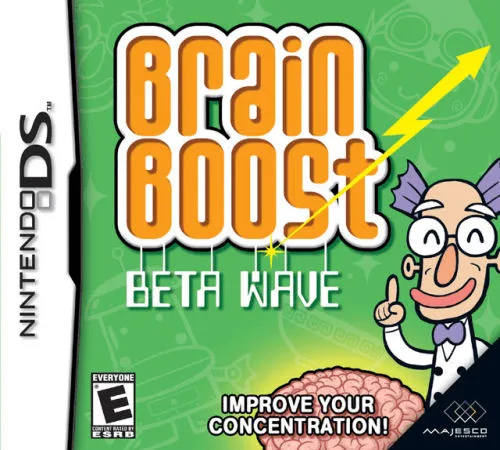
dsProfessor's Brain Trainer, The - Memory
 ds
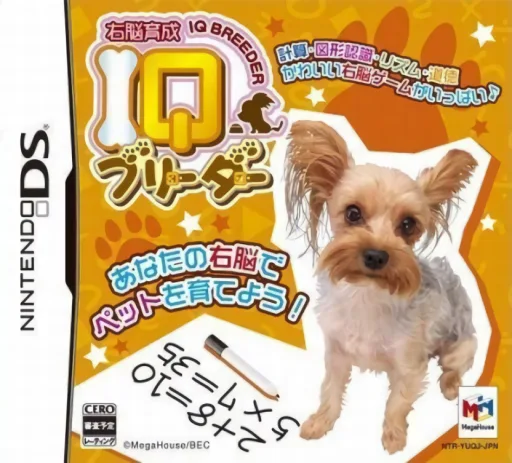
dsUnou Ikusei - IQ Breeder - Pet to Nakayoku IQ Lesson
 ds
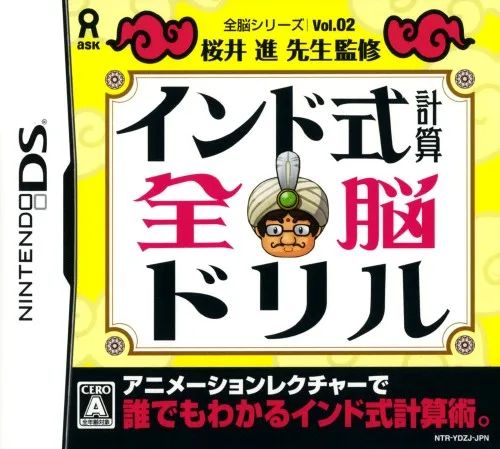
dsZennou Series Vol. 02 - Sakurai Susumu Sensei Kanshuu - India Shiki Keisan Zennou Drill
 ds
dsMein Wortschatz-Coach - Englisch Lernen
 ds
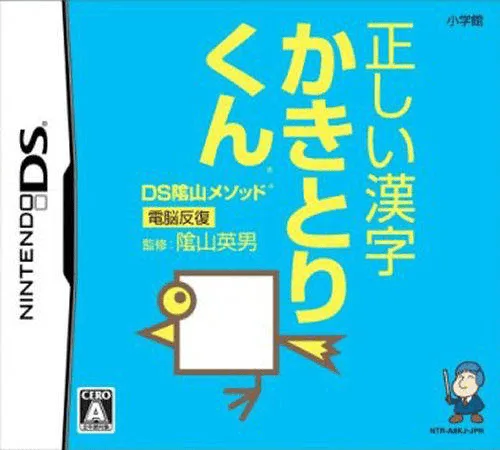
dsProfessor Kageyama's Maths Training - The Hundred Cell Calculation Method
 ds
dsLittle Charley Bear - Toybox of Fun
Frequently Asked Questions
Q1.Can I play Professor Brainmaniac online in a web browser without downloading?
Yes, EmuAll allows you to play Professor Brainmaniac (DS) directly inside modern web browsers (Chrome, Safari, Edge, Firefox) on PC, Mac, Chromebook, iOS, and Android devices without installing any emulator.
Q2.Does Professor Brainmaniac support in-browser save states?
Yes, the in-browser emulator features instant Save States and Load States, storing your game progress directly in your browser storage so you can pick up where you left off.
Q3.What controls are supported? Can I use a controller for Professor Brainmaniac?
The emulator fully supports standard keyboard controls as well as plug-and-play USB and Bluetooth gamepads (including Xbox, PlayStation, and generic controllers).