
DS
Puzzle Series Vol. 8 - Nankuro
Also known as: パズルシリーズVol.8 ナンクロ, 益智系列 Vol. 8 - 南庫羅, 拼图系列 第8卷 - 南库罗, 퍼즐 시리즈 Vol. 8 - 난쿠로
- Platform
- Nintendo DS
- Genre
- Puzzle
- Year
- 2006
- Developer
- Hudson
- Publisher
- Hudson
EmuAll provides verified clean ROM archives and in-browser emulation for Puzzle Series Vol. 8 - Nankuro (DS). Players can launch and play directly inside modern desktop and mobile browsers with zero local installation, full gamepad support, and instant save states.
ROM downloads
1Puzzle Series Vol
Recommended Emulators(DS)
If you choose to download this ROM to play offline, we recommend these top standalone emulators:
About the Game
Puzzle Series Vol. 8: Nankuro is a logic puzzle game on Nintendo DS focused on Japanese number crosswords. Players fill a grid with hiragana letters following rules: same-number squares must use the same kana (and different numbers must use different kana), all words must be valid Japanese words, with black squares separating entries. No story or characters; gameplay emphasizes vocabulary, logic, and word construction. What makes it stand out is its Nikoli-style grid design with no word hints, relying solely on number clues for deep inference and Japanese language practice.
More DS games
 ds
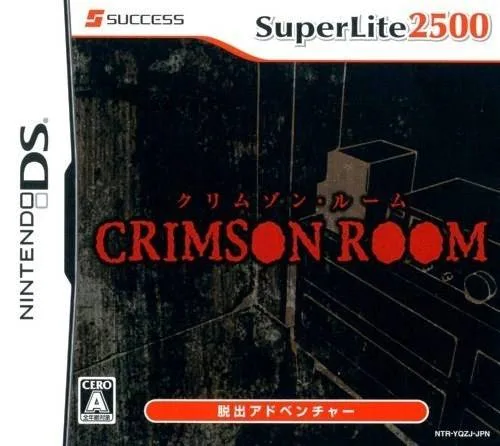
dsSuper Lite 2500 Crimson Room
 ds
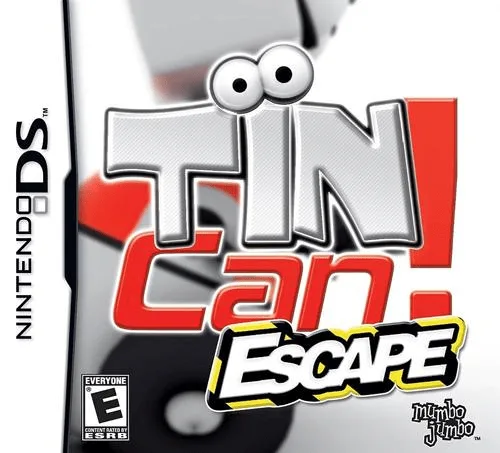
dsTINCan! Escape
 ds
dsBig Brain Academy
 ds
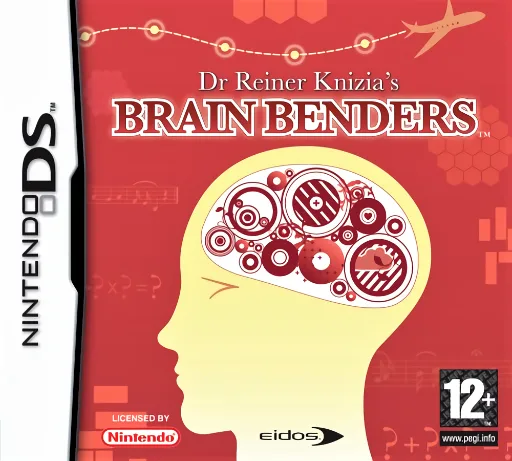
dsDr Reiner Knizia's Brainbenders
 ds
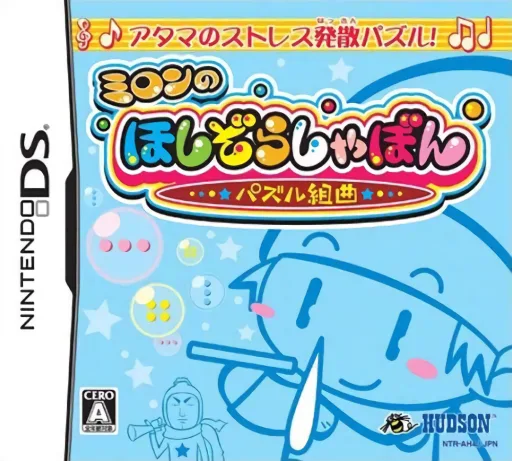
dsMilon no Hoshizora Shabon - Puzzle Kumikyoku
 ds
dsHidden Mysteries - Buckingham Palace - Auf den Spuren der Royals
 ds
dsSafecracker - The Ultimate Puzzle Adventure
 ds
dsTouch Detective - Rina Ozawa
 ds
dsNolleooseyo Dongmurui Sup
 ds
dsPenguin no Mondai - Saikyou Penguin Densetsu!
 ds
dsSudoku Mania - Enhance Your Critical Thinking Skills!
 ds
dsTetris Party Deluxe
Frequently Asked Questions
Q1.Can I play Puzzle Series Vol. 8 - Nankuro online in a web browser without downloading?
Yes, EmuAll allows you to play Puzzle Series Vol. 8 - Nankuro (DS) directly inside modern web browsers (Chrome, Safari, Edge, Firefox) on PC, Mac, Chromebook, iOS, and Android devices without installing any emulator.
Q2.Does Puzzle Series Vol. 8 - Nankuro support in-browser save states?
Yes, the in-browser emulator features instant Save States and Load States, storing your game progress directly in your browser storage so you can pick up where you left off.
Q3.What controls are supported? Can I use a controller for Puzzle Series Vol. 8 - Nankuro?
The emulator fully supports standard keyboard controls as well as plug-and-play USB and Bluetooth gamepads (including Xbox, PlayStation, and generic controllers).