
NES
Qi Wang - Chinese Chess
Also known as: Qi Wang - Ajedrez chino, Qi Wang - 중국 체스, Κι Ουανγκ - Τσινεσ Τσεσ, Ки Уанг - Чинес Чесс, قي وانغ - تشينيس تشيس
- Platform
- Nintendo Entertainment System
- Genre
- Board
- Developer
- Unknown
- Publisher
- Unknown
EmuAll provides verified clean ROM archives and in-browser emulation for Qi Wang - Chinese Chess (NES). Players can launch and play directly inside modern desktop and mobile browsers with zero local installation, full gamepad support, and instant save states.
ROM downloads
1Qi Wang - Chinese Chess (Asia) (Ja) (Unl)
Recommended Emulators(NES)
If you choose to download this ROM to play offline, we recommend these top standalone emulators:
About the Game
A Chinese Chess (Xiangqi) game for the NES/Famicom. Players move traditional pieces like generals, advisors, elephants, horses, chariots, cannons, and soldiers across the board following classical Xiangqi rules. The game features AI opponents and allows players to practice or compete in matches following authentic Chinese chess gameplay.
More NES games
 nes
nesChinese Checkers
 nes
nesMy Life My Love - Boku no Yume - Watashi no Negai
 nes
nesTaboo - The Sixth Sense
 nes
nesHayauchi Super Igo
 nes
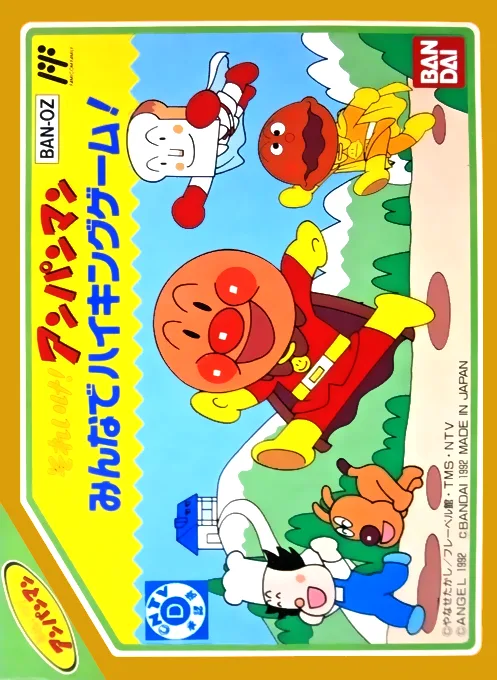
nesSoreike! Anpanman - Minna de Hiking Game!
 nes
nesAV Mahjong Club
 nes
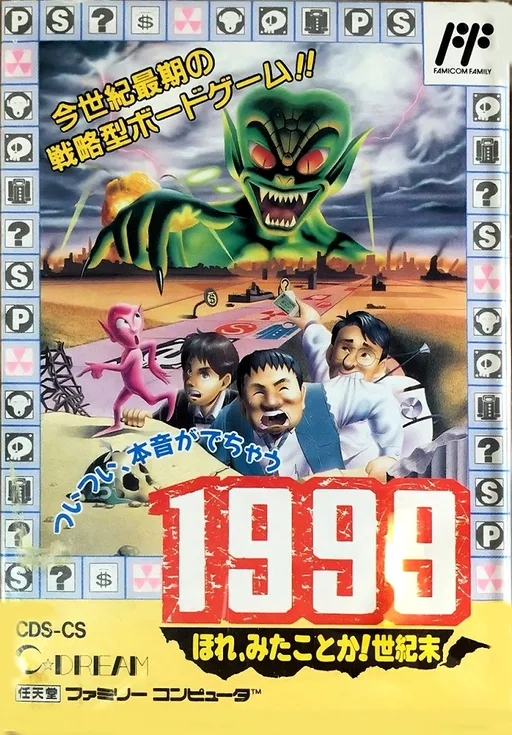
nes1999 - Hore, Mitakotoka! Seikimatsu
 nes
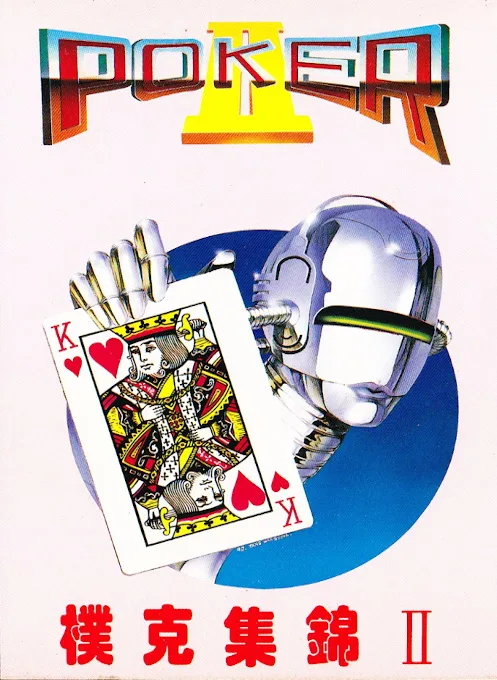
nesPoker II
 nes
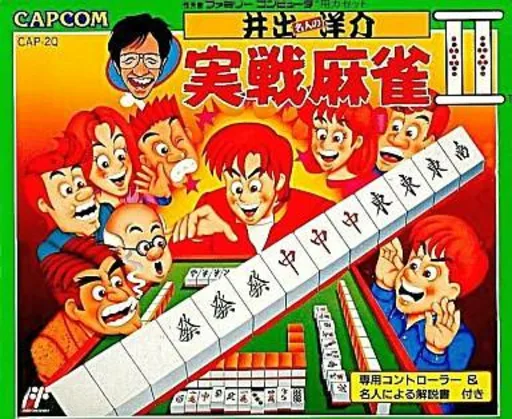
nesIde Yousuke Meijin no Jissen Mahjong II
 nes
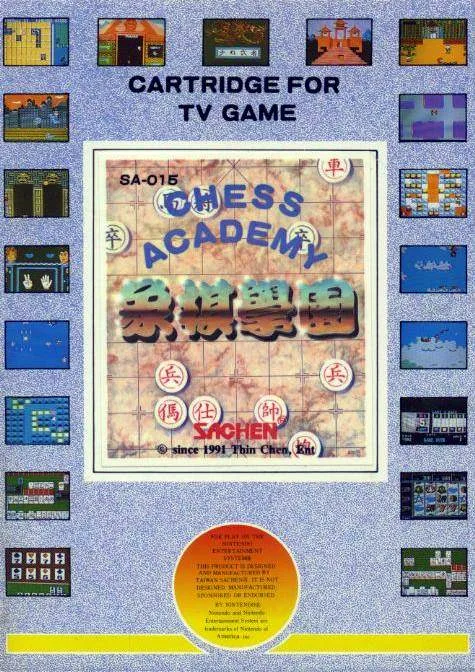
nesChess Academy
 nes
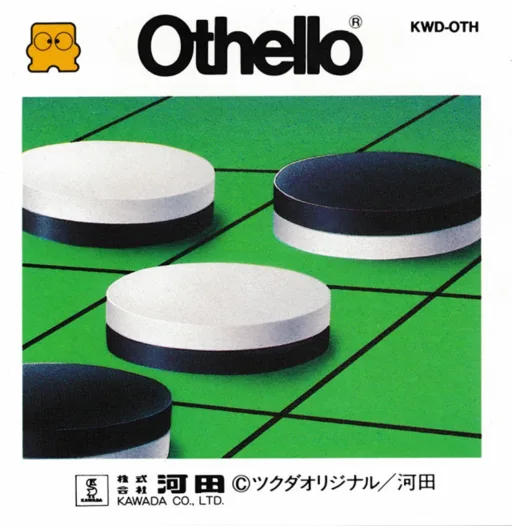
nesBlack & White Chess
 nes
nesShougi Meikan '93
Frequently Asked Questions
Q1.Can I play Qi Wang - Chinese Chess online in a web browser without downloading?
Yes, EmuAll allows you to play Qi Wang - Chinese Chess (NES) directly inside modern web browsers (Chrome, Safari, Edge, Firefox) on PC, Mac, Chromebook, iOS, and Android devices without installing any emulator.
Q2.Does Qi Wang - Chinese Chess support in-browser save states?
Yes, the in-browser emulator features instant Save States and Load States, storing your game progress directly in your browser storage so you can pick up where you left off.
Q3.What controls are supported? Can I use a controller for Qi Wang - Chinese Chess?
The emulator fully supports standard keyboard controls as well as plug-and-play USB and Bluetooth gamepads (including Xbox, PlayStation, and generic controllers).