
NES
Remote Control
Also known as: 遙控, 遥控, リモートコントロール
- Platform
- Nintendo Entertainment System
- Genre
- Quiz
- Year
- 1990
- Developer
- Riedel Software Productions
- Publisher
- Hi-Tech Expressions
EmuAll provides verified clean ROM archives and in-browser emulation for Remote Control (NES). Players can launch and play directly inside modern desktop and mobile browsers with zero local installation, full gamepad support, and instant save states.
ROM downloads
1Remote Control (USA)
Recommended Emulators(NES)
If you choose to download this ROM to play offline, we recommend these top standalone emulators:
About the Game
MTV: Remote Control is a quiz game for the NES that lets players compete against two computer opponents by answering trivia questions in rounds. Categories include TV trivia from the 1960s-1970s like Happy Days, Bewitched, and M.A.S.H., as well as general pop culture and science/math questions. Gameplay features selecting a category (3 questions of increasing value: 5, 10, 15 points), then Lightning Rounds with buzzer control for fast answers. It includes special modes like Still More MTV with bonus questions. The characters are the MTV crew from the original TV show: host Mike O'Brien and contestants like Vanna White. It stands out as a licensed tie-in to the MTV game show, with fast-paced trivia designed for quick, fun sessions.
More NES games
 nes
nesFamily Quiz - 4-nin wa Rival
 nes
nesProject Q
 nes
nesAmerica Oudan Ultra Quiz - Shijou Saidai no Tatakai
 nes
nesFamily Feud
 nes
nesGimmi a Break - Shijou Saikyou no Quiz Ou Ketteisen 2
 nes
nesJeopardy!
 nes
nesSpartan X 2
 nes
nesSuper Mario Bros.
 nes
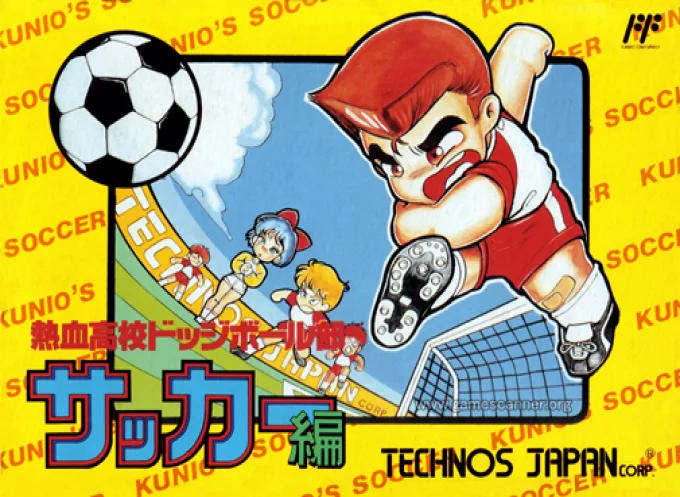
nesNekketsu Koukou Dodgeball-bu - Soccer Hen
![Kunio Kun No Nekketsu Soccer League [T-Eng1.1 Pentarouzero]](https://cdn.emuall.com/covers/76PzY8VVrYp7qrbW9VxNmh/64tupFJzjwFmYWngeubv9R.webp?t=KAPXvEfeW90xdySe8GTkXWgWjR657bL0yfrE9epf8l-CWVszZCIBkg) nes
nesKunio Kun No Nekketsu Soccer League [T-Eng1.1 Pentarouzero]
 nes
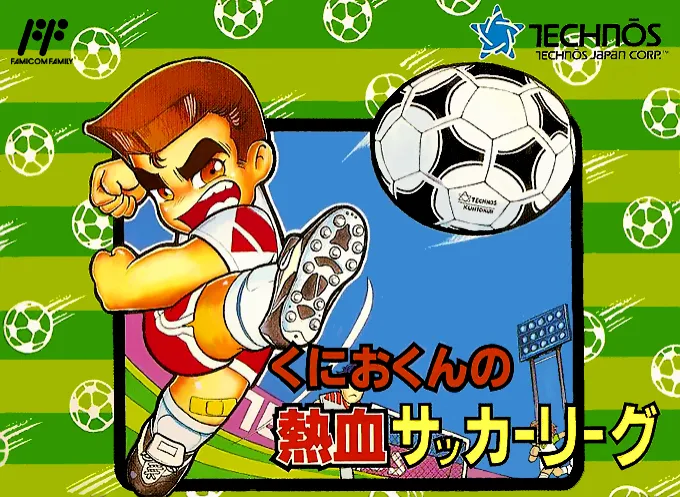
nesKunio-kun no Nekketsu Soccer League
 nes
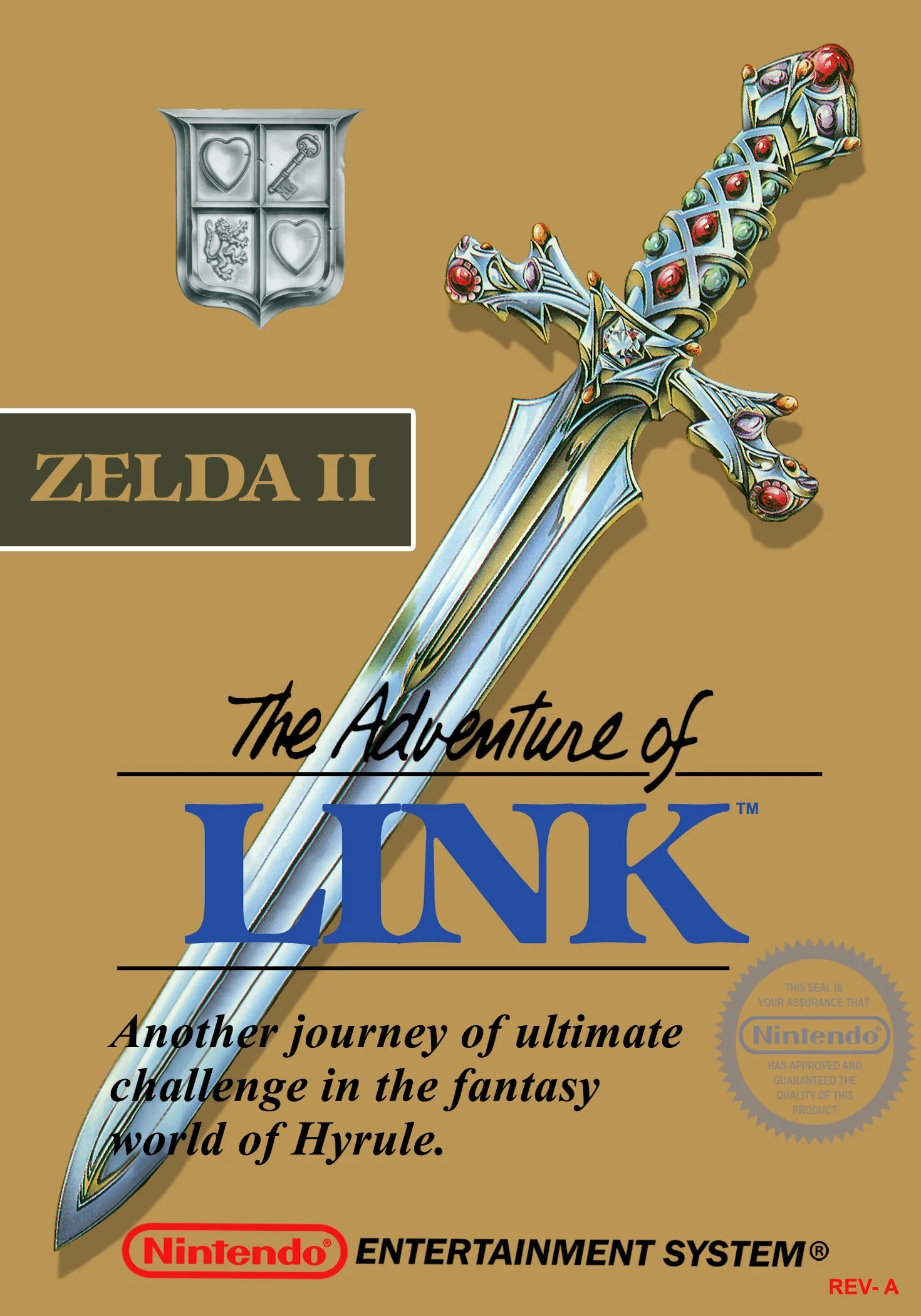
nesThe Legend of Zelda II - The Adventure of Link
Frequently Asked Questions
Q1.Can I play Remote Control online in a web browser without downloading?
Yes, EmuAll allows you to play Remote Control (NES) directly inside modern web browsers (Chrome, Safari, Edge, Firefox) on PC, Mac, Chromebook, iOS, and Android devices without installing any emulator.
Q2.Does Remote Control support in-browser save states?
Yes, the in-browser emulator features instant Save States and Load States, storing your game progress directly in your browser storage so you can pick up where you left off.
Q3.What controls are supported? Can I use a controller for Remote Control?
The emulator fully supports standard keyboard controls as well as plug-and-play USB and Bluetooth gamepads (including Xbox, PlayStation, and generic controllers).