
GBA
Rhythm Tengoku
Also known as: 节奏天国 - 旋律天堂 Rhythm Tengoku, 리듬 천국, 旋律天国 Rhythm Tengoku, 旋律天國, リズム天国
- Platform
- Game Boy Advance
- Genre
- Music
- Year
- 2006
- Developer
- Nintendo SPD
- Publisher
- Nintendo
EmuAll provides verified clean ROM archives and in-browser emulation for Rhythm Tengoku (GBA). Players can launch and play directly inside modern desktop and mobile browsers with zero local installation, full gamepad support, and instant save states.
ROM downloads
2旋律天国 Rhythm Tengoku(JP)(Nintendo)(128Mb)
Recommended节奏天国 - 旋律天堂 Rhythm Tengoku(v1
Recommended Emulators(GBA)
If you choose to download this ROM to play offline, we recommend these top standalone emulators:
About the Game
Rhythm Tengoku is a rhythm game for Game Boy Advance developed by Nintendo SPD in collaboration with Tsunku. Players complete over 50 unique rhythm-based minigames by pressing buttons in time with visual and audio cues. The game features quirky scenarios including a monkey catching balls, marching soldiers, and space dancers, each with distinctive musical tracks. Known for its precise timing requirements and charming presentation, it launched the popular Rhythm Heaven series. The game was Japan-exclusive but gained a cult following internationally.
More GBA games
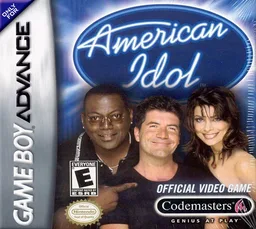 gba
gba美国偶像超巨星节拍 American Idol
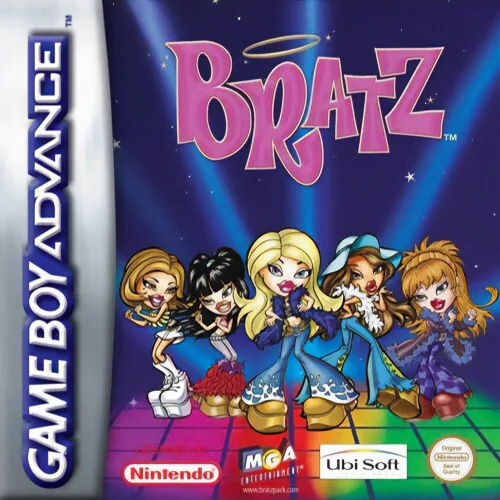 gba
gbaDance Stage Bratz
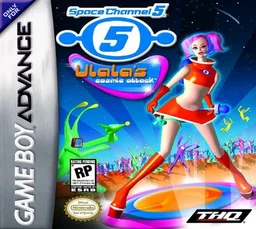 gba
gbaSpace Channel 5 - Ulala's Shiny Attack
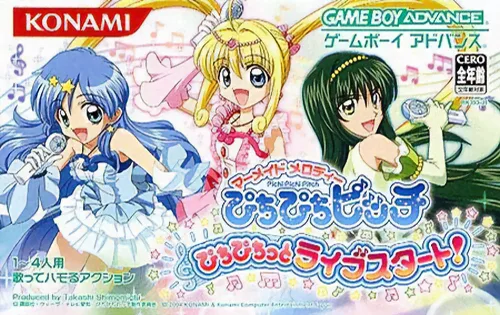 gba
gba美人鱼之韵 活力之舞 活力现场演奏会 Mermaid Melody - Pichi Pichi Picchi Pichi Pichitto Live Start
 gba
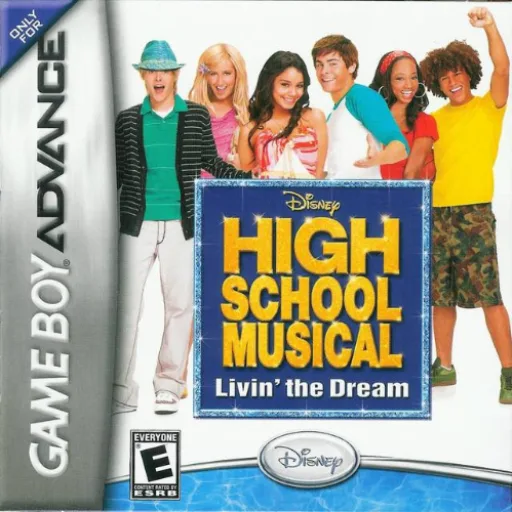
gba歌舞青春
 gba
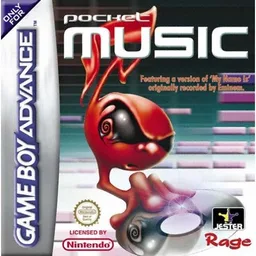
gbaPocket Music
 gba
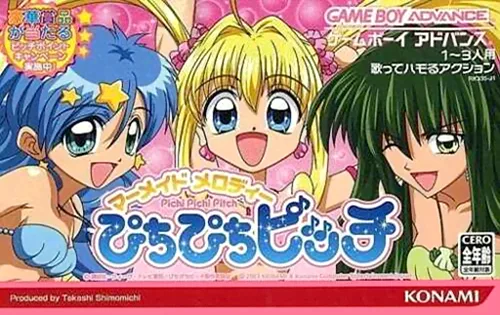
gbaMermaid Melody - Pichi Pichi Pitch
 gba
gba美国偶像超巨星节拍 Pop Idol
 gba
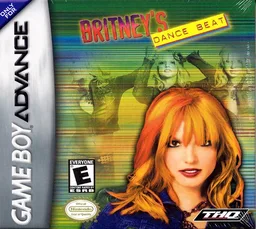
gbaBritney's Dance Beat
 gba
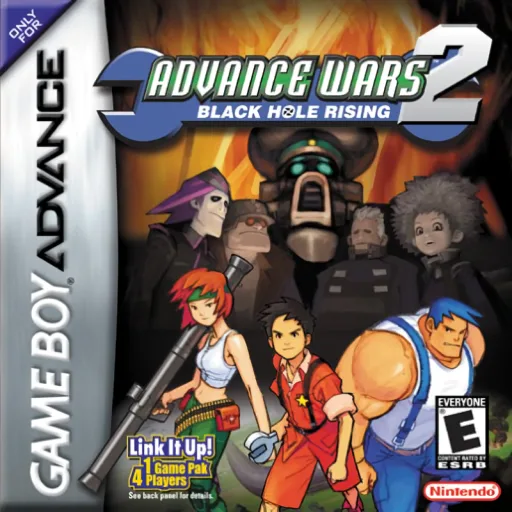
gbaAdvance Wars 2 - Black Hole Rising
 gba
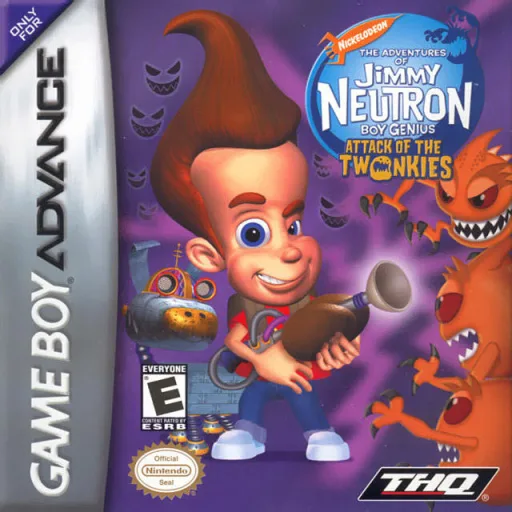
gbaJimmy Neutron Boy Genius - Attack of the Twonkies
 gba
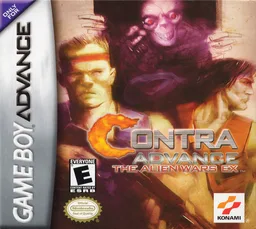
gbaContra Hard Spirits
Frequently Asked Questions
Q1.Can I play Rhythm Tengoku online in a web browser without downloading?
Yes, EmuAll allows you to play Rhythm Tengoku (GBA) directly inside modern web browsers (Chrome, Safari, Edge, Firefox) on PC, Mac, Chromebook, iOS, and Android devices without installing any emulator.
Q2.Does Rhythm Tengoku support in-browser save states?
Yes, the in-browser emulator features instant Save States and Load States, storing your game progress directly in your browser storage so you can pick up where you left off.
Q3.What controls are supported? Can I use a controller for Rhythm Tengoku?
The emulator fully supports standard keyboard controls as well as plug-and-play USB and Bluetooth gamepads (including Xbox, PlayStation, and generic controllers).