
NES
Side Pocket
Also known as: 사이드 포켓, 侧袋, サイドポケット, 側袋, Сид Покет, Σιντ Ποκετ, سيد بوكيت
- Platform
- Nintendo Entertainment System
- Genre
- Sports
- Year
- 1987
- Developer
- Data East
- Publisher
- Data East
EmuAll provides verified clean ROM archives and in-browser emulation for Side Pocket (NES). Players can launch and play directly inside modern desktop and mobile browsers with zero local installation, full gamepad support, and instant save states.
ROM downloads
3Side Pocket (USA)
RecommendedSide Pocket (Europe)
Side Pocket (Japan)
Recommended Emulators(NES)
If you choose to download this ROM to play offline, we recommend these top standalone emulators:
About the Game
Side Pocket is a cue sports simulation game for the NES/Famicom, ported from the 1986 arcade original by Data East. The main mode is Pocket Game, a straight pool-style straight pool where players aim to pocket balls and achieve a score goal to advance through four levels, with increasing difficulty. Players earn points for consecutive pockets and numerical ball order, and can attempt trick shots that light up specific pockets for bonuses like extra lives. There are five lives, lost on scratches or consecutive misses. The game features photo-realistic elements in some ports but is faithful to arcade physics on NES. It stands out for its depth in pool mechanics, realistic ball movement, and challenging progression across cities as levels, with optional trick shot training.
More NES games
![Kunio Kun No Nekketsu Soccer League [T-Eng1.1 Pentarouzero]](https://cdn.emuall.com/covers/76PzY8VVrYp7qrbW9VxNmh/64tupFJzjwFmYWngeubv9R.webp?t=KAPXvEfeW90xdySe8GTkXWgWjR657bL0yfrE9epf8l-CWVszZCIBkg) nes
nesKunio Kun No Nekketsu Soccer League [T-Eng1.1 Pentarouzero]
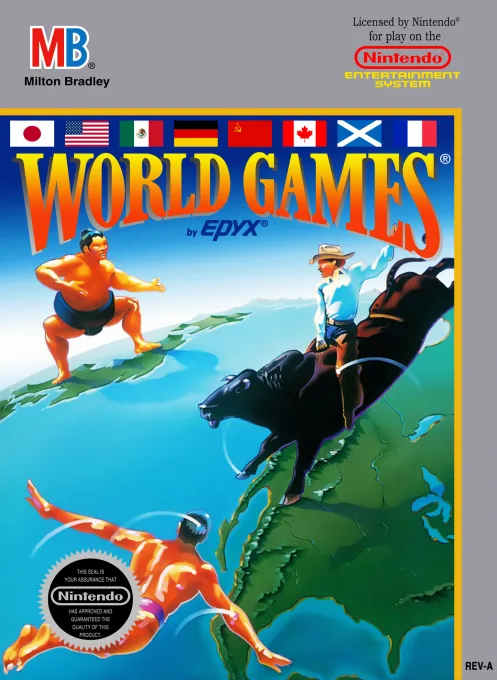 nes
nesWorld Games
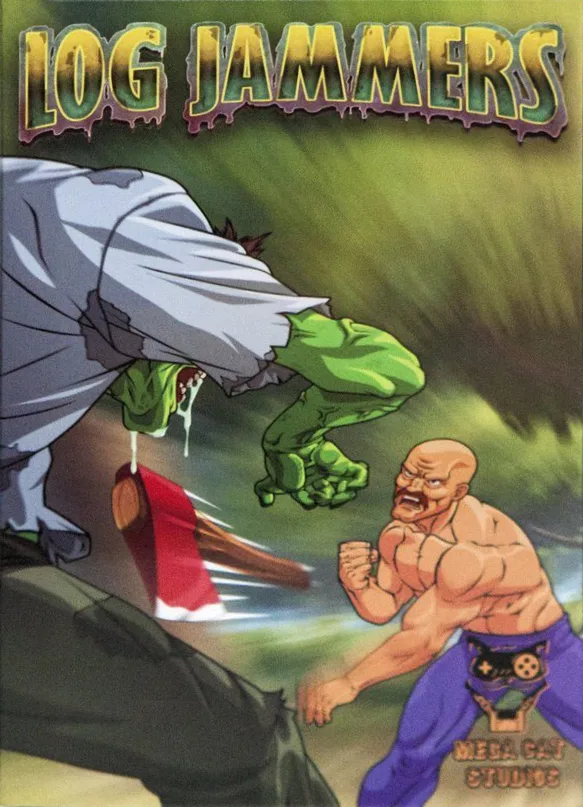 nes
nesLog Jammers
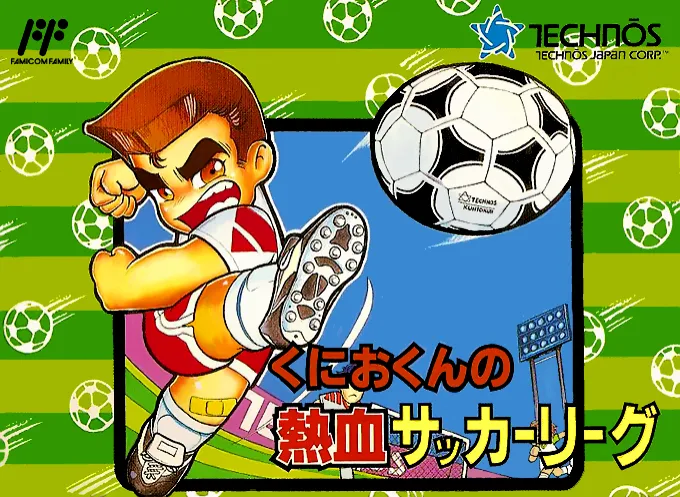 nes
nesHeat Blood Football League
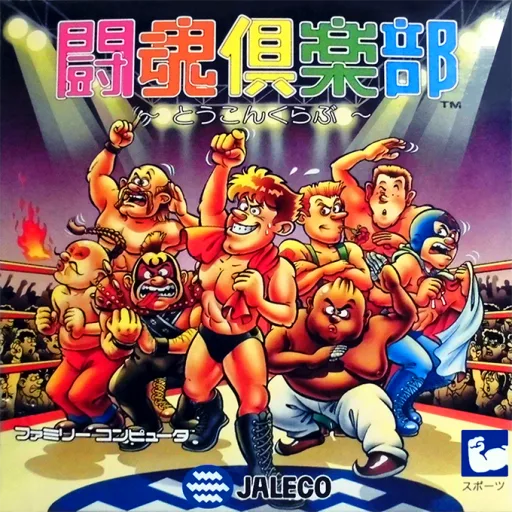 nes
nesToukon Club
 nes
nesAV Soccer
 nes
nesTerao no Dosukoi Oozumou
 nes
nesBaken Hisshou Gaku - Gate In
 nes
nesRollerblade Racer
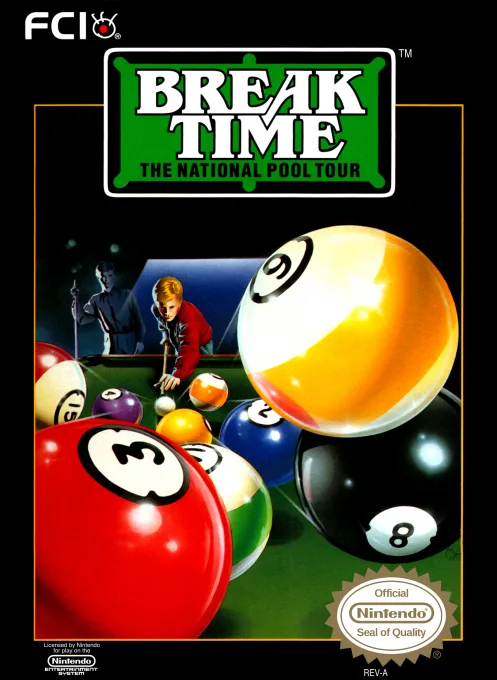 nes
nesBreak Time - The National Pool Tour
 nes
nesUltimate Basketball
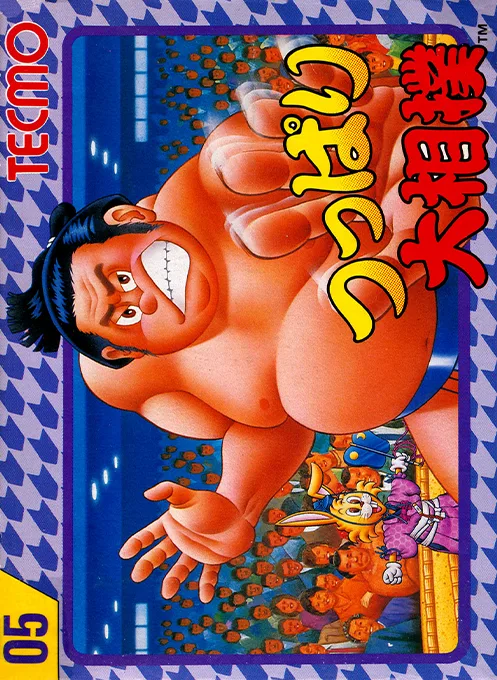 nes
nesTsuppari Oozumou
Frequently Asked Questions
Q1.Can I play Side Pocket online in a web browser without downloading?
Yes, EmuAll allows you to play Side Pocket (NES) directly inside modern web browsers (Chrome, Safari, Edge, Firefox) on PC, Mac, Chromebook, iOS, and Android devices without installing any emulator.
Q2.Does Side Pocket support in-browser save states?
Yes, the in-browser emulator features instant Save States and Load States, storing your game progress directly in your browser storage so you can pick up where you left off.
Q3.What controls are supported? Can I use a controller for Side Pocket?
The emulator fully supports standard keyboard controls as well as plug-and-play USB and Bluetooth gamepads (including Xbox, PlayStation, and generic controllers).