
NES
Student Computer
Also known as: Computer per studenti, 学生电脑, Computador de estudante, Studentencomputer, Computadora de estudiante, Ordinateur d'étudiant, 학생 컴퓨터, 學生電腦
- Platform
- Nintendo Entertainment System
- Genre
- Educational
- Year
- 1990
- Developer
- Unknown (Famiclone/Chinese manufacturer)
- Publisher
- Unknown (Chinese Famiclone manufacturer)
EmuAll provides verified clean ROM archives and in-browser emulation for Student Computer (NES). Players can launch and play directly inside modern desktop and mobile browsers with zero local installation, full gamepad support, and instant save states.
ROM downloads
3学生电脑[小视霸](CN)[ETC](4Mb)
Recommended学生电脑[高昇达](CN)[ETC](4Mb)
学生电脑[未知](CN)[ETC](4Mb)
Recommended Emulators(NES)
If you choose to download this ROM to play offline, we recommend these top standalone emulators:
About the Game
学生电脑 is an educational software package for the NES/Famicom platform. It includes multiple programs for learning subjects like mathematics, language, and basic computing. Gameplay consists of interactive quizzes, tutorials, and simple simulations. Characters are generic educational figures. It stands out as one of the earliest Chinese Famiclone educational titles, providing structured learning content on hardware designed for both study and play.
More NES games
Little Tyrant Learning Machine V8
 nes
nesDonkey Kong Jr. no Sansuu Asobi
 nes
nesKing of Cards Learning Machine
English-Chinese Dictionary 2
 nes
nesTiny Toon Adventures Cartoon Workshop
 nes
nesLittle Scholar Teaching Card A1.0
 nes
nesOeka Kids - Anpanman no Hiragana Daisuki
 nes
nesJeopardy!
Little Tyrant Learning Machine V11
 nes
nesPyramid PEC-9588 Learning Card
 nes
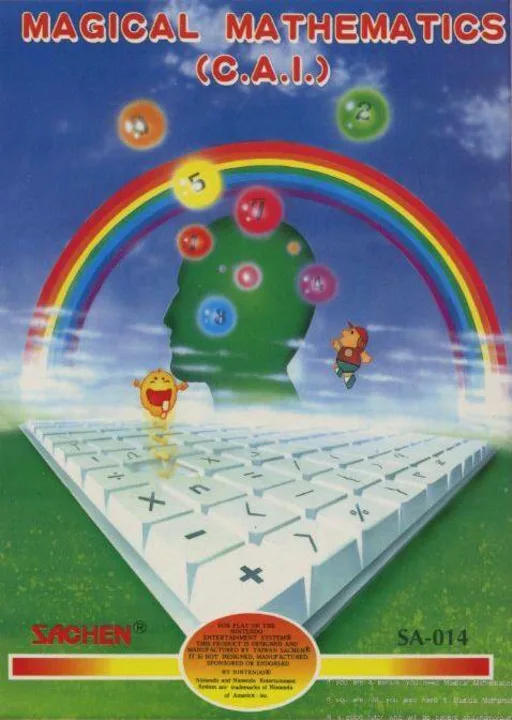
nesMagical Mathematics
Frequently Asked Questions
Q1.Can I play Student Computer online in a web browser without downloading?
Yes, EmuAll allows you to play Student Computer (NES) directly inside modern web browsers (Chrome, Safari, Edge, Firefox) on PC, Mac, Chromebook, iOS, and Android devices without installing any emulator.
Q2.Does Student Computer support in-browser save states?
Yes, the in-browser emulator features instant Save States and Load States, storing your game progress directly in your browser storage so you can pick up where you left off.
Q3.What controls are supported? Can I use a controller for Student Computer?
The emulator fully supports standard keyboard controls as well as plug-and-play USB and Bluetooth gamepads (including Xbox, PlayStation, and generic controllers).