
GBA
Tales of Fantasy
Also known as: تاليس أوف فانتازي, Contos de Fantasia, 幻想传说, 幻想伝説, Ταλεσ οφ Φανταζι, 幻想傳說, 판타지 전설, Contes de Fantaisie, Талес оф Фэнтези, Racconti di Fantasia, Cuentos de Fantasía
- Platform
- Game Boy Advance
- Genre
- Role-Playing
- Year
- 2003
- Developer
- Namco
- Publisher
- Namco
EmuAll provides verified clean ROM archives and in-browser emulation for Tales of Fantasy (GBA). Players can launch and play directly inside modern desktop and mobile browsers with zero local installation, full gamepad support, and instant save states.
ROM downloads
1幻想传说[千岛&叶子](简)(JP)(66
Recommended Emulators(GBA)
If you choose to download this ROM to play offline, we recommend these top standalone emulators:
About the Game
Fantasia is a Role-Playing game developed and published by Namco for the Game Boy Advance. The player assumes the role of a new party member in the epic Tales series, joining the classic quartet on their journey to obtain Buddhist scriptures. Gameplay features deep character development with the ability to change jobs (classes), explore a large overworld map, and engage in turn-based tactical battles with combo attacks and special techniques. Key characters include the player character, Genjyo Sanzo, Son Goku, Sha Gojyo, Cho Hakkai, and others from the Saiyuki lineage. It stands out by incorporating visuals and voice acting from the earlier Tales of Phantasia remake, offering a portable reimagining of the classic JRPG adventure with refined mechanics and reduced random encounters.
More GBA games
 gba
gbaWizardry Summoner
 gba
gbaI Love Teddy Bear
 gba
gbaMahou Sensei Negima! - Private Lesson 2 Ojamashimasuu Parasite de Chu
 gba
gbaFire Emblem (En, Es, It)
 gba
gbaPokemon - Unbound
 gba
gbaThe Lord of the Rings - Uchitsu Kuni Daisanki
 gba
gbaDragon Quest Characters - Torneco no Daibouken 3 Advance - Fushigi no Dungeon
 gba
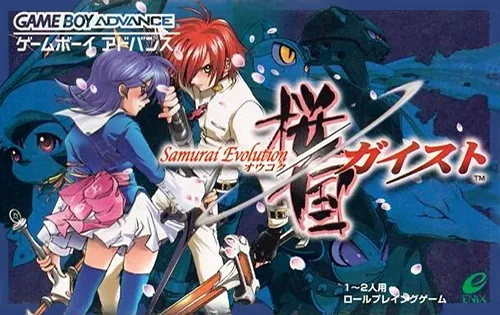
gba樱国之魂 Samurai Evolution - Oukoku Geist
 gba
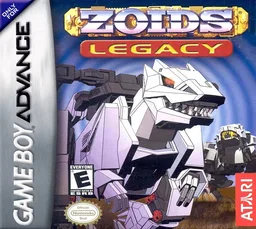
gbaZoids - Legacy
 gba
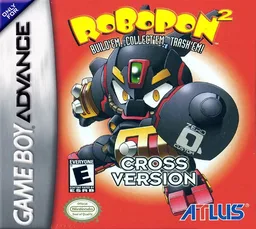
gbaRobopon 2 - Cross Version
 gba
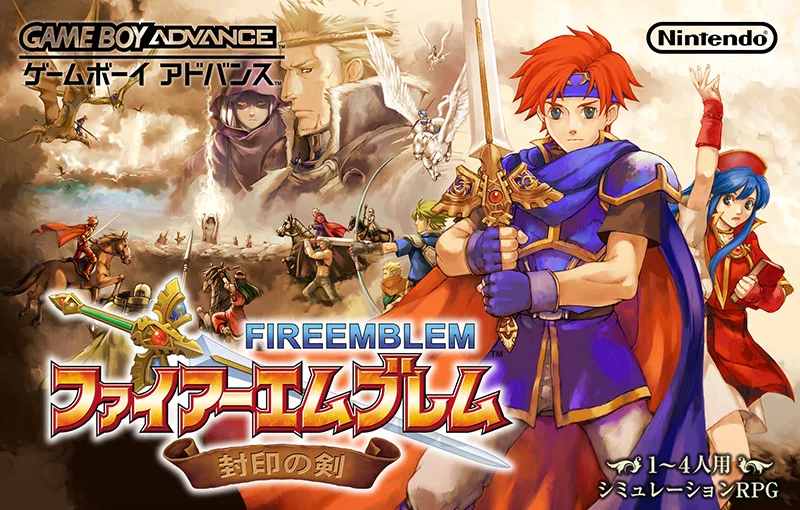
gbaFire Emblem - Ai Ge Xin Li De Zhe Xue
Frequently Asked Questions
Q1.Can I play Tales of Fantasy online in a web browser without downloading?
Yes, EmuAll allows you to play Tales of Fantasy (GBA) directly inside modern web browsers (Chrome, Safari, Edge, Firefox) on PC, Mac, Chromebook, iOS, and Android devices without installing any emulator.
Q2.Does Tales of Fantasy support in-browser save states?
Yes, the in-browser emulator features instant Save States and Load States, storing your game progress directly in your browser storage so you can pick up where you left off.
Q3.What controls are supported? Can I use a controller for Tales of Fantasy?
The emulator fully supports standard keyboard controls as well as plug-and-play USB and Bluetooth gamepads (including Xbox, PlayStation, and generic controllers).