
NES
Tecmo Bowl
- Platform
- Nintendo Entertainment System
- Genre
- Sports
- Year
- 1989
- Developer
- Tecmo
- Publisher
- Tecmo
EmuAll provides verified clean ROM archives and in-browser emulation for Tecmo Bowl (NES). Players can launch and play directly inside modern desktop and mobile browsers with zero local installation, full gamepad support, and instant save states.
ROM downloads
5Tecmo Bowl (USA)
RecommendedTecmo Bowl (USA) (Rev 1)
Tecmo Bowl (World) (Rev 1) (Virtual Console, Switch Online)
Tecmo Bowl (Japan)
Tecmo Bowl (USA) (Beta)
Recommended Emulators(NES)
If you choose to download this ROM to play offline, we recommend these top standalone emulators:
About the Game
Tecmo Bowl is a single-player and two-player sports game for the NES. Gameplay involves selecting from 12 fictional city teams and 4 plays in a playbook; offense avoids the defense while the AI calls defensive plays anticipating yours for sacks or interceptions. Player attributes like strength and speed are key; pass or run to win touchdowns. Modes include single-player championship mode with password saves and coach mode for play-calling. Story has no narrative but emphasizes arcade-style tackling and strategy with real NFL player rosters loosely based on 1987-1988 seasons. What makes it stand out is its innovative defense-by-play-calling and role-playing team management in a 9-on-9 format.
More NES games
![Kunio Kun No Nekketsu Soccer League [T-Eng1.1 Pentarouzero]](https://cdn.emuall.com/covers/76PzY8VVrYp7qrbW9VxNmh/64tupFJzjwFmYWngeubv9R.webp?t=KAPXvEfeW90xdySe8GTkXWgWjR657bL0yfrE9epf8l-CWVszZCIBkg) nes
nesKunio Kun No Nekketsu Soccer League [T-Eng1.1 Pentarouzero]
 nes
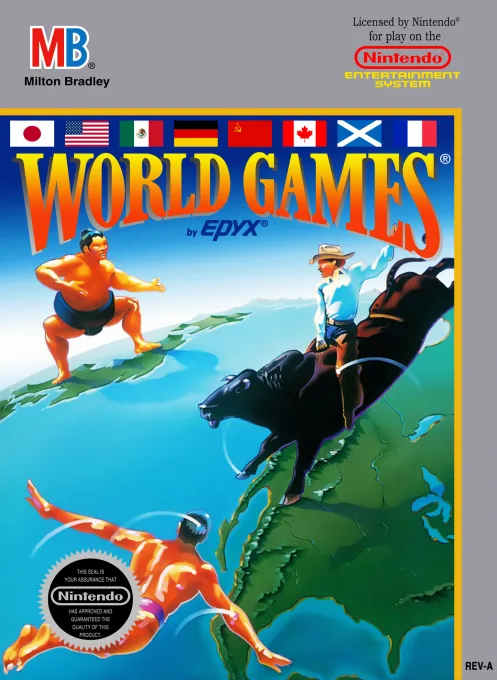
nesWorld Games
 nes
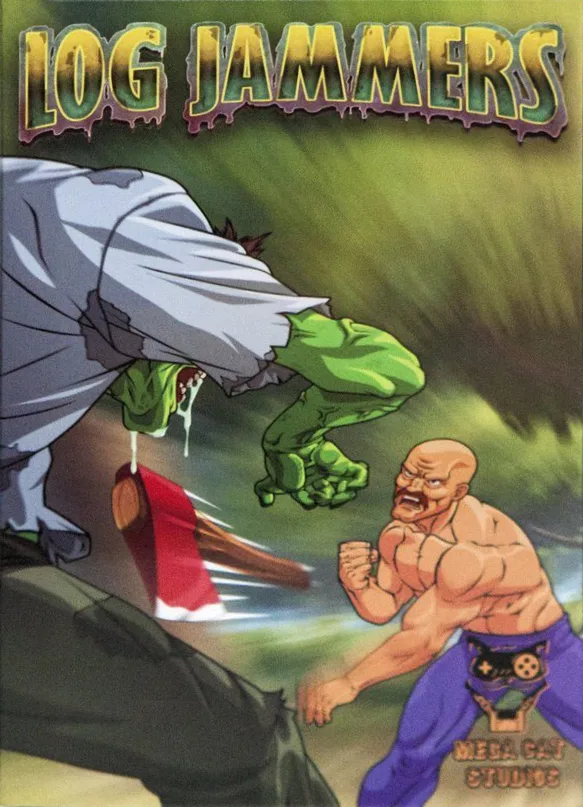
nesLog Jammers
 nes
nesHeat Blood Football League
 nes
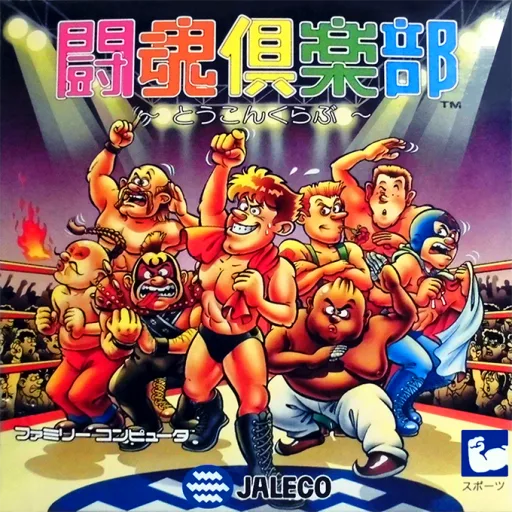
nesToukon Club
 nes
nesAV Soccer
 nes
nesTerao no Dosukoi Oozumou
 nes
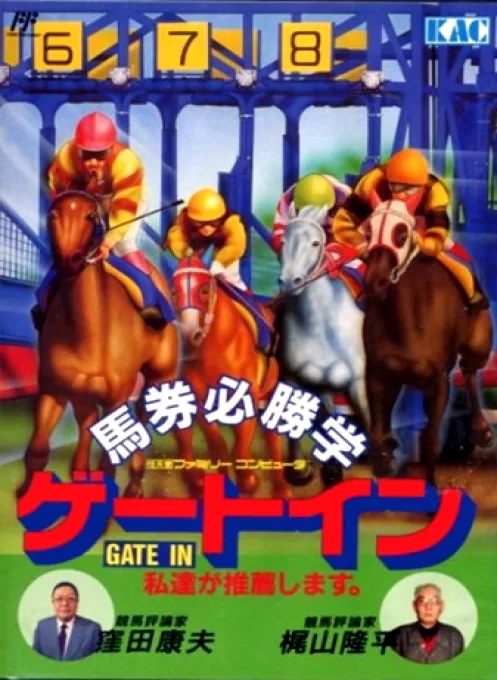
nesBaken Hisshou Gaku - Gate In
 nes
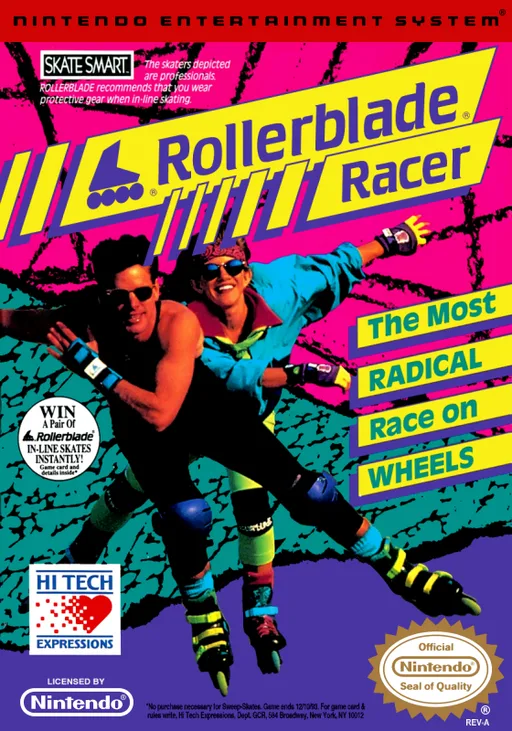
nesRollerblade Racer
 nes
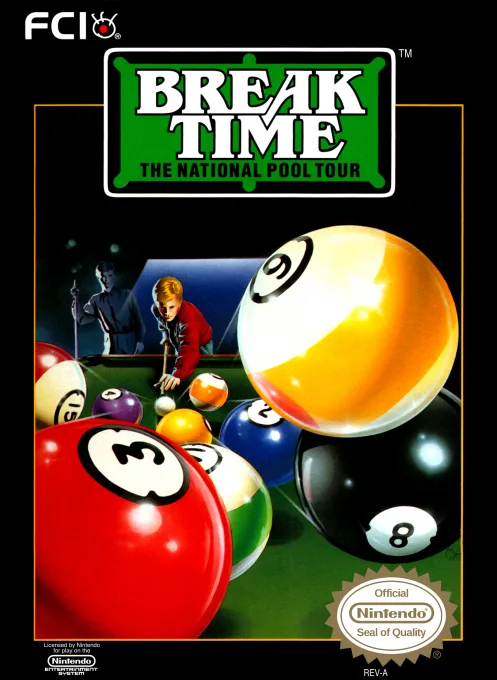
nesBreak Time - The National Pool Tour
 nes
nesUltimate Basketball
 nes
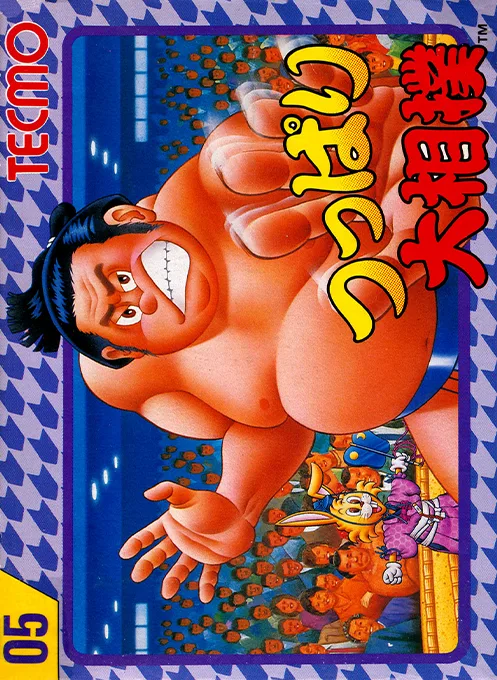
nesTsuppari Oozumou
Frequently Asked Questions
Q1.Can I play Tecmo Bowl online in a web browser without downloading?
Yes, EmuAll allows you to play Tecmo Bowl (NES) directly inside modern web browsers (Chrome, Safari, Edge, Firefox) on PC, Mac, Chromebook, iOS, and Android devices without installing any emulator.
Q2.Does Tecmo Bowl support in-browser save states?
Yes, the in-browser emulator features instant Save States and Load States, storing your game progress directly in your browser storage so you can pick up where you left off.
Q3.What controls are supported? Can I use a controller for Tecmo Bowl?
The emulator fully supports standard keyboard controls as well as plug-and-play USB and Bluetooth gamepads (including Xbox, PlayStation, and generic controllers).