
SNES
Theme Park
Also known as: Тем Парк, 主题公园, 主題樂園
- Platform
- Super Nintendo
- Genre
- Strategy/Simulation
- Year
- 1995
- Developer
- Bullfrog Productions
- Publisher
- Ocean Software
EmuAll provides verified clean ROM archives and in-browser emulation for Theme Park (SNES). Players can launch and play directly inside modern desktop and mobile browsers with zero local installation, full gamepad support, and instant save states.
ROM downloads
2Theme Park (Europe) (En,Fr,De)
RecommendedTheme Park (Japan)
Recommended Emulators(SNES)
If you choose to download this ROM to play offline, we recommend these top standalone emulators:
About the Game
Theme Park is a construction and management simulation game where you design and operate a global chain of amusement parks. Build attractions like roller coasters, Ferris wheels, and treehouses, while managing staff, research, and customer satisfaction. Attract guests by customizing facilities such as food and scenery; neglect maintenance and rides can explode. Tour the park or adjust parameters to optimize profits. Set in various locations with unique biome-specific attractions. Players customize park layouts, hire entertainers, and balance expansion with profitability for long-term success.
More SNES games
 snes
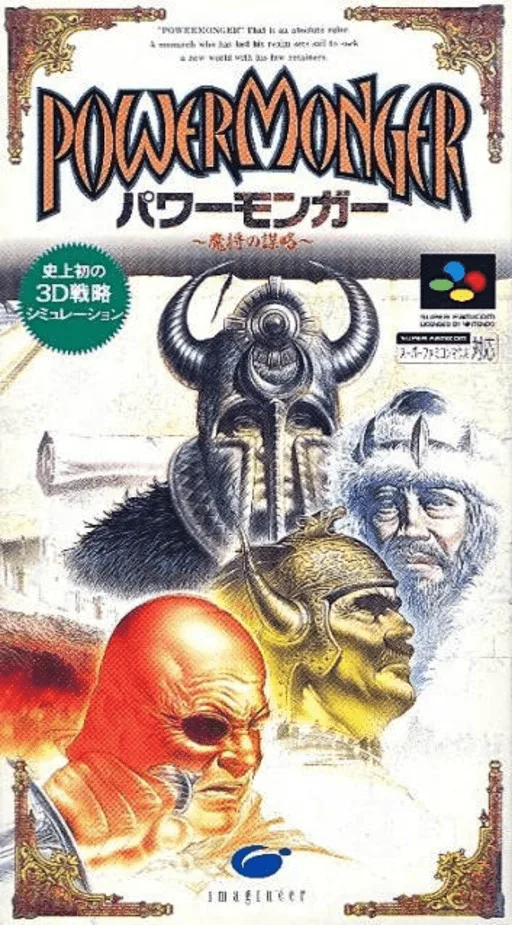
snesPowerMonger - Mashou no Bouryaku
 snes
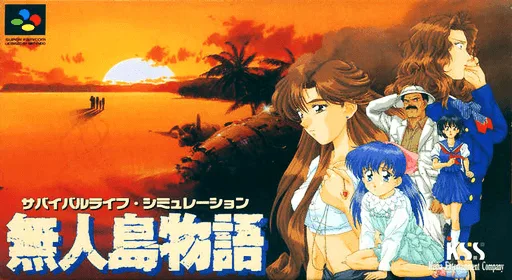
snesMujintou Monogatari
 snes
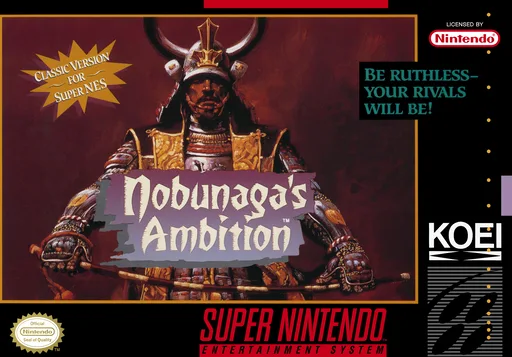
snesNobunaga's Ambition
 snes
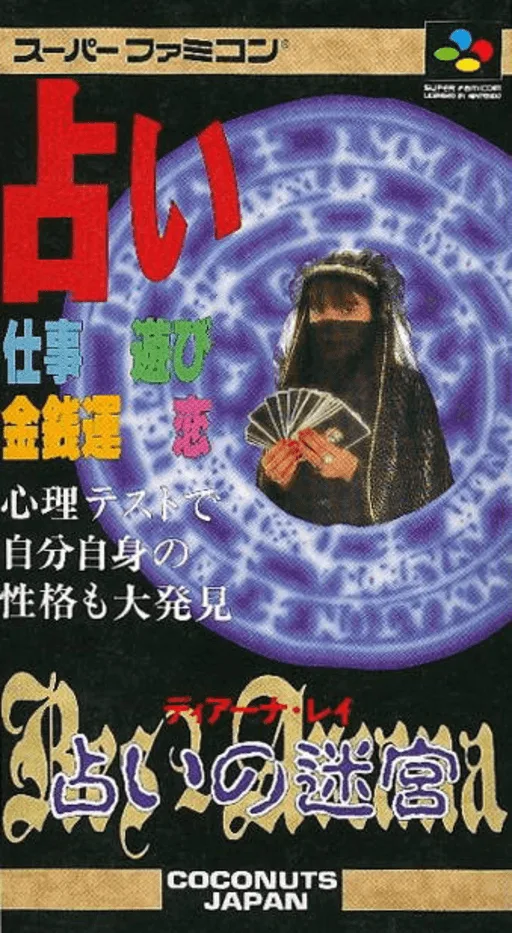
snesRes Arcana - Diana Ray - Uranai no Meikyuu
 snes
snesAIII S.V. - A Ressha de Ikou 3 - Super Version
 snes
snesSuper Daikoukai Jidai
 snes
snesBattle Submarine
 snes
snesSuper Battletank
 snes
snesSuper Inindou - Datou Nobunaga
 snes
snesSocks the Cat Rocks the Hill
 snes
snesTNN Bass Tournament of Champions
 snes
snesSkuljagger - Revolt of the Westicans
Frequently Asked Questions
Q1.Can I play Theme Park online in a web browser without downloading?
Yes, EmuAll allows you to play Theme Park (SNES) directly inside modern web browsers (Chrome, Safari, Edge, Firefox) on PC, Mac, Chromebook, iOS, and Android devices without installing any emulator.
Q2.Does Theme Park support in-browser save states?
Yes, the in-browser emulator features instant Save States and Load States, storing your game progress directly in your browser storage so you can pick up where you left off.
Q3.What controls are supported? Can I use a controller for Theme Park?
The emulator fully supports standard keyboard controls as well as plug-and-play USB and Bluetooth gamepads (including Xbox, PlayStation, and generic controllers).