
DS
TouchMaster 4 - Connect
Also known as: TouchMaster - Connect, 触碰大师 - 连接, Τουτσμαστερ 4 - Κονεκτ, タッチマスター 4 - コネクト, 觸碰大師 4 - 連接, 터치마스터 - 커넥트, Таучмастер 4 - Коннект, 터치마스터 4 - 커넥트, タッチマスター - コネクト, 觸碰大師 - 連接, 触碰大师 4 - 连接, تاوتشماستير 4 - كونيكت
- Platform
- Nintendo DS
- Genre
- Puzzle
- Year
- 2010
- Developer
- DoubleTap Games
- Publisher
- Warner Bros.
EmuAll provides verified clean ROM archives and in-browser emulation for TouchMaster 4 - Connect (DS). Players can launch and play directly inside modern desktop and mobile browsers with zero local installation, full gamepad support, and instant save states.
ROM downloads
2TouchMaster - Connect (USA) (En,Fr,Es) (NDSi Enhanced)
RecommendedTouchMaster 4 - Connect (Europe) (En,Fr,De,Es,It) (NDSi Enhanced)
Recommended Emulators(DS)
If you choose to download this ROM to play offline, we recommend these top standalone emulators:
About the Game
TouchMaster 4: Connect is a DS party puzzle game compilation featuring touch controls for 20 mini-games including Solitaire Classic, Mahjong Pairs, Tri-Towers, and Word Search. Gameplay involves drag-and-drop interactions, card matching, and strategic moves in pick-up-and-play modes. There is no single story or characters; it's a collection of addictive casual puzzles and trivia with single-player and local multiplayer support. It stands out as the final entry in the TouchMaster series with social sharing via Facebook/Twitter and varied game modes for relaxed fun.
More DS games
 ds
dsSuper Lite 2500 Crimson Room
 ds
dsTINCan! Escape
 ds
dsBig Brain Academy
 ds
dsDr Reiner Knizia's Brainbenders
 ds
dsMilon no Hoshizora Shabon - Puzzle Kumikyoku
 ds
dsHidden Mysteries - Buckingham Palace - Auf den Spuren der Royals
 ds
dsSafecracker - The Ultimate Puzzle Adventure
 ds
dsTouch Detective - Rina Ozawa
 ds
dsNolleooseyo Dongmurui Sup
 ds
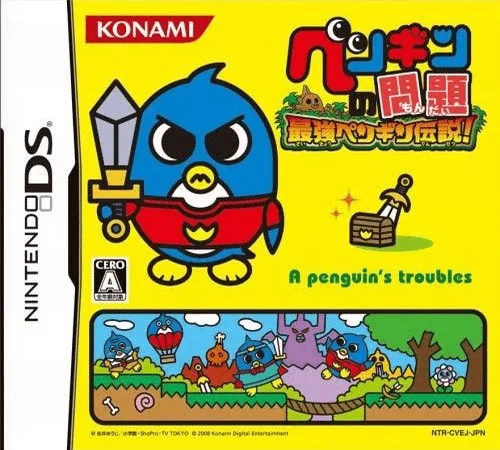
dsPenguin no Mondai - Saikyou Penguin Densetsu!
 ds
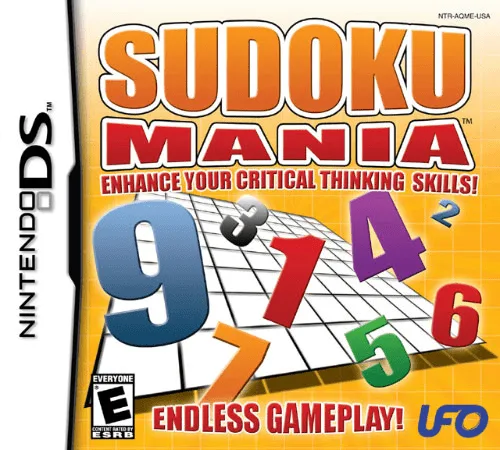
dsSudoku Mania - Enhance Your Critical Thinking Skills!
 ds
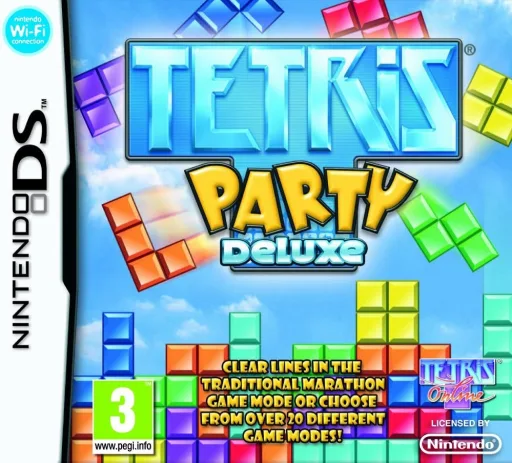
dsTetris Party Deluxe
Frequently Asked Questions
Q1.Can I play TouchMaster 4 - Connect online in a web browser without downloading?
Yes, EmuAll allows you to play TouchMaster 4 - Connect (DS) directly inside modern web browsers (Chrome, Safari, Edge, Firefox) on PC, Mac, Chromebook, iOS, and Android devices without installing any emulator.
Q2.Does TouchMaster 4 - Connect support in-browser save states?
Yes, the in-browser emulator features instant Save States and Load States, storing your game progress directly in your browser storage so you can pick up where you left off.
Q3.What controls are supported? Can I use a controller for TouchMaster 4 - Connect?
The emulator fully supports standard keyboard controls as well as plug-and-play USB and Bluetooth gamepads (including Xbox, PlayStation, and generic controllers).