
DS
Toy Shop
Also known as: Τοι Σοπ, 玩具店, 토이 샵, Той Шоп, トイショップ, توي شوب
- Platform
- Nintendo DS
- Genre
- Simulation
- Year
- 2008
- Developer
- Seed Studios
- Publisher
- Majesco Codemasters
EmuAll provides verified clean ROM archives and in-browser emulation for Toy Shop (DS). Players can launch and play directly inside modern desktop and mobile browsers with zero local installation, full gamepad support, and instant save states.
ROM downloads
2Toy Shop (USA)
Recommended玩具商店(US)(星组)(128Mb)
Recommended Emulators(DS)
If you choose to download this ROM to play offline, we recommend these top standalone emulators:
About the Game
Toy Shop is a single-player simulation/role-playing game where players take control of siblings Mark and Mel, who inherit their grandfather's failing toy shop. In the story, the siblings must turn the empty shop profitable within three years or lose it, by exploring a seaside town for customers and ideas or building toys in the workshop. Gameplay involves designing store layouts with the stylus, building toys with a mini-game requiring quick d-pad inputs for tools, managing finances, setting prices, and interacting with townsfolk for quests and advice. Toys level up for better production and rarer items unlock at higher levels. It stands out for its cozy RPG-like progression, blend of business management and adventure, and charming seaside setting.
More DS games
 ds
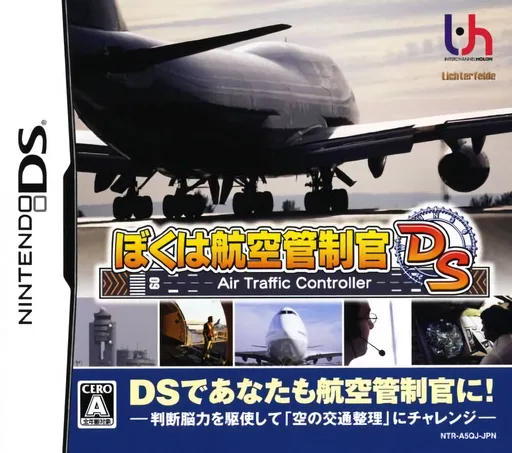
dsBoku wa Koukuu Kanseikan DS - Air Traffic Controller
 ds
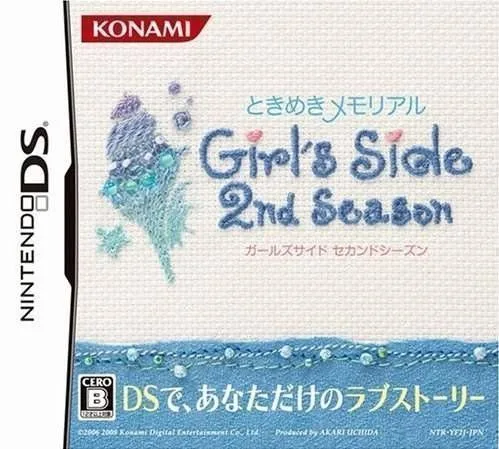
dsTokimeki Memorial Girl's Side 2nd Season 1.0
 ds
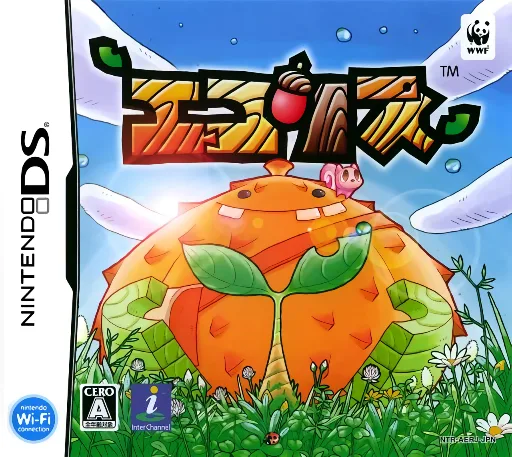
dsEcolis
 ds
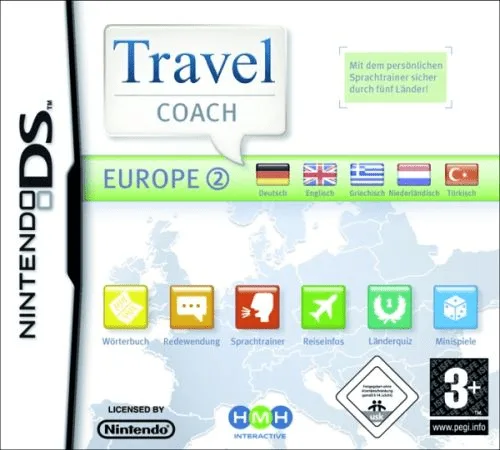
dsTravel Coach - Europe 2
 ds
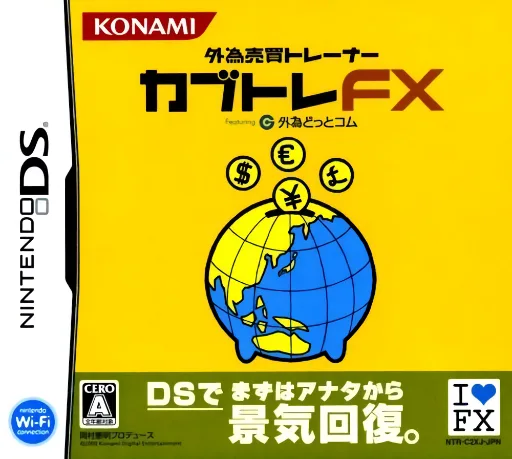
dsGaitame Baibai Trainer - Kabutore FX
 ds
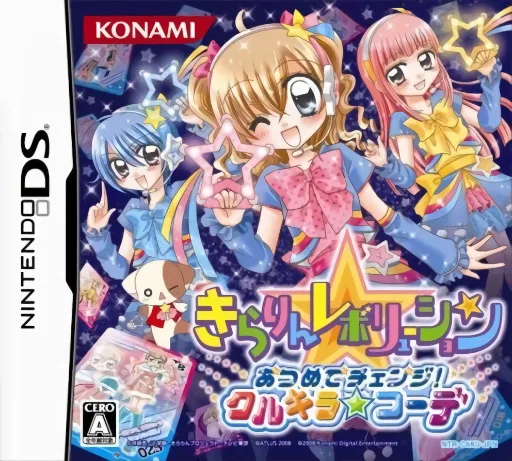
dsKirarin Revolution - Atsumete Change! - Cool Kira Coord
 ds
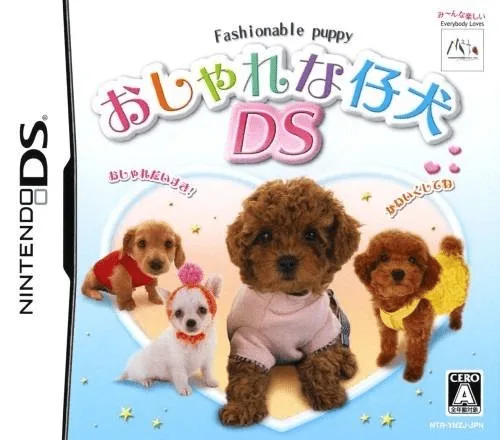
dsOshare na Koinu DS
 ds
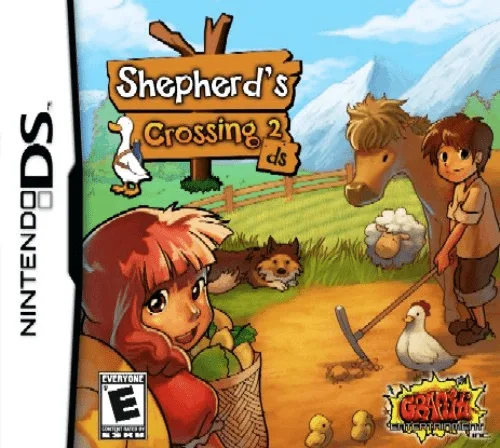
dsShepherd's Crossing 2 DS
 ds
dsLifeSigns - Hospital Affairs
 ds
dsGroovy Chick - My Fashion World
 ds
dsSally's Salon
Frequently Asked Questions
Q1.Can I play Toy Shop online in a web browser without downloading?
Yes, EmuAll allows you to play Toy Shop (DS) directly inside modern web browsers (Chrome, Safari, Edge, Firefox) on PC, Mac, Chromebook, iOS, and Android devices without installing any emulator.
Q2.Does Toy Shop support in-browser save states?
Yes, the in-browser emulator features instant Save States and Load States, storing your game progress directly in your browser storage so you can pick up where you left off.
Q3.What controls are supported? Can I use a controller for Toy Shop?
The emulator fully supports standard keyboard controls as well as plug-and-play USB and Bluetooth gamepads (including Xbox, PlayStation, and generic controllers).