
GBC
Woody Woodpecker
Also known as: ウッディー・ウッドペッカー, Ууди Уудпекер, 우디 우드페커, 啄木鸟伍迪, وودي وودبيكير, Ουουντι Ουουντπεκερ, ウッディウッドペッカー
- Platform
- Game Boy Color
- Genre
- Platformer
- Year
- 1995
- Developer
- Blue Ribbon Soundworks
- Publisher
- Capcom
EmuAll provides verified clean ROM archives and in-browser emulation for Woody Woodpecker (GBC). Players can launch and play directly inside modern desktop and mobile browsers with zero local installation, full gamepad support, and instant save states.
ROM downloads
3Woody Woodpecker
RecommendedWoody Woodpecker (USA)
Woody Woodpecker (Europe) (En,Fr,De,Es,It)
Recommended Emulators(GBC)
If you choose to download this ROM to play offline, we recommend these top standalone emulators:
About the Game
Woody Woodpecker for Game Boy Color is a side-scrolling platformer where players control the iconic woodpecker through forest levels filled with obstacles and enemies. The game features Woody's signature laugh and pecking mechanics as primary attack methods. Players collect items and navigate hazards to progress through themed stages. The cartridge takes advantage of the Game Boy Color's palette to bring vibrant forest environments to life.
More GBC games
Digimon - Rocket Army
 gbc
gbcJack no Daibouken - Daimaou no Gyakushuu
 gbc
gbcPowerpuff Girls, The: Paint the Townsville Green
 gbc
gbcDonald Duck
 gbc
gbcJumpStart Dino Adventure - Field Trip
 gbc
gbcHello Kitty no Sweet Adventure - Daniel-kun ni Aitai
 gbc
gbcSmurfs Nightmare, The
 gbc
gbcLooney Tunes - Carrot Crazy
 gbc
gbcWario World 3: The Incredible Music Box
 gbc
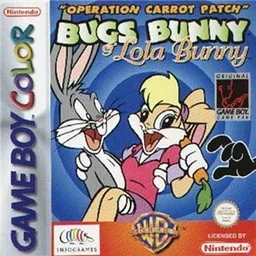
gbcBugs Bunny & Lola Bunny - Operation Carrot Patch
 gbc
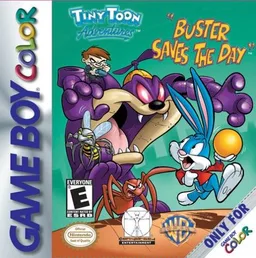
gbcTiny Toon Adventures - Buster Saves the Day
 gbc
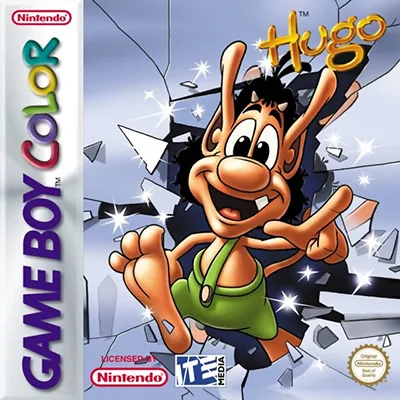
gbcHugo - The Evil Mirror
Frequently Asked Questions
Q1.Can I play Woody Woodpecker online in a web browser without downloading?
Yes, EmuAll allows you to play Woody Woodpecker (GBC) directly inside modern web browsers (Chrome, Safari, Edge, Firefox) on PC, Mac, Chromebook, iOS, and Android devices without installing any emulator.
Q2.Does Woody Woodpecker support in-browser save states?
Yes, the in-browser emulator features instant Save States and Load States, storing your game progress directly in your browser storage so you can pick up where you left off.
Q3.What controls are supported? Can I use a controller for Woody Woodpecker?
The emulator fully supports standard keyboard controls as well as plug-and-play USB and Bluetooth gamepads (including Xbox, PlayStation, and generic controllers).