
NES
Xiao Ma Li
Also known as: 小马力, Σγιαο Μα Λι, شياو ما لي, 小馬力, Сяо Ма Ли
- Platform
- Nintendo Entertainment System
- Genre
- Casino
- Year
- 1990
- Developer
- Nei-Hu Electronics
- Publisher
- Idea-Tek
EmuAll provides verified clean ROM archives and in-browser emulation for Xiao Ma Li (NES). Players can launch and play directly inside modern desktop and mobile browsers with zero local installation, full gamepad support, and instant save states.
ROM downloads
2Xiao Ma Li (Asia) (Idea-Tek) (Unl)
RecommendedXiao Ma Li (Asia) (Nei-Hu) (Unl)
Recommended Emulators(NES)
If you choose to download this ROM to play offline, we recommend these top standalone emulators:
About the Game
Xiao Ma Li is an unlicensed casino gambling game for the Famicom based on the popular Taiwanese slot machine. Players bet credits on sectors of a scrolling field while a ball is released, predicting where it will land to win prizes. The game features simple rules: place a bet, release the ball, and win or lose based on the sector. Controls adapt to one controller. It is a pirated port of the original Taiwanese gambling title, re-released under names like Bingo. No complex story or characters; it stands out as a simple, accessible casino experience with Mario-themed artwork.
More NES games
 nes
nesMezase Pachi Pro - Pachio-kun
 nes
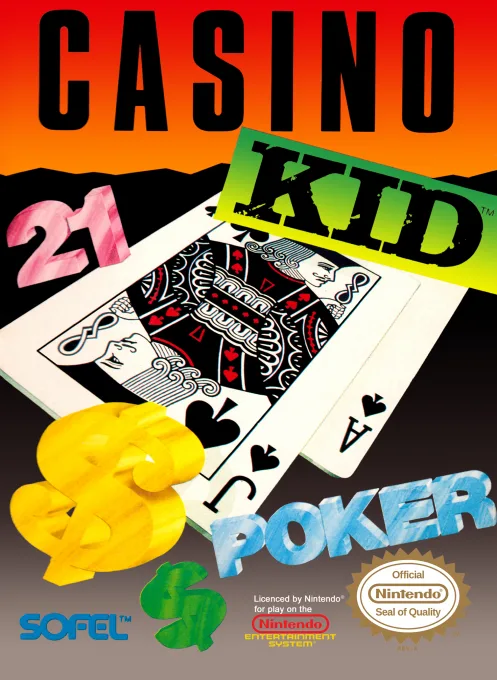
nesCasino Kid
 nes
nesViva! Las Vegas
 nes
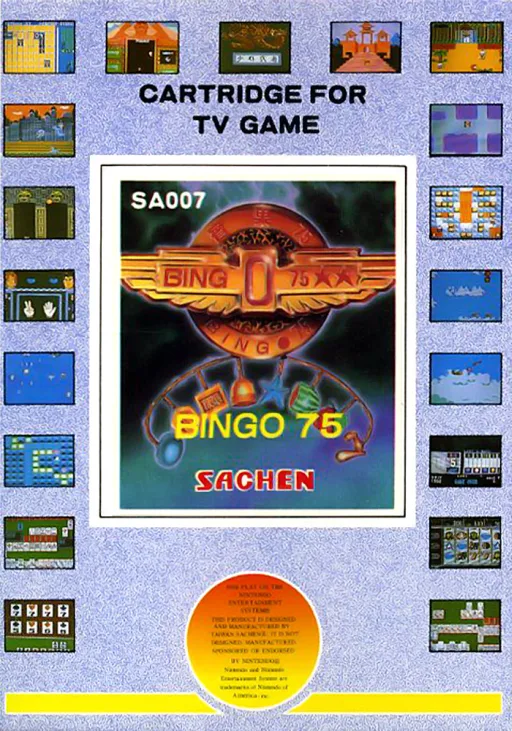
nes75宾果
 nes
nesHot Slot
 nes
nesTV Mary
 nes
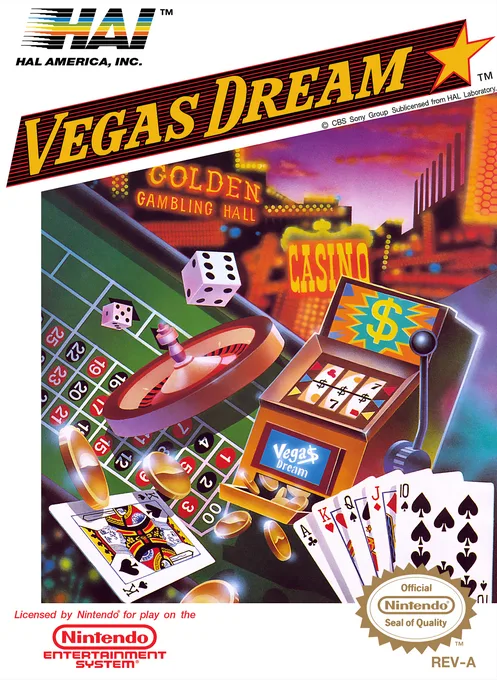
nesVegas Dream
 nes
nesCasino Kid II
 nes
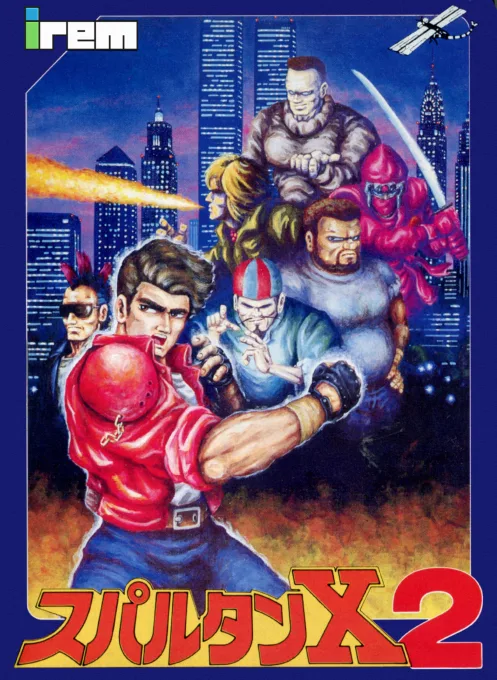
nesSpartan X 2
 nes
nesSuper Mario Bros.
 nes
nesNekketsu Koukou Dodgeball-bu - Soccer Hen
![Kunio Kun No Nekketsu Soccer League [T-Eng1.1 Pentarouzero]](https://cdn.emuall.com/covers/76PzY8VVrYp7qrbW9VxNmh/64tupFJzjwFmYWngeubv9R.webp?t=KAPXvEfeW90xdySe8GTkXWgWjR657bL0yfrE9epf8l-CWVszZCIBkg) nes
nesKunio Kun No Nekketsu Soccer League [T-Eng1.1 Pentarouzero]
Frequently Asked Questions
Q1.Can I play Xiao Ma Li online in a web browser without downloading?
Yes, EmuAll allows you to play Xiao Ma Li (NES) directly inside modern web browsers (Chrome, Safari, Edge, Firefox) on PC, Mac, Chromebook, iOS, and Android devices without installing any emulator.
Q2.Does Xiao Ma Li support in-browser save states?
Yes, the in-browser emulator features instant Save States and Load States, storing your game progress directly in your browser storage so you can pick up where you left off.
Q3.What controls are supported? Can I use a controller for Xiao Ma Li?
The emulator fully supports standard keyboard controls as well as plug-and-play USB and Bluetooth gamepads (including Xbox, PlayStation, and generic controllers).