
DS
Yoshi Touch & Go
Also known as: Catch! Touch! Yoshi!, 耀西觸控陪養遊戲, ヨッシータッチ&ゴー, 요시 터치 & 고
- Platform
- Nintendo DS
- Genre
- Platformer/Puzzle
- Year
- 2004
- Developer
- Nintendo EAD
- Publisher
- Nintendo
EmuAll provides verified clean ROM archives and in-browser emulation for Yoshi Touch & Go (DS). Players can launch and play directly inside modern desktop and mobile browsers with zero local installation, full gamepad support, and instant save states.
ROM downloads
3Yoshi Touch & Go (USA)
RecommendedYoshi Touch & Go (Europe) (En,Fr,De,Es,It)
Catch! Touch! Yoshi! (Japan)
Recommended Emulators(DS)
If you choose to download this ROM to play offline, we recommend these top standalone emulators:
About the Game
Yoshi Touch & Go is a Nintendo DS launch title where players use the stylus to draw lines and guide Yoshi across colorful worlds. The gameplay centers on Yoshi following drawn paths while collecting coins and fruits, with players drawing continuously to prevent him from falling. The game features multiple modes including the story-driven Touch Yoshi's Story and Time Attack challenges. Its innovative stylus-based mechanics and vibrant art style made it a standout demonstration of DS capabilities.
More DS games
 ds
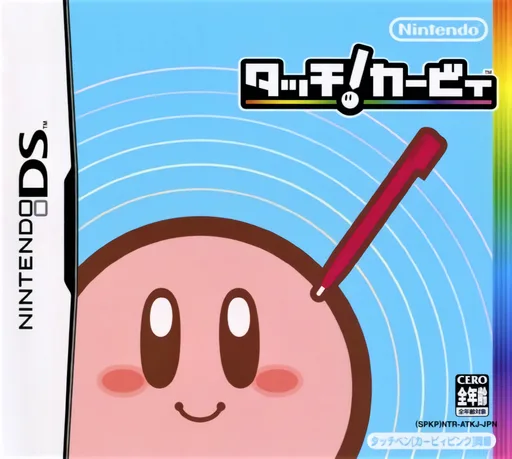
dsKirby Canvas Curse
 ds
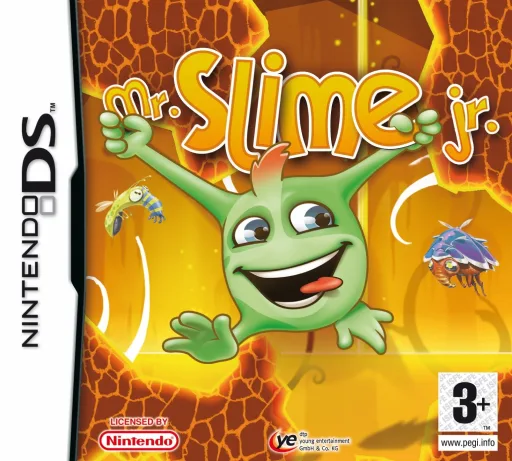
dsMr. Slime Jr.
 ds
dsCall of Duty - World at War
 ds
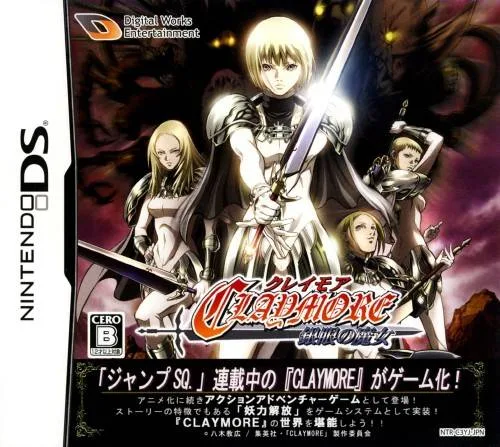
dsClaymore - The Witch with Silver Eyes
 ds
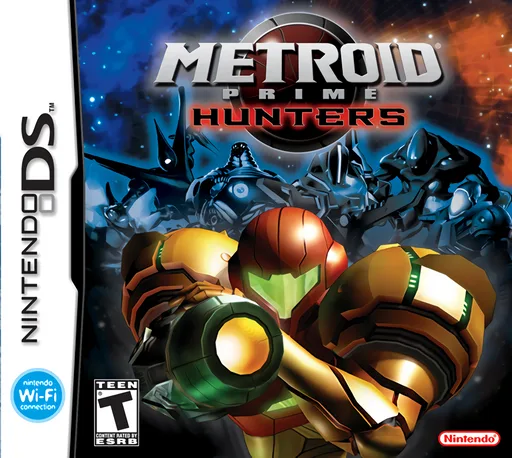
dsMetroid Prime - Hunters (Rev 1)
 ds
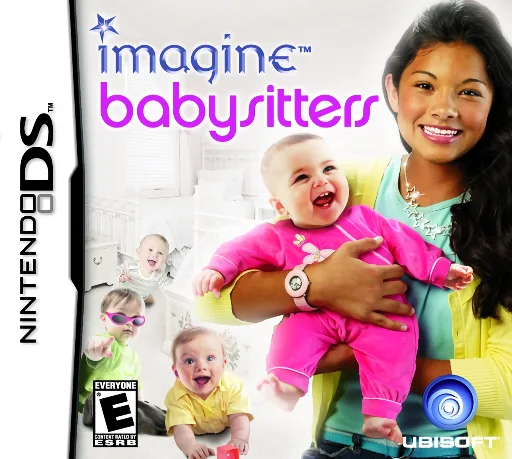
dsImagine - Babysitters
 ds
dsKaidan Restaurant - Zoku! Shin Menu 100-sen
 ds
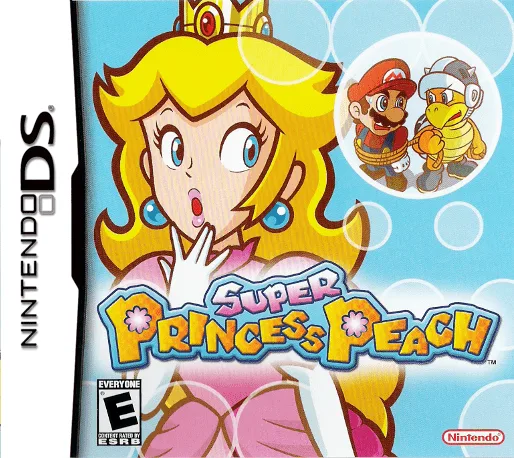
dsSuper Princess Peach
 ds
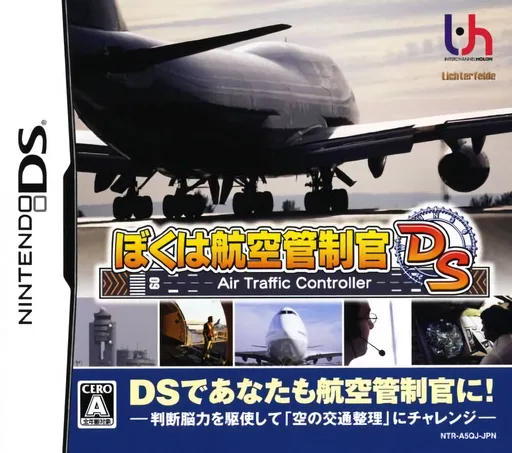
dsBoku wa Koukuu Kanseikan DS - Air Traffic Controller
 ds
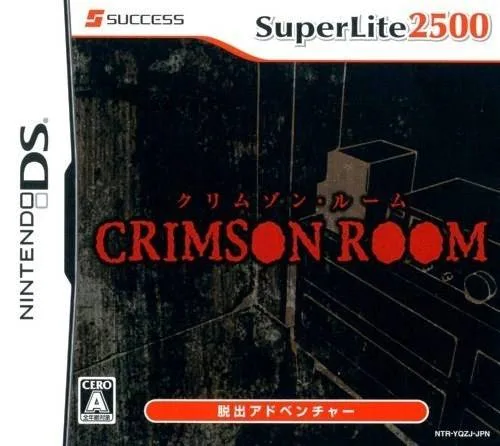
dsSuper Lite 2500 Crimson Room
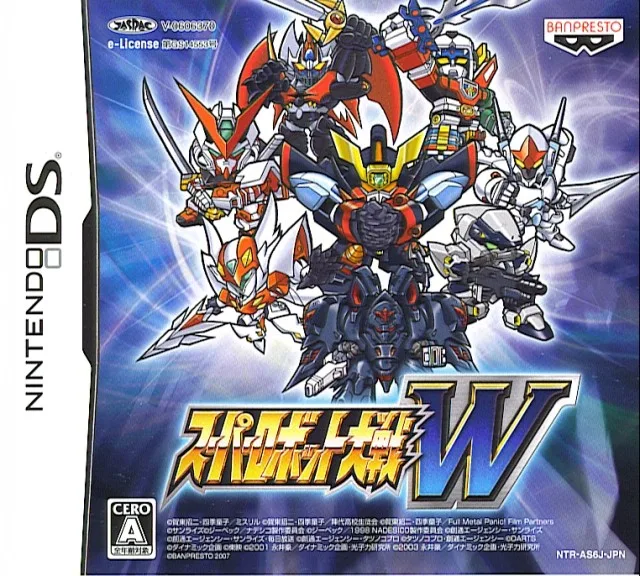 ds
dsSuper Robot Wars W V1.1 Perfect Edition
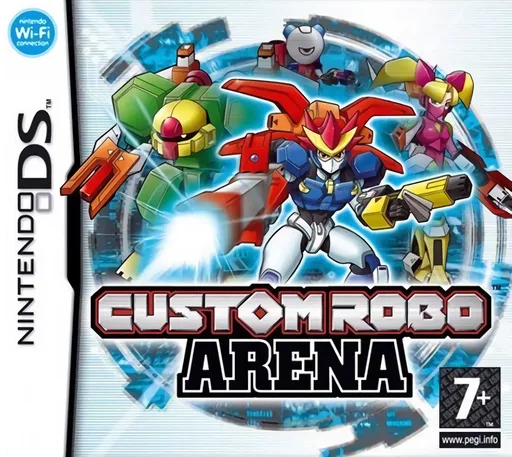 ds
dsCustom Robo Arena
Frequently Asked Questions
Q1.Can I play Yoshi Touch & Go online in a web browser without downloading?
Yes, EmuAll allows you to play Yoshi Touch & Go (DS) directly inside modern web browsers (Chrome, Safari, Edge, Firefox) on PC, Mac, Chromebook, iOS, and Android devices without installing any emulator.
Q2.Does Yoshi Touch & Go support in-browser save states?
Yes, the in-browser emulator features instant Save States and Load States, storing your game progress directly in your browser storage so you can pick up where you left off.
Q3.What controls are supported? Can I use a controller for Yoshi Touch & Go?
The emulator fully supports standard keyboard controls as well as plug-and-play USB and Bluetooth gamepads (including Xbox, PlayStation, and generic controllers).