
DS
7th Dragon
Also known as: 7. Drage, 第七龍神/七龍戰記(Advance漢化組), 7. Lohikäärme, 第七龙神/七龙战记(Advance汉化组), 7ث دراغون, 7θ Ντραγκον, 7e Draak, 세븐드래곤, Седьмой Дракон, 7:e Draken, 第七龍神
- Platform
- Nintendo DS
- Genre
- Role-Playing
- Developer
- Imageepoch
- Publisher
- Sega
EmuAll provides verified clean ROM archives and in-browser emulation for 7th Dragon (DS). Players can launch and play directly inside modern desktop and mobile browsers with zero local installation, full gamepad support, and instant save states.
ROM downloads
2第七龙神/七龙战记(Advance汉化组)
Recommended第七龙神/七龙战记
Recommended Emulators(DS)
If you choose to download this ROM to play offline, we recommend these top standalone emulators:
About the Game
7th Dragon takes place in the world of Eden of which 80% is ruled by dragons, so the premise of the game is simple: Kill all the dragons, or the human race is going to be wiped out of existence. When players start their journey, they can create their own characters from the following classes: Mage, Princess, Rogue, Knight, Samurai, Fighter, or Healer. Outside of battle the characters will be viewed traveling the overworld from an overhead perspective, while the battles are viewed from a side perspective showing each character as they attack their foes.
More DS games
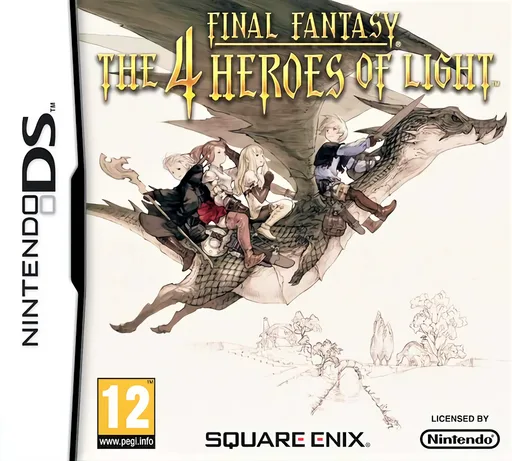 ds
dsFinal Fantasy - The 4 Heroes of Light
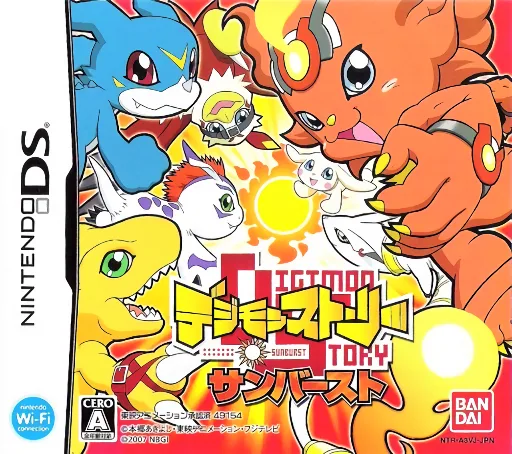 ds
dsDigimon Story - Sunburst
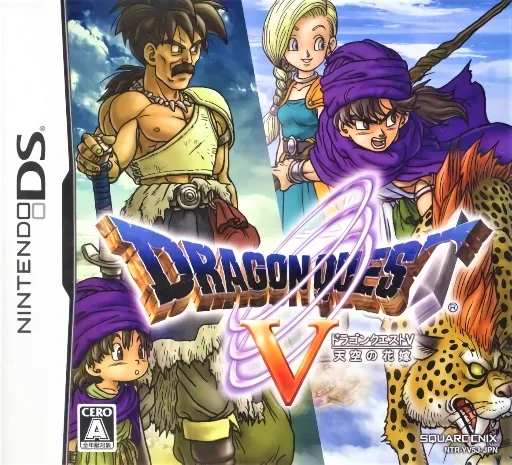 ds
dsDragon Quest V - Tenkuu no Hanayome
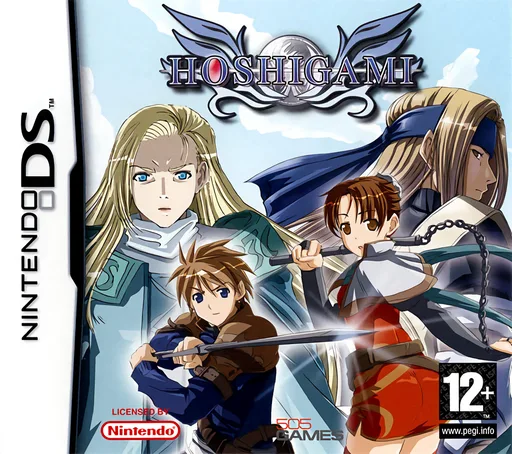 ds
dsHoshigami
 ds
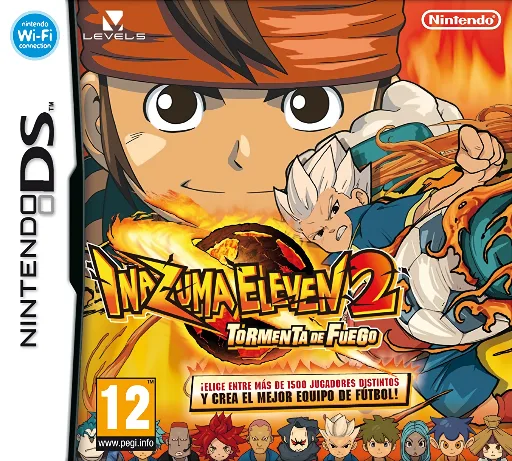
dsInazuma Eleven 2 - Tormenta de Fuego
 ds
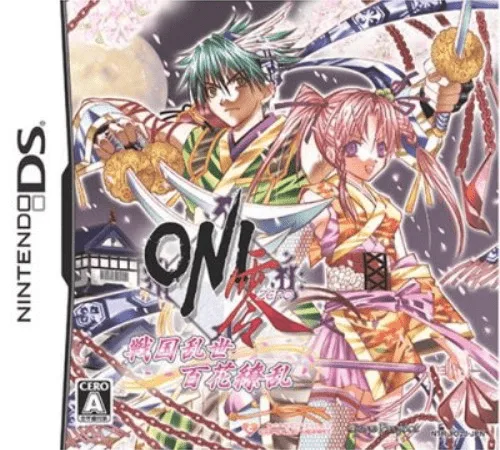
dsOni Zero - Sengoku Ranse Hyakka Ryouran
 ds
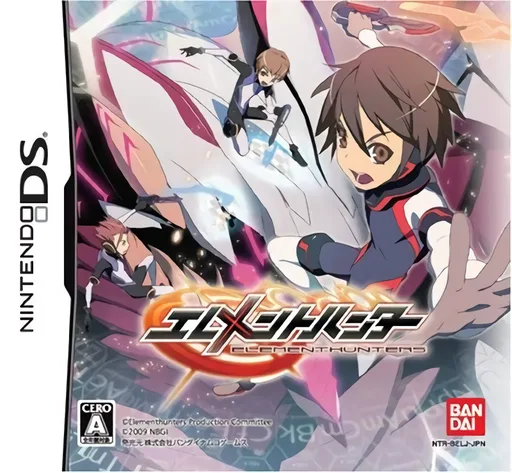
dsElement Hunters
 ds
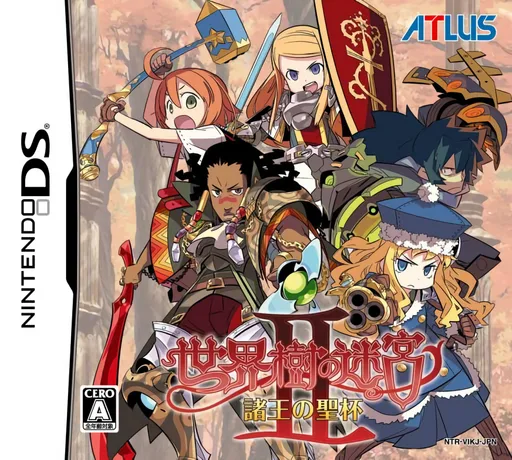
dsSekaiju no Meikyuu II - Shoou no Seihai
 ds
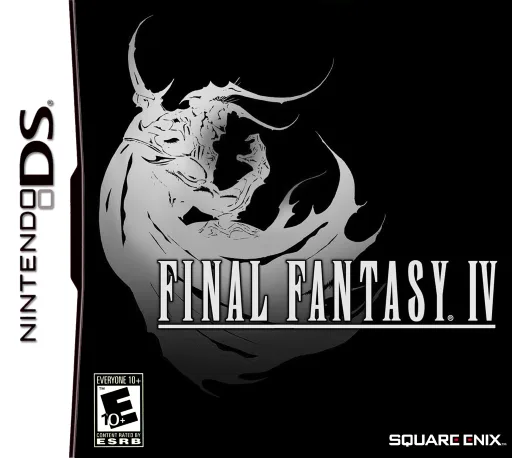
dsFinal Fantasy IV
 ds
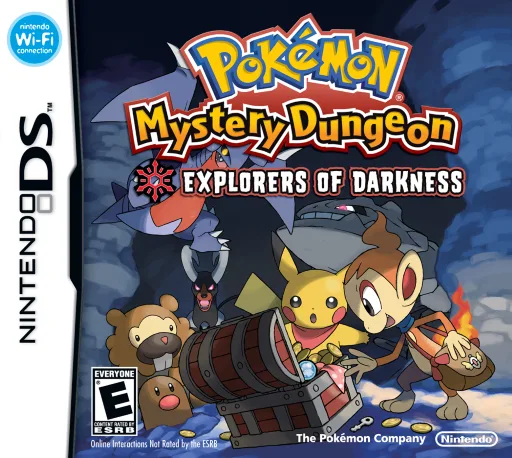
dsPokémon Mystery Dungeon: Explorers of Darkness 1.1 Patch
 ds
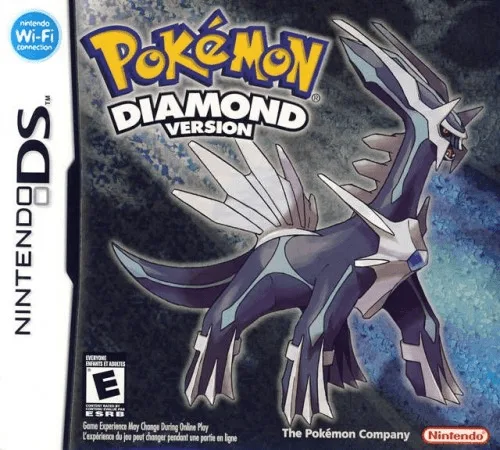
dsPokemon - Diamond Version
Frequently Asked Questions
Q1.Can I play 7th Dragon online in a web browser without downloading?
Yes, EmuAll allows you to play 7th Dragon (DS) directly inside modern web browsers (Chrome, Safari, Edge, Firefox) on PC, Mac, Chromebook, iOS, and Android devices without installing any emulator.
Q2.Does 7th Dragon support in-browser save states?
Yes, the in-browser emulator features instant Save States and Load States, storing your game progress directly in your browser storage so you can pick up where you left off.
Q3.What controls are supported? Can I use a controller for 7th Dragon?
The emulator fully supports standard keyboard controls as well as plug-and-play USB and Bluetooth gamepads (including Xbox, PlayStation, and generic controllers).