
DS
Ciao Dream Touch! - Happy Anniversary
Also known as: 觸摸夢想!快樂週年慶, 차오 드림 터치! 해피 기념일, チャオ ドリーム タッチ! ハッピーアニバーサリー, Τσιαο Ντριμ Τουτσ! - Χαπι Ανιβερσαρι, 触摸梦想!快乐周年庆, Циао Дрим Тауч! - Хаппи Анниверсари, تسياو دريم تاوتش! - هابي انيفيرساري
- Platform
- Nintendo DS
EmuAll provides verified clean ROM archives and in-browser emulation for Ciao Dream Touch! - Happy Anniversary (DS). Players can launch and play directly inside modern desktop and mobile browsers with zero local installation, full gamepad support, and instant save states.
ROM downloads
1触摸梦想!快乐周年庆
Recommended Emulators(DS)
If you choose to download this ROM to play offline, we recommend these top standalone emulators:
More DS games
 ds
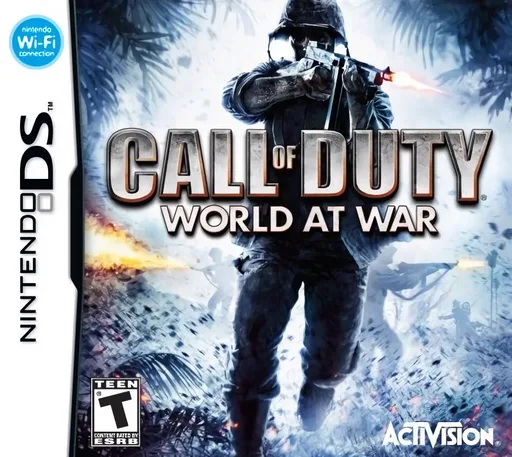
dsCall of Duty - World at War
 ds
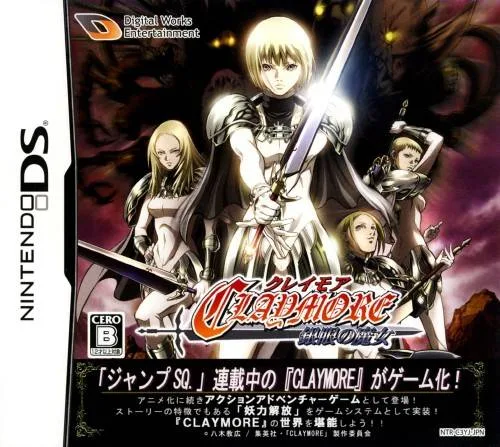
dsClaymore - The Witch with Silver Eyes
 ds
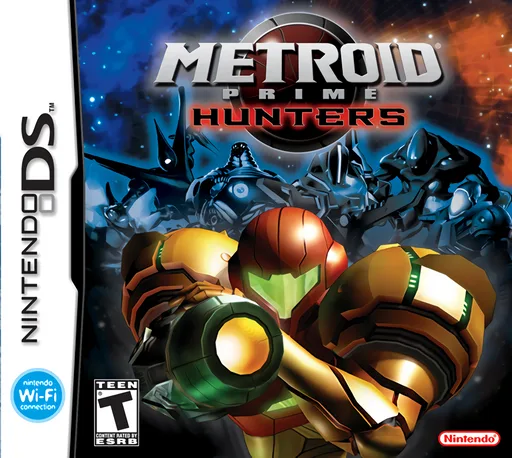
dsMetroid Prime - Hunters (Rev 1)
 ds
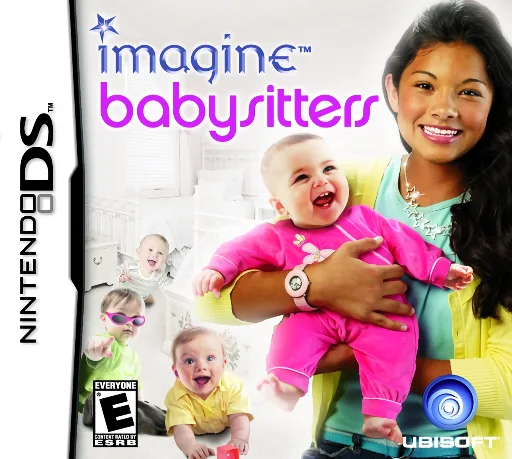
dsImagine - Babysitters
 ds
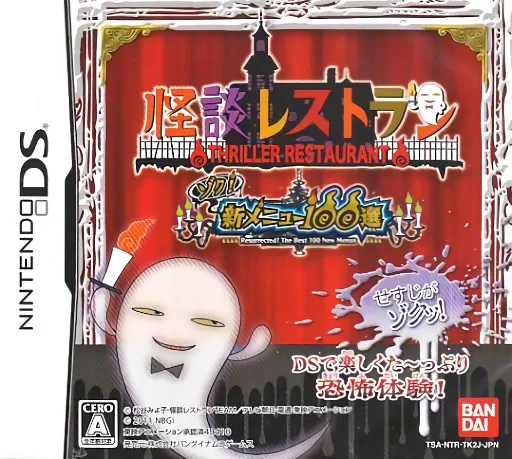
dsKaidan Restaurant - Zoku! Shin Menu 100-sen
 ds
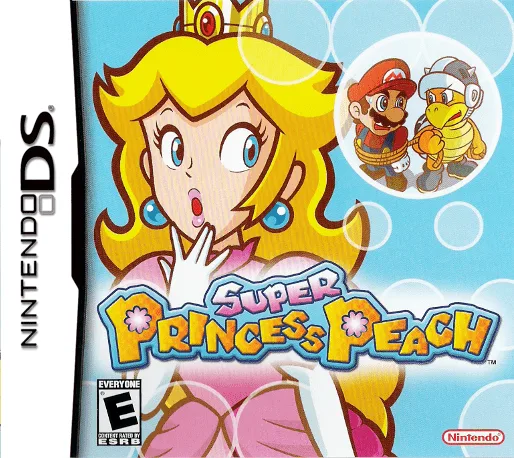
dsSuper Princess Peach
 ds
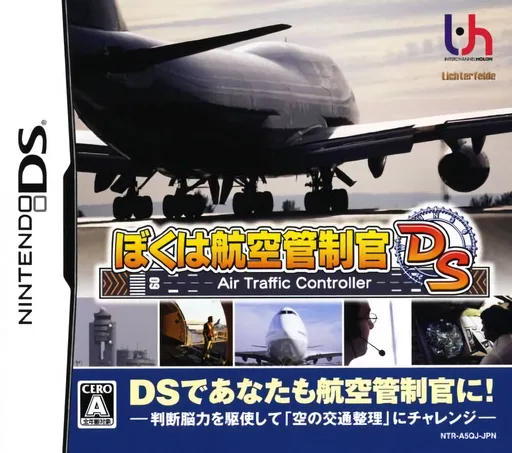
dsBoku wa Koukuu Kanseikan DS - Air Traffic Controller
 ds
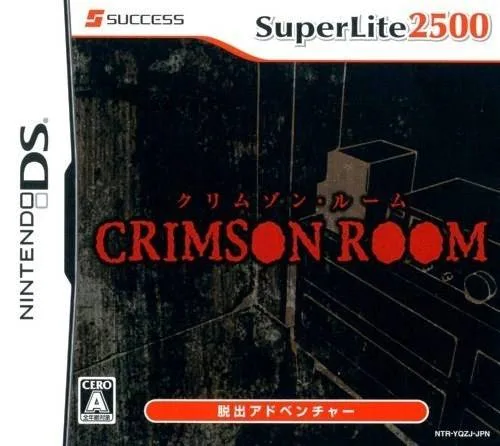
dsSuper Lite 2500 Crimson Room
 ds
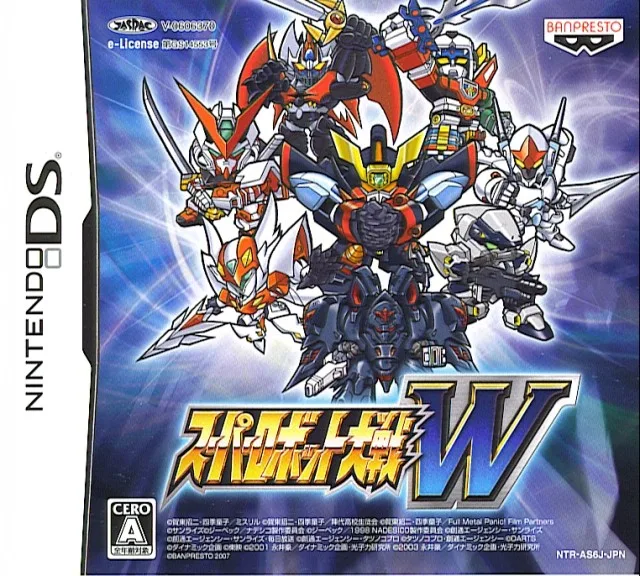
dsSuper Robot Wars W V1.1 Perfect Edition
 ds
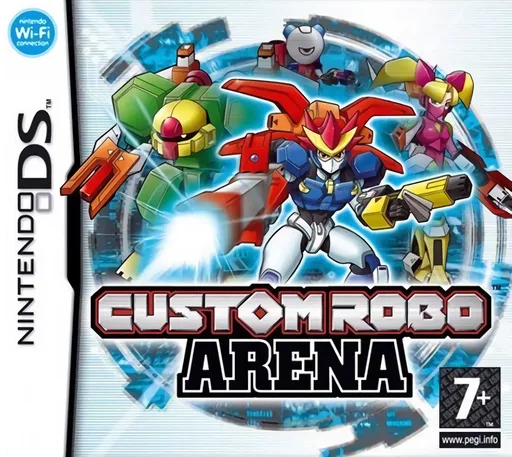
dsCustom Robo Arena
 ds
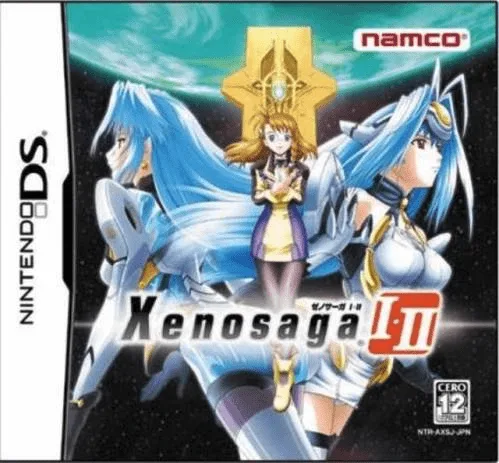
dsXenosaga I & II
 ds
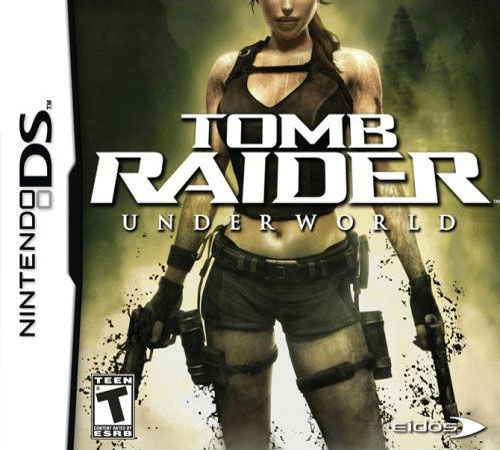
dsTomb Raider - Underworld
Frequently Asked Questions
Q1.Can I play Ciao Dream Touch! - Happy Anniversary online in a web browser without downloading?
Yes, EmuAll allows you to play Ciao Dream Touch! - Happy Anniversary (DS) directly inside modern web browsers (Chrome, Safari, Edge, Firefox) on PC, Mac, Chromebook, iOS, and Android devices without installing any emulator.
Q2.Does Ciao Dream Touch! - Happy Anniversary support in-browser save states?
Yes, the in-browser emulator features instant Save States and Load States, storing your game progress directly in your browser storage so you can pick up where you left off.
Q3.What controls are supported? Can I use a controller for Ciao Dream Touch! - Happy Anniversary?
The emulator fully supports standard keyboard controls as well as plug-and-play USB and Bluetooth gamepads (including Xbox, PlayStation, and generic controllers).