
3DS
Disney Magical World
Also known as: ディズニー マジカルワールド, Ντισνει Μαγκικαλ Γουορλντ, ديسناي ماغيكال وورلد, 디즈니 매지컬 월드, Дисней Магикал Ворлд, 迪士尼魔幻世界
- Platform
- Nintendo 3DS
- Genre
- Simulation
- Year
- 2013
- Developer
- h.a.n.d.
- Publisher
- Bandai Namco Games
EmuAll provides verified clean ROM archives for Disney Magical World (3DS). Players can download authentic, uncompressed ROMs across all released regional versions (USA, Europe, Japan) with complete cataloged metadata.
ROM downloads
2Disney Magical World (Europe) (En,Fr,De,Es,It)
RecommendedDisney Magical World (USA)
Recommended Emulators(3DS)
If you choose to download this ROM to play offline, we recommend these top standalone emulators:
About the Game
Disney Magical World is a life simulation game for Nintendo 3DS where you create an avatar or use a Mii in the bustling town of Castleton. Explore four interconnected Disney worlds based on Cinderella, Alice in Wonderland, the Hundred Acre Wood, and Agrabah. Manage your own café by decorating furniture, cooking meals, and selling them while interacting with over 60 Disney characters like Mickey Mouse, Minnie Mouse, Donald Duck, Goofy, and Pluto. Complete side quests by helping characters, battling ghosts in dungeons, planting crops, fishing, and collecting cards. Customize your avatar with hundreds of outfits and accessories. The storylines involve solving problems and adventures in each world, with rhythm mini-games like attending balls in Cinderella's world. It stands out for blending cozy simulation with Disney charm and multiplayer options.
More 3DS games
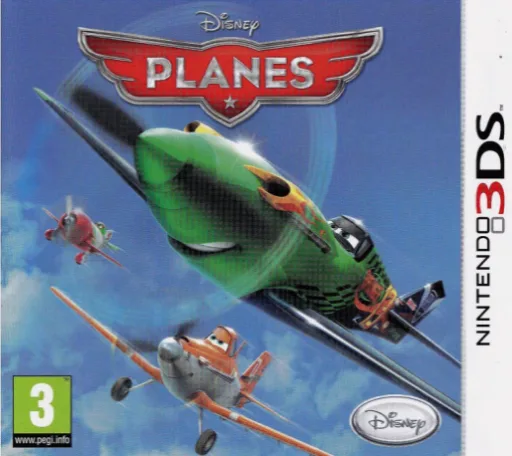 3ds
3dsDisney Planes
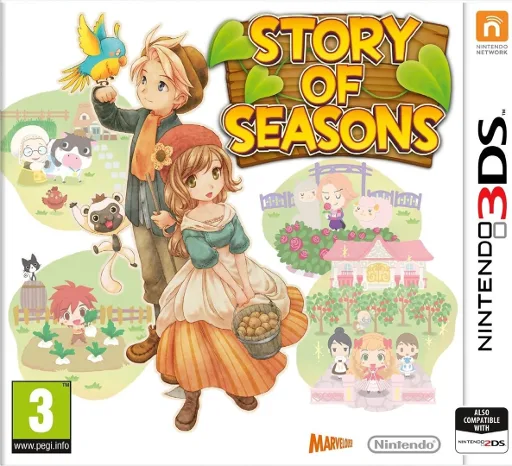 3ds
3dsMokjangiyagi - Story of Seasons
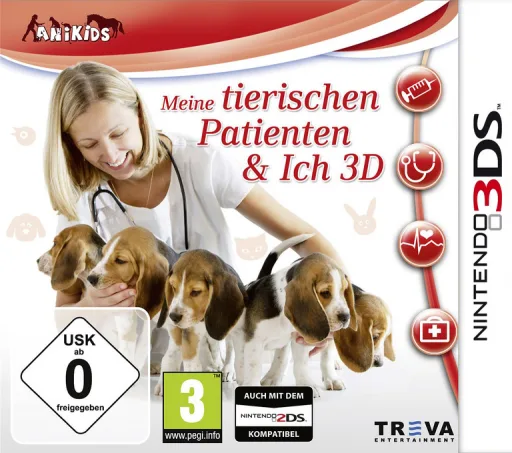 3ds
3dsMe & My Furry Patients 3D
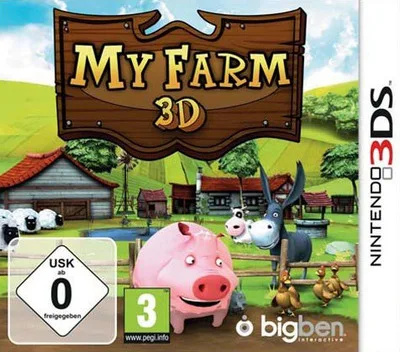 3ds
3dsMy Farm 3D
 3ds
3dsAcrylic Palette - Irodori Cafe - Cheers
 3ds
3dsI Love My Little Girl
 3ds
3dsHaikyu!! Cross Team Match!
 3ds
3dsGardening Mama - Mamawa Sup Sok Chingudeul
 3ds
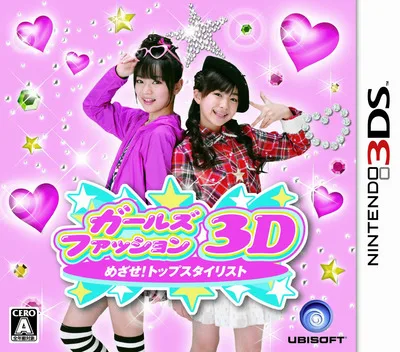
3dsGirls Fashion 3D - Mezase! Top Stylist
 3ds
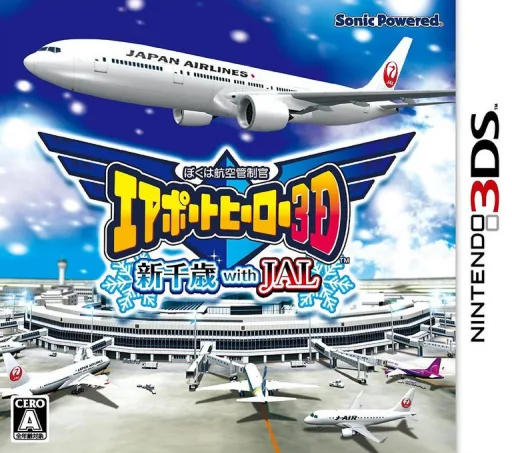
3dsBoku wa Koukuu Kanseikan - Airport Hero 3D - Haneda with JAL
 3ds
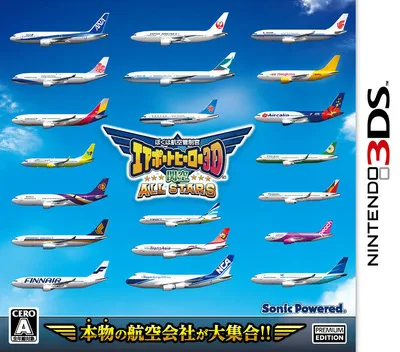
3dsBoku wa Koukuu Kanseikan - Airport Hero 3D - Kankuu All Stars
 3ds
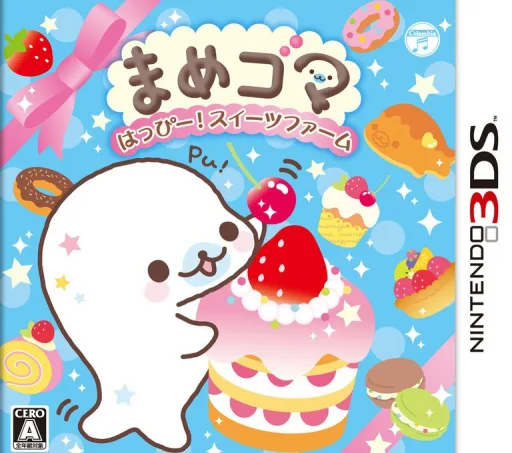
3dsMamegoma Happy! Sweets Farm
Frequently Asked Questions
Q1.How do I download the clean ROM for Disney Magical World?
Select your preferred region and language version from the ROM Downloads section above, then click Download to get the verified clean ROM directly.
Q2.What controls are supported? Can I use a controller for Disney Magical World?
The emulator fully supports standard keyboard controls as well as plug-and-play USB and Bluetooth gamepads (including Xbox, PlayStation, and generic controllers).