
NES
Dizzy the Adventurer
Also known as: 디지 더 어드벤처러, Диззи Адвенчерр, 冒險家迪茲, ディジー・ザ・アドベンチャラー, 冒险家迪兹, ديزي ادفينتورير, Ντιζι Αντβεντσερρ
- Platform
- Nintendo Entertainment System
- Genre
- Adventure
- Year
- 1993
- Developer
- Codemasters
- Publisher
- Camerica
EmuAll provides verified clean ROM archives and in-browser emulation for Dizzy the Adventurer (NES). Players can launch and play directly inside modern desktop and mobile browsers with zero local installation, full gamepad support, and instant save states.
ROM downloads
1Dizzy the Adventurer (USA) (Aladdin Compact Cartridge) (Unl)
Recommended Emulators(NES)
If you choose to download this ROM to play offline, we recommend these top standalone emulators:
About the Game
Dizzy the Adventurer is an action-adventure puzzle platformer for the NES. You play as Dizzy the egg, the Prince of the Yolkfolk. The story follows Dizzy and his girlfriend Daisy searching for their pet Pogie the Fluffle, discovering a secret passage that leads to the evil wizard Zaks' castle. Gameplay involves running, jumping, and solving puzzles by collecting and using items to interact with the environment or characters. Dizzy can carry up to three items at once. Characters include Dizzy, Daisy, and other Yolkfolk like Denzil and Dora. What makes it stand out is its fairytale-inspired world and item-wrangling puzzle mechanics, a console remake of the classic Dizzy: Prince of the Yolkfolk.
More NES games
 nes
nesAnkoku Shinwa - Yamato Takeru Densetsu
 nes
nesGozonji - Yaji Kita Chin Douchuu
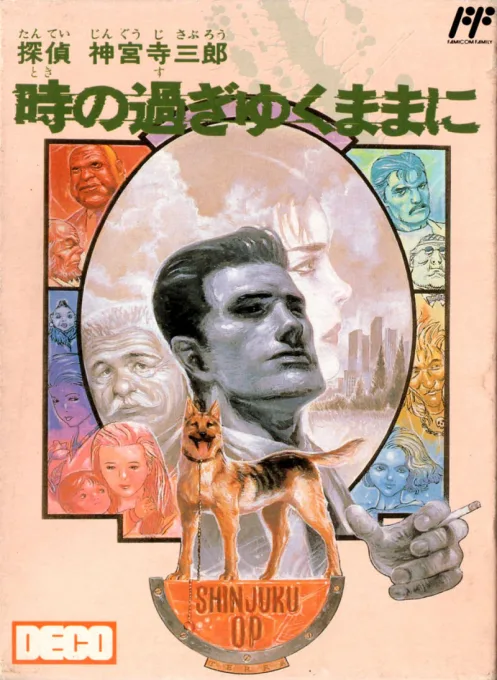 nes
nesTantei Jinguuji Saburou - Toki no Sugiyuku Mama ni
 nes
nesShen Tan Ke Nan
Train Mystery
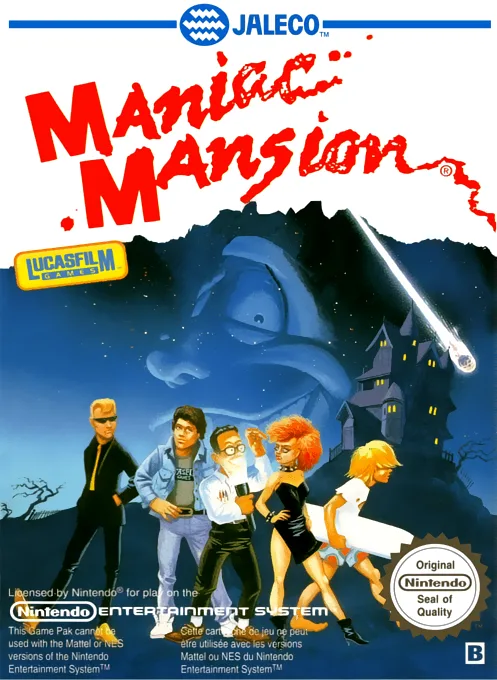 nes
nesManiac Mansion
 nes
nesAkuma no Shoutaijou
 nes
nesHyokkori Hyoutan-jima - Nazo no Kaizokusen
 nes
nesNishimura Kyoutarou Mystery - Super Express Satsujin Jiken
 nes
nesNagagutsu o Haita Neko - Sekai Isshuu 80 Nichi Daibouken
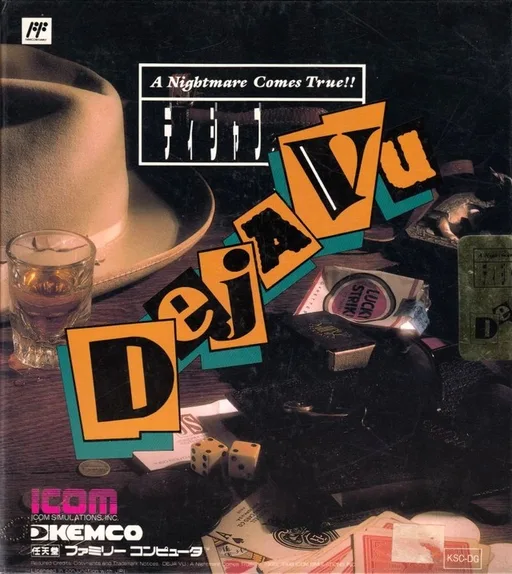 nes
nesDeja Vu - A Nightmare Comes True!!
Frequently Asked Questions
Q1.Can I play Dizzy the Adventurer online in a web browser without downloading?
Yes, EmuAll allows you to play Dizzy the Adventurer (NES) directly inside modern web browsers (Chrome, Safari, Edge, Firefox) on PC, Mac, Chromebook, iOS, and Android devices without installing any emulator.
Q2.Does Dizzy the Adventurer support in-browser save states?
Yes, the in-browser emulator features instant Save States and Load States, storing your game progress directly in your browser storage so you can pick up where you left off.
Q3.What controls are supported? Can I use a controller for Dizzy the Adventurer?
The emulator fully supports standard keyboard controls as well as plug-and-play USB and Bluetooth gamepads (including Xbox, PlayStation, and generic controllers).