
NES
Door Door
Also known as: Дур Дур, دور دور, 도어 도어, ドア・ドア, Ντουρ Ντουρ
- Platform
- Nintendo Entertainment System
- Genre
- Puzzle/Platformer
- Year
- 1985
- Developer
- Enix
- Publisher
- Enix
EmuAll provides verified clean ROM archives and in-browser emulation for Door Door (NES). Players can launch and play directly inside modern desktop and mobile browsers with zero local installation, full gamepad support, and instant save states.
ROM downloads
1Door Door (Japan)
Recommended Emulators(NES)
If you choose to download this ROM to play offline, we recommend these top standalone emulators:
About the Game
Door Door is a single-screen puzzle-platformer where players control Chun, a small egg-shaped creature wearing a baseball cap. Players must open sliding doors to trap a quartet of pursuing aliens (Namegon, Amechan, Invekun, and Otapyon) that chase Chun using deterministic algorithms and ladders. Once an alien enters a door, it must be closed to permanently remove it from the level. Each stage features platforms, ladders, and doors in a single-screen layout. The game mode is single-player with 50 levels total. Chun is relentlessly pursued by the aliens, making timing and positioning critical to survival. What makes it stand out is its elegant, non-standard puzzle design and viral fame as Enix's debut Famicom game.
More NES games
 nes
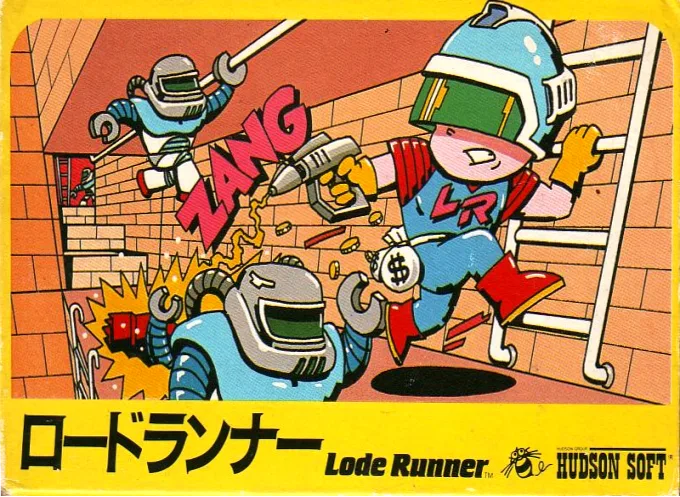
nesGold Seeker
 nes
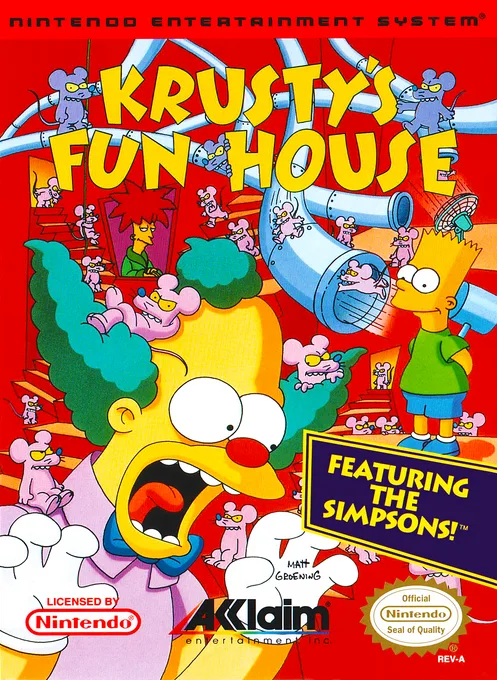
nesKrusty's Fun House
 nes
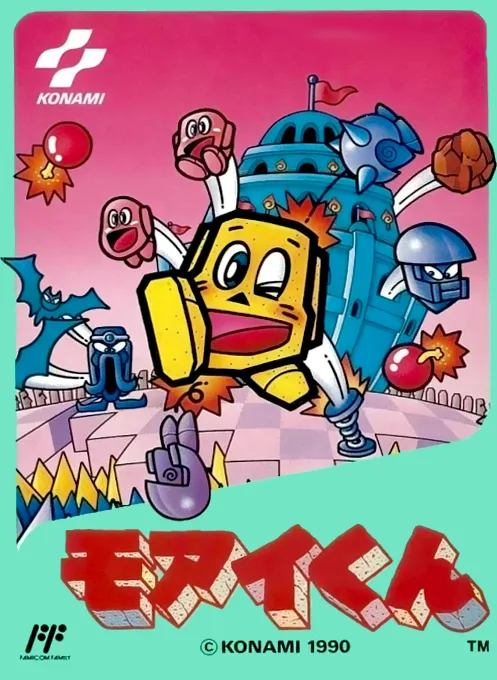
nesMoai Lord
 nes
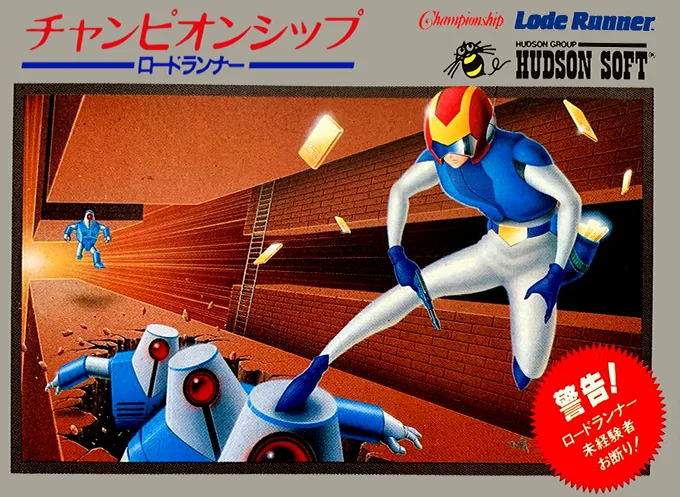
nesGold Dig
 nes
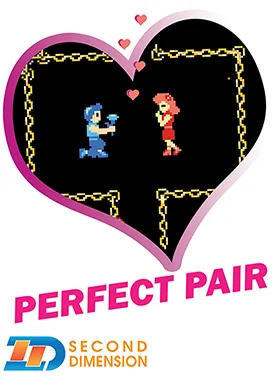
nesPerfect Pair
 nes
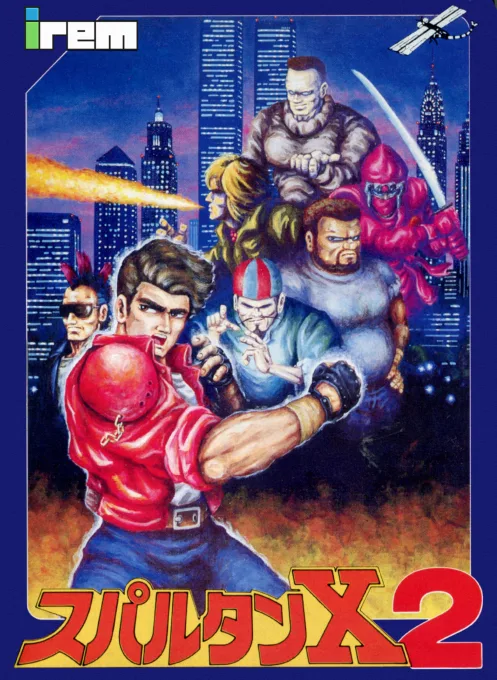
nesSpartan X 2
 nes
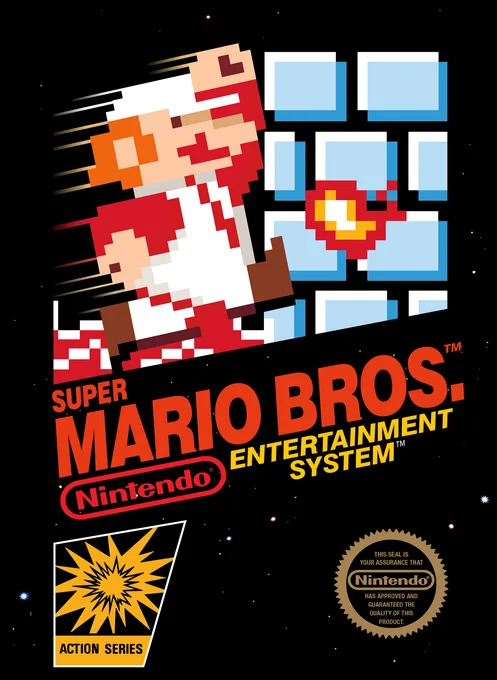
nesSuper Mario Bros.
 nes
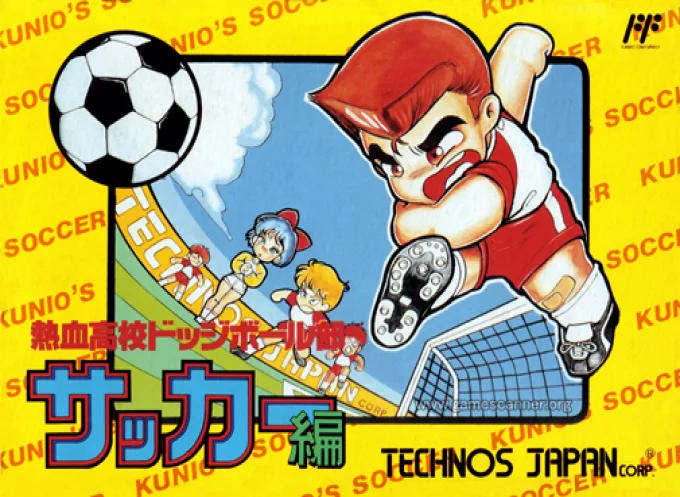
nesNekketsu Koukou Dodgeball-bu - Soccer Hen
![Kunio Kun No Nekketsu Soccer League [T-Eng1.1 Pentarouzero]](https://cdn.emuall.com/covers/76PzY8VVrYp7qrbW9VxNmh/64tupFJzjwFmYWngeubv9R.webp?t=KAPXvEfeW90xdySe8GTkXWgWjR657bL0yfrE9epf8l-CWVszZCIBkg) nes
nesKunio Kun No Nekketsu Soccer League [T-Eng1.1 Pentarouzero]
 nes
nesKunio-kun no Nekketsu Soccer League
 nes
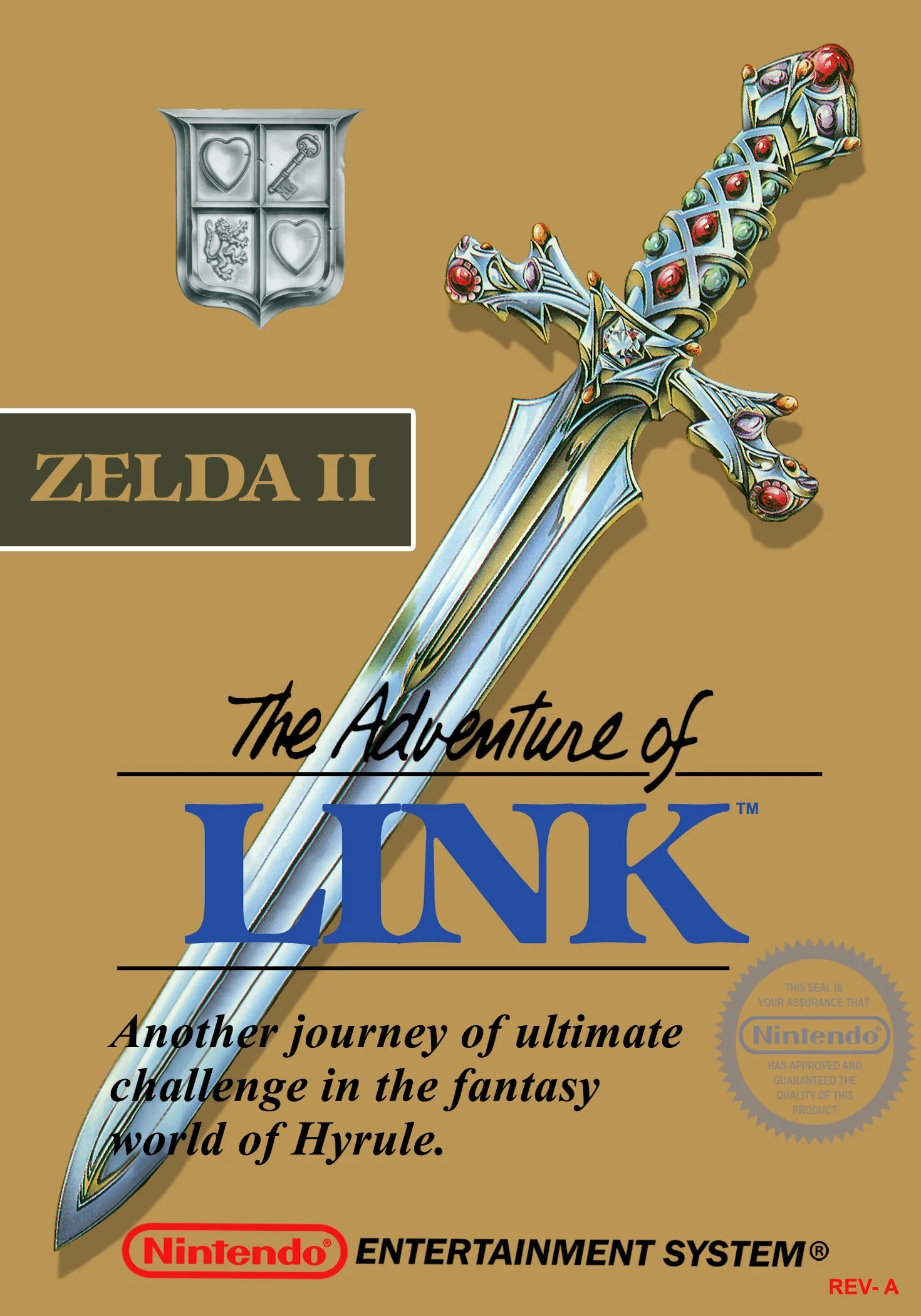
nesThe Legend of Zelda II - The Adventure of Link
 nes
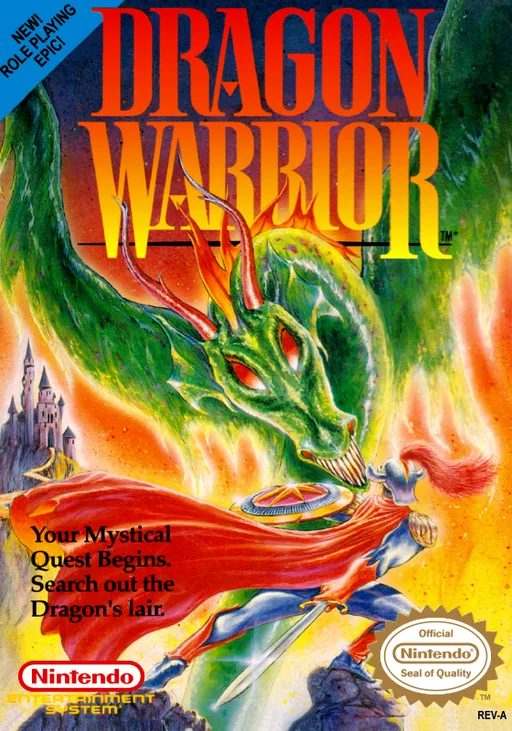
nesDragon Warrior
Frequently Asked Questions
Q1.Can I play Door Door online in a web browser without downloading?
Yes, EmuAll allows you to play Door Door (NES) directly inside modern web browsers (Chrome, Safari, Edge, Firefox) on PC, Mac, Chromebook, iOS, and Android devices without installing any emulator.
Q2.Does Door Door support in-browser save states?
Yes, the in-browser emulator features instant Save States and Load States, storing your game progress directly in your browser storage so you can pick up where you left off.
Q3.What controls are supported? Can I use a controller for Door Door?
The emulator fully supports standard keyboard controls as well as plug-and-play USB and Bluetooth gamepads (including Xbox, PlayStation, and generic controllers).