
GBC
Dragon Quest III
Also known as: ドラゴンクエストIII そして伝説へ…, 勇者斗恶龙III, 勇者鬥惡龍III 傳說的起點…
- Platform
- Game Boy Color
- Genre
- RPG
- Year
- 2001
- Developer
- TOSE
- Publisher
- Enix
EmuAll provides verified clean ROM archives and in-browser emulation for Dragon Quest III (GBC). Players can launch and play directly inside modern desktop and mobile browsers with zero local installation, full gamepad support, and instant save states.
ROM downloads
3勇者斗恶龙III (简) (美化修正版) (unknown)
Recommended勇者斗恶龙III (简) (装备正常) (unknown)
勇者斗恶龙III (简) (unknown)
Recommended Emulators(GBC)
If you choose to download this ROM to play offline, we recommend these top standalone emulators:
About the Game
You play as a young hero in the kingdom of Aliahan who must defeat the evil Archfiend Baramos to save the world. On your 16th birthday you receive a summons from the king to fulfill your father Ortega's quest. You can form a party of up to four characters by creating companions and assigning them to eight base classes that you can reclass. Gameplay features classic turn-based combat where you issue commands such as attack, magic, or items, with automatic turn order determined by agility. The story involves traveling to towns, solving puzzles, and venturing into the Dark World to restore light. Characters include the Hero (with changeable personality), Baramos, and various NPCs; standout mechanics include class progression and varied party compositions.
More GBC games
 gbc
gbcPokemon Diamond V2 (Hack)
 gbc
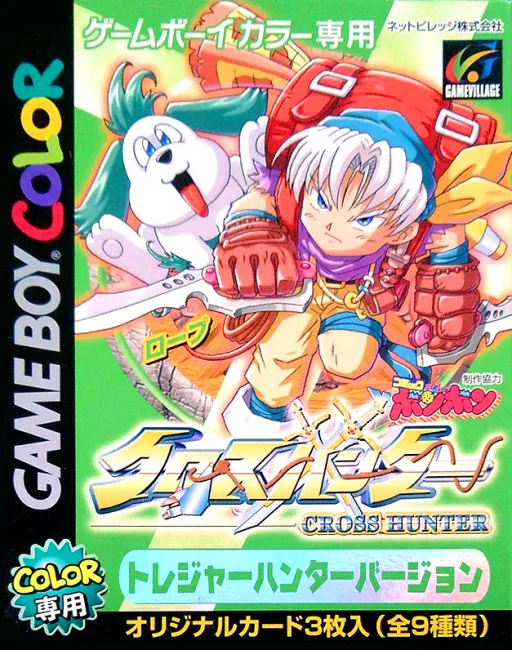
gbcCross Hunter - Treasure Hunter Version
 gbc
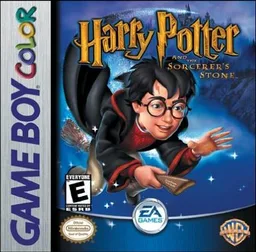
gbcHarry Potter and the Sorcerer's Stone
 gbc
gbcPokemon - Red Version
 gbc
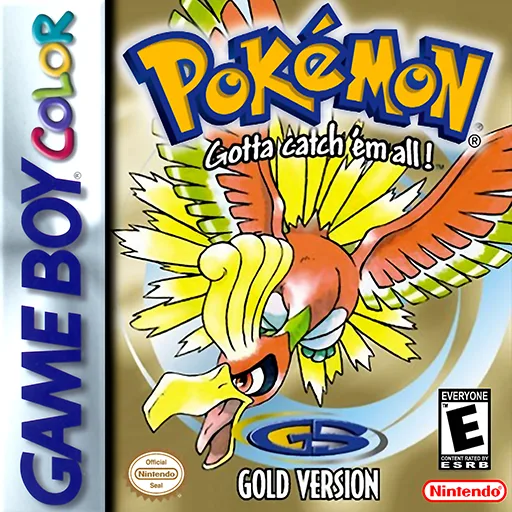
gbcPokemon - Goldene Edition
 gbc
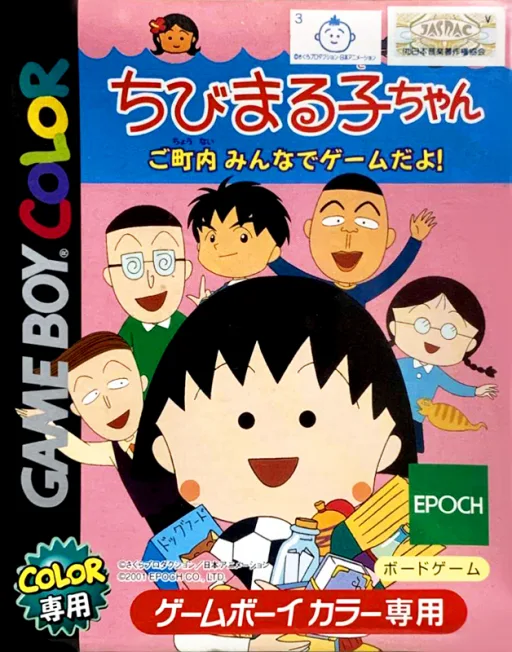
gbcChibi Maruko-chan - Go Chounai Minna de Game Da yo!
 gbc
gbcWater Margin: Tales of the Demons and Wind
 gbc
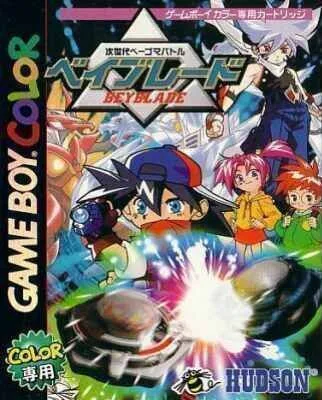
gbcJisedai Begoma Battle Beyblade
 gbc
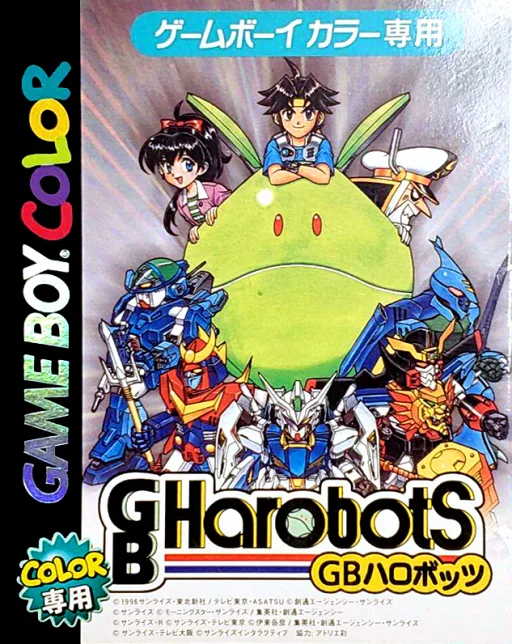
gbcGB Harobots
 gbc
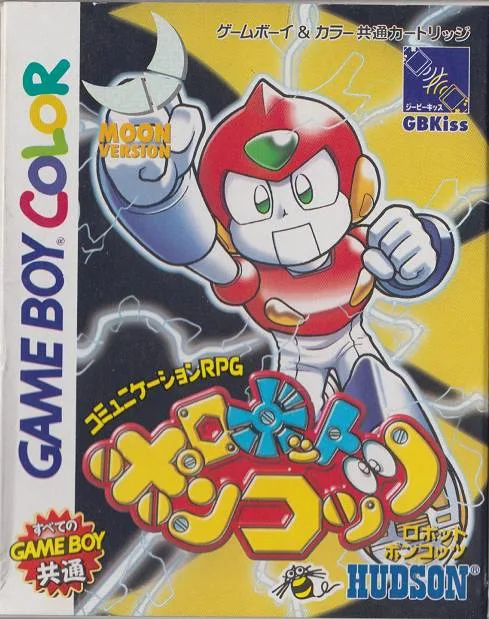
gbcRobot Poncots - Moon Version
 gbc
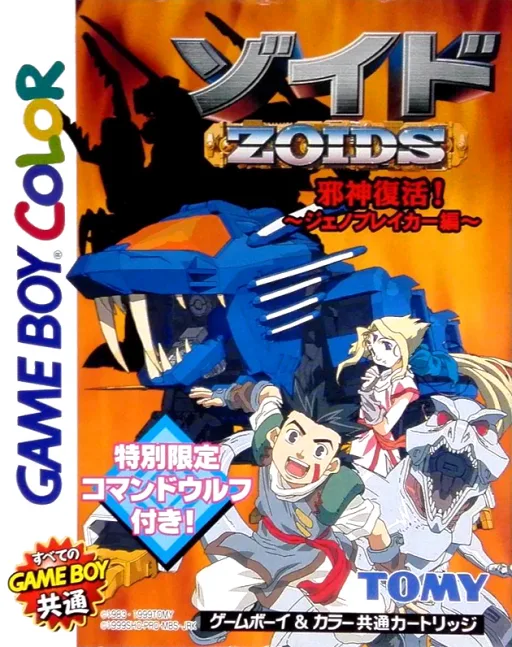
gbcZoids - Jashin Fukkatsu! Genobreaker Hen
Frequently Asked Questions
Q1.Can I play Dragon Quest III online in a web browser without downloading?
Yes, EmuAll allows you to play Dragon Quest III (GBC) directly inside modern web browsers (Chrome, Safari, Edge, Firefox) on PC, Mac, Chromebook, iOS, and Android devices without installing any emulator.
Q2.Does Dragon Quest III support in-browser save states?
Yes, the in-browser emulator features instant Save States and Load States, storing your game progress directly in your browser storage so you can pick up where you left off.
Q3.What controls are supported? Can I use a controller for Dragon Quest III?
The emulator fully supports standard keyboard controls as well as plug-and-play USB and Bluetooth gamepads (including Xbox, PlayStation, and generic controllers).