
GBC
Robot Poncots - Moon Version
Also known as: 로봇 폰코츠 - 문 버전, ロボットポンコツ - ムーン・バージョン
- Platform
- Game Boy Color
- Genre
- RPG
- Year
- 1999
- Developer
- Red Entertainment
- Publisher
- Hudson Soft
EmuAll provides verified clean ROM archives and in-browser emulation for Robot Poncots - Moon Version (GBC). Players can launch and play directly inside modern desktop and mobile browsers with zero local installation, full gamepad support, and instant save states.
ROM downloads
1Robot Poncots - Moon Version (Japan) (SGB Enhanced) (GB Compatible)
Recommended Emulators(GBC)
If you choose to download this ROM to play offline, we recommend these top standalone emulators:
About the Game
Robopon: Moon Version (Robot Poncots - Moon Version) is an expanded role-playing video game for Game Boy Color. You play as Cody, who inherits the Robopon Dispatching Company on Porombo Island and travels to challenge the Legend 7. Gameplay involves collecting, upgrading, and battling Robopon in turn-based robot fights with customizable parts and software. The Moon Version adds 15 new Robopon and extra content not in Sun or Star versions. It stands out for its enhanced robot customization and additional gameplay features like extra Robopon and quests.
More GBC games
 gbc
gbcPokemon Diamond V2 (Hack)
 gbc
gbcCross Hunter - Treasure Hunter Version
 gbc
gbcHarry Potter and the Sorcerer's Stone
 gbc
gbcPokemon - Red Version
 gbc
gbcPokemon - Goldene Edition
 gbc
gbcChibi Maruko-chan - Go Chounai Minna de Game Da yo!
 gbc
gbcWater Margin: Tales of the Demons and Wind
 gbc
gbcJisedai Begoma Battle Beyblade
 gbc
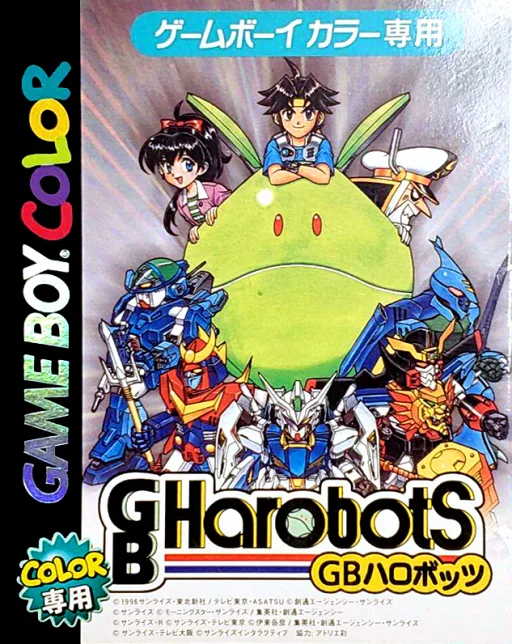
gbcGB Harobots
 gbc
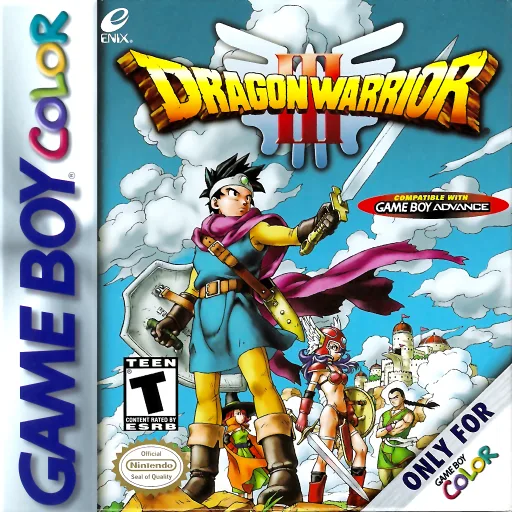
gbcDragon Quest III
 gbc
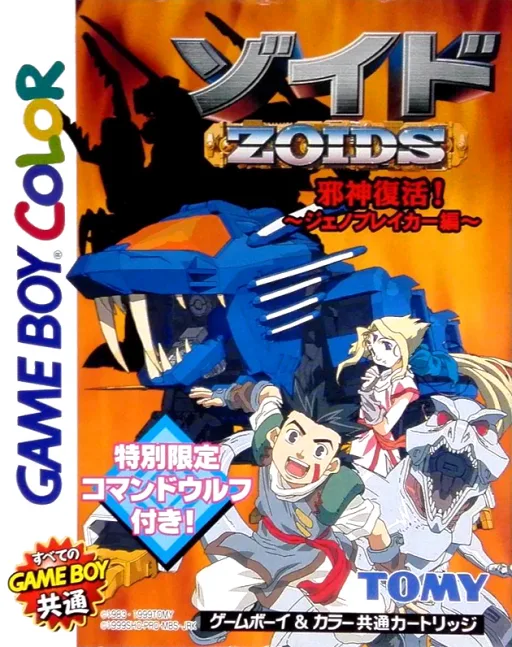
gbcZoids - Jashin Fukkatsu! Genobreaker Hen
Frequently Asked Questions
Q1.Can I play Robot Poncots - Moon Version online in a web browser without downloading?
Yes, EmuAll allows you to play Robot Poncots - Moon Version (GBC) directly inside modern web browsers (Chrome, Safari, Edge, Firefox) on PC, Mac, Chromebook, iOS, and Android devices without installing any emulator.
Q2.Does Robot Poncots - Moon Version support in-browser save states?
Yes, the in-browser emulator features instant Save States and Load States, storing your game progress directly in your browser storage so you can pick up where you left off.
Q3.What controls are supported? Can I use a controller for Robot Poncots - Moon Version?
The emulator fully supports standard keyboard controls as well as plug-and-play USB and Bluetooth gamepads (including Xbox, PlayStation, and generic controllers).