
NES
Family Circuit
Also known as: 南梦宫赛车, 패밀리 서킷, Фамили Сиркуит, 南夢宮賽車, ファミリーサーキット
- Platform
- Nintendo Entertainment System
EmuAll provides verified clean ROM archives and in-browser emulation for Family Circuit (NES). Players can launch and play directly inside modern desktop and mobile browsers with zero local installation, full gamepad support, and instant save states.
ROM downloads
1南梦宫赛车
Recommended Emulators(NES)
If you choose to download this ROM to play offline, we recommend these top standalone emulators:
About the Game
Family Circuit is a racing game for Nintendo's Family Computer, hence the name. Unlike other Nintendo racing games at the time, it has many realistic traits, removing itself from the main crop of more arcade oriented titles. The car can be customized to your heart's content, with different tires, wings and suspension and detailed engine settings for both turbo and torque. Four racing modes are available: • Free run: Run any way you want around the track, getting to know both the curves and straights as well as the settings of your car. • Sprint race: Race a season in four classes – novice, B class, A class and Super A – around well-known (Fuji, Suzuka) and less well-known tracks (Family Park, Namcot-ring), competing for the first place. • Endurance race: Run around and around a track to see who gives up last.
More NES games
 nes
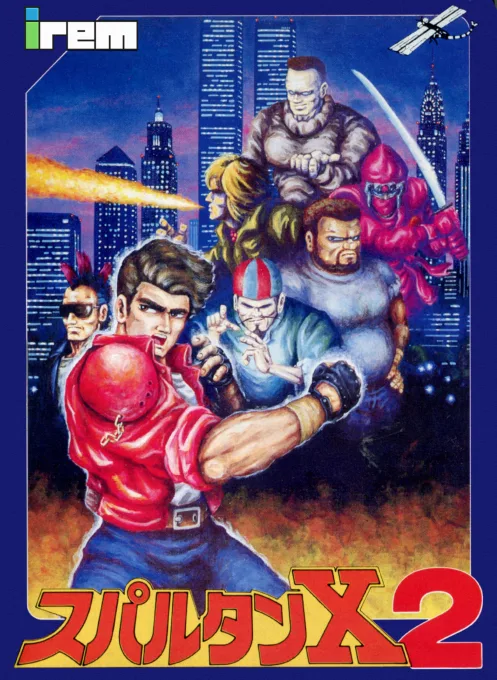
nesSpartan X 2
 nes
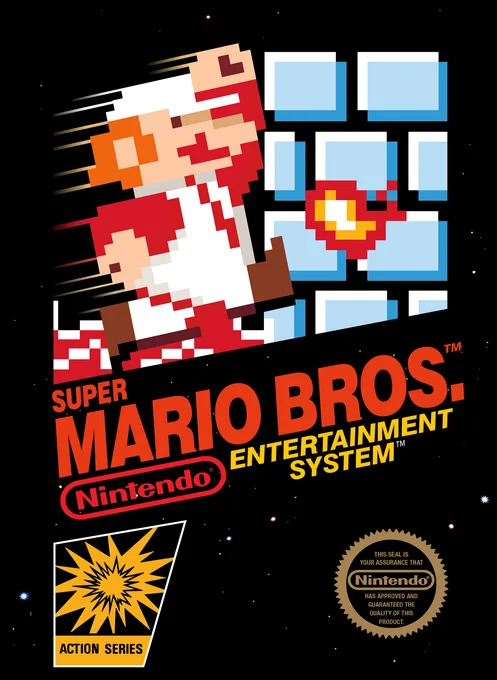
nesSuper Mario Bros.
 nes
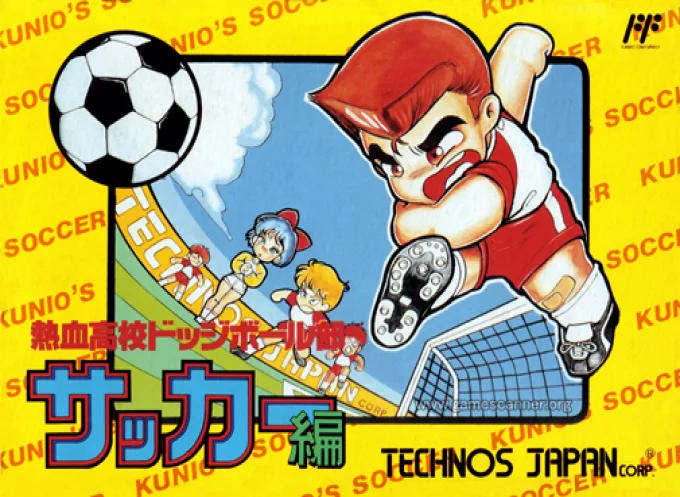
nesNekketsu Koukou Dodgeball-bu - Soccer Hen
![Kunio Kun No Nekketsu Soccer League [T-Eng1.1 Pentarouzero]](https://cdn.emuall.com/covers/76PzY8VVrYp7qrbW9VxNmh/64tupFJzjwFmYWngeubv9R.webp?t=KAPXvEfeW90xdySe8GTkXWgWjR657bL0yfrE9epf8l-CWVszZCIBkg) nes
nesKunio Kun No Nekketsu Soccer League [T-Eng1.1 Pentarouzero]
 nes
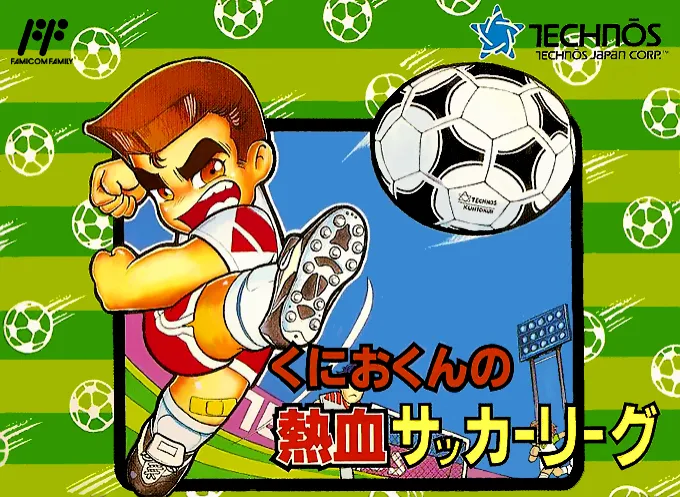
nesKunio-kun no Nekketsu Soccer League
 nes
nesThe Legend of Zelda II - The Adventure of Link
 nes
nesDragon Warrior
 nes
nesGluk the Thunder Warrior
 nes
nesAnkoku Shinwa - Yamato Takeru Densetsu
 nes
nesWorld Games
 nes
nesBattletoads-Double Dragon
 nes
nesMetal Max
Frequently Asked Questions
Q1.Can I play Family Circuit online in a web browser without downloading?
Yes, EmuAll allows you to play Family Circuit (NES) directly inside modern web browsers (Chrome, Safari, Edge, Firefox) on PC, Mac, Chromebook, iOS, and Android devices without installing any emulator.
Q2.Does Family Circuit support in-browser save states?
Yes, the in-browser emulator features instant Save States and Load States, storing your game progress directly in your browser storage so you can pick up where you left off.
Q3.What controls are supported? Can I use a controller for Family Circuit?
The emulator fully supports standard keyboard controls as well as plug-and-play USB and Bluetooth gamepads (including Xbox, PlayStation, and generic controllers).