
DS
Final Fantasy IV
Also known as: Φαιναλ Φανταζι IV, ファイナルファンタジー IV, 파이널 판타지 IV, 最終幻想 IV, فاينل فانتازي IV, 最终幻想 IV, Файнал Фэнтези IV
- Platform
- Nintendo DS
- Genre
- RPG
- Year
- 1991
- Developer
- Square
- Publisher
- Square
EmuAll provides verified clean ROM archives and in-browser emulation for Final Fantasy IV (DS). Players can launch and play directly inside modern desktop and mobile browsers with zero local installation, full gamepad support, and instant save states.
ROM downloads
6Final Fantasy IV
RecommendedFinal Fantasy IV (USA) (En,Fr,Es)
Final Fantasy IV (Europe) (En,Fr,De,Es,It)
最终幻想4(简)(JP)(巴士汉化组)(1024Mb)
最终幻想4(繁)(JP)(Aaron)(1024Mb)
Final Fantasy IV (Japan)
Recommended Emulators(DS)
If you choose to download this ROM to play offline, we recommend these top standalone emulators:
About the Game
Final Fantasy IV is a turn-based RPG where the player leads a group of heroes from different worlds fighting an evil emperor. Gameplay features active time battle system with real-time element, distinct character jobs like Warrior, Mage, and Ninja that change skills and stats, and exploration of a large world with dungeons. The story follows Cecil, a dark knight, Rosa, a red mage, and others uniting against Golbez and the Dark Elf. Standout mechanics include a varied cast with unique backstories and abilities that make every battle tactical. It revolutionized JRPGs with its emotional narrative and memorable characters like Kain the paladin.
More DS games
 ds
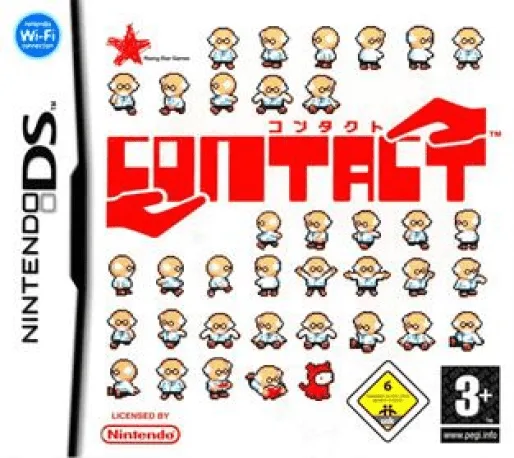
dsContact
 ds
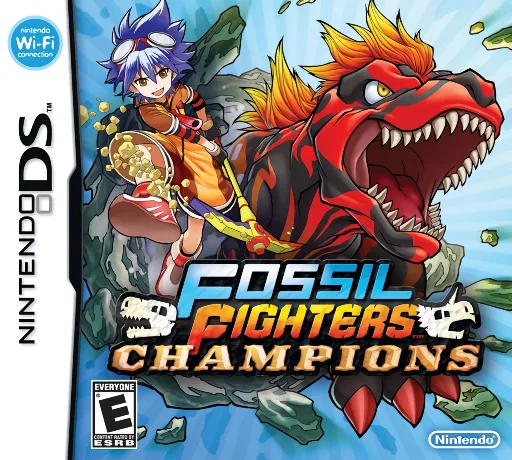
dsFossil Fighters Champions
 ds
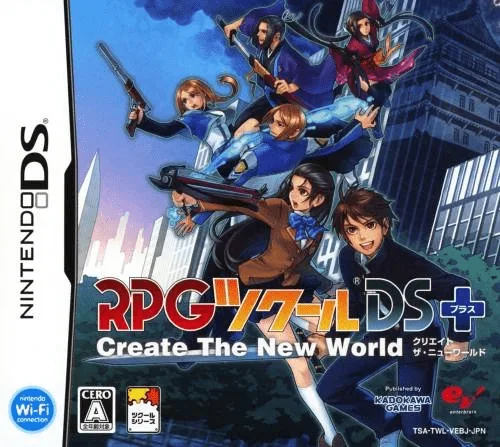
dsRPG Tkool DS
 ds
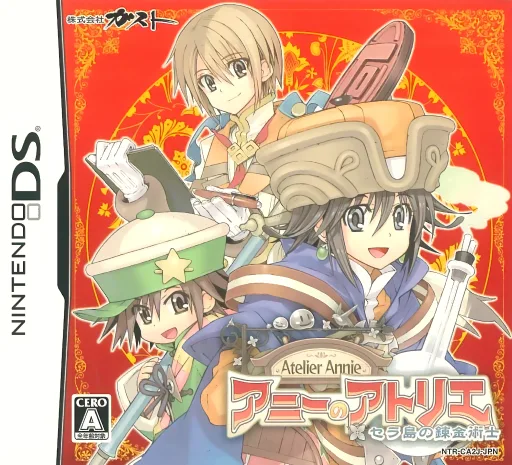
dsAnnie no Atelier - Sera-tou no Renkinjutsushi
 ds
dsLegend of the Demon-Subduing Talismans
 ds
dsGamebook DS - Aquarian Age - Perpetual Period
 ds
dsDigimon Story - Super Xros Wars - Blue
 ds
dsKatekyoo Hitman Reborn! DS - Fate of Heat III - Yuki no Shugosha Raishuu!
 ds
dsDragon Quest Monsters - Joker 2 - Professional
 ds
dsBlue Dragon - Ikai no Kyojuu
 ds
dsLise no Atelier - O'ldor no Renkinjutsushi
Frequently Asked Questions
Q1.Can I play Final Fantasy IV online in a web browser without downloading?
Yes, EmuAll allows you to play Final Fantasy IV (DS) directly inside modern web browsers (Chrome, Safari, Edge, Firefox) on PC, Mac, Chromebook, iOS, and Android devices without installing any emulator.
Q2.Does Final Fantasy IV support in-browser save states?
Yes, the in-browser emulator features instant Save States and Load States, storing your game progress directly in your browser storage so you can pick up where you left off.
Q3.What controls are supported? Can I use a controller for Final Fantasy IV?
The emulator fully supports standard keyboard controls as well as plug-and-play USB and Bluetooth gamepads (including Xbox, PlayStation, and generic controllers).