
GBC
Game Conveni 21
Also known as: ゲームコンビニ21
- Platform
- Game Boy Color
- Genre
- Strategy
- Year
- 2000
- Developer
- Starfish
- Publisher
- Starfish
EmuAll provides verified clean ROM archives and in-browser emulation for Game Conveni 21 (GBC). Players can launch and play directly inside modern desktop and mobile browsers with zero local installation, full gamepad support, and instant save states.
ROM downloads
1Game Conveni 21 (Japan) (GB Compatible)
Recommended Emulators(GBC)
If you choose to download this ROM to play offline, we recommend these top standalone emulators:
About the Game
Game Conveni 21 is a strategy compilation of 21 minigames on Game Boy Color, featuring a mix of card games and skill-based challenges. Players select from options like Mahjong, Race, Golf, Breakout, Maze, Seesaw Jump, Slide Puzzle, Clay Pigeon Shooting, Panel Bridge, Shooting, Air Hockey, and Bass Fishing. It stands out as a casual collection with no single overarching narrative but emphasizes quick, replayable gameplay and convenience. No specific characters are featured; it is purely mechanical. The game includes debug mode access via code and supports multiple players in some modes. Mechanics include turn-based strategy in card games and real-time skill tests in action minigames.
More GBC games
 gbc
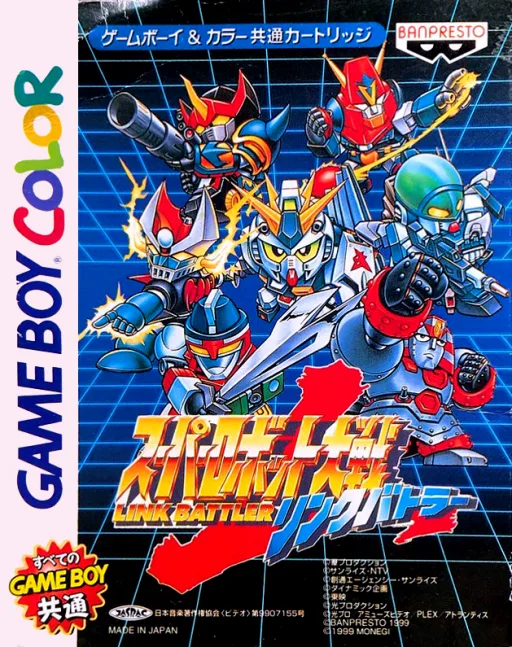
gbcSuper Robot Wars LB
 gbc
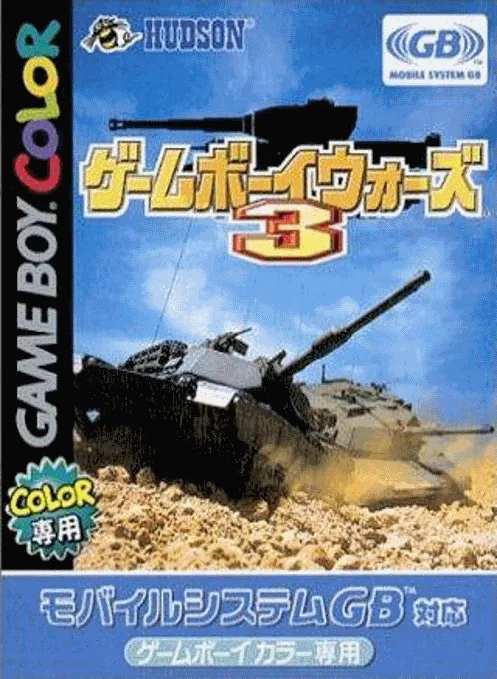
gbcGame Boy Wars 3
 gbc
gbcMonster Rancher Battle Card GB
 gbc
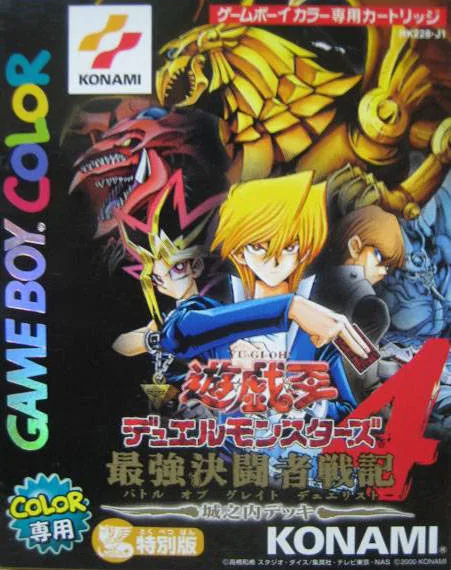
gbcYu-Gi-Oh! Duel Monsters 4 - Battle of Great Duelist - Jounouchi Deck
 gbc
gbcBattleship
 gbc
gbcPocket Hanafuda
 gbc
gbcSuper Robot Wars F Final Chapter
Shining Force - The Legacy of the Gods
 gbc
gbcSangokushi - Game Boy Ban 2
 gbc
gbcPocket Cooking
 gbc
gbcE.T. - The Extra-Terrestrial and the Cosmic Garden
 gbc
gbcShaman King Card Game - Chou Senjiryakketsu - Meramera Hen
Frequently Asked Questions
Q1.Can I play Game Conveni 21 online in a web browser without downloading?
Yes, EmuAll allows you to play Game Conveni 21 (GBC) directly inside modern web browsers (Chrome, Safari, Edge, Firefox) on PC, Mac, Chromebook, iOS, and Android devices without installing any emulator.
Q2.Does Game Conveni 21 support in-browser save states?
Yes, the in-browser emulator features instant Save States and Load States, storing your game progress directly in your browser storage so you can pick up where you left off.
Q3.What controls are supported? Can I use a controller for Game Conveni 21?
The emulator fully supports standard keyboard controls as well as plug-and-play USB and Bluetooth gamepads (including Xbox, PlayStation, and generic controllers).