
GBC
GameShark Online
Also known as: غاميشارك ونلين, Гамешарк Онлин, Γκαμεσαρκ Ονλιν
- Platform
- Game Boy Color
- Genre
- Other
- Year
- 2000
- Developer
- InterAct
- Publisher
- InterAct
EmuAll provides verified clean ROM archives and in-browser emulation for GameShark Online (GBC). Players can launch and play directly inside modern desktop and mobile browsers with zero local installation, full gamepad support, and instant save states.
ROM downloads
1GameShark Online (USA) (Unl)
Recommended Emulators(GBC)
If you choose to download this ROM to play offline, we recommend these top standalone emulators:
About the Game
GameShark Online is a cheat code utility cartridge for Game Boy Color that provides access to an extensive database of game modification codes. Players insert the cartridge and can activate cheats for compatible games such as infinite lives, level skips, or unlocked features. The online aspect refers to periodic code updates available through InterAct's website that users could download and add to their device. This tool was popular among gamers seeking to bypass difficult sections or experiment with game mechanics in ways not normally accessible.
More GBC games
 gbc
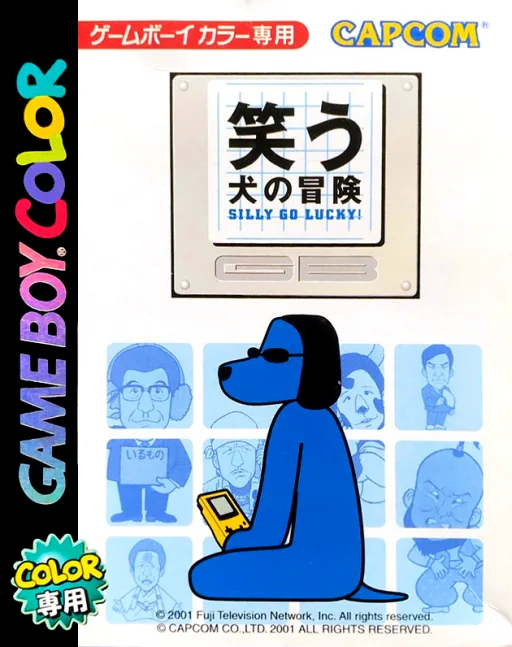
gbcWarau Inu no Bouken - Silly Go Lucky!
 gbc
gbcPDA
 gbc
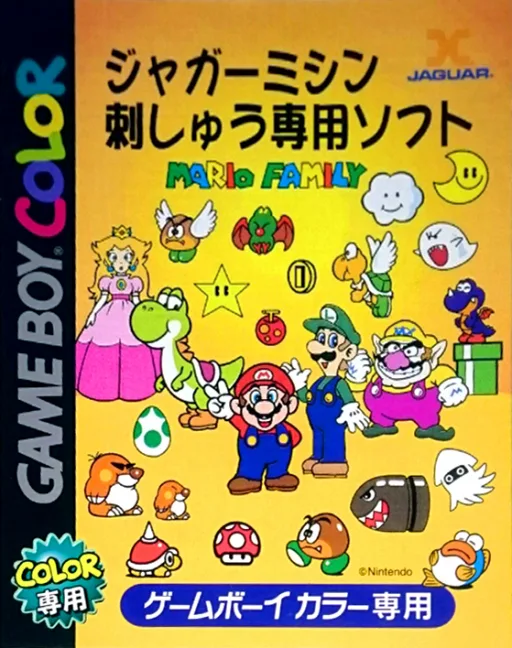
gbcMario Family
 gbc
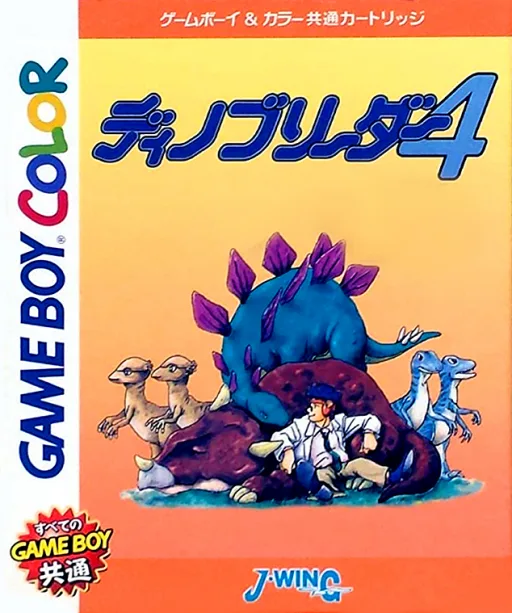
gbcDino Breeder 4
 gbc
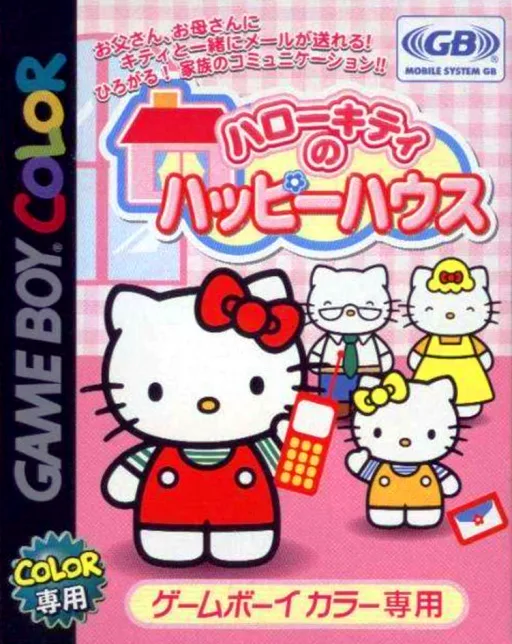
gbcHello Kitty no Happy House
 gbc
gbcGobs of Games
 gbc
gbcGB Plunderer v1.1
 gbc
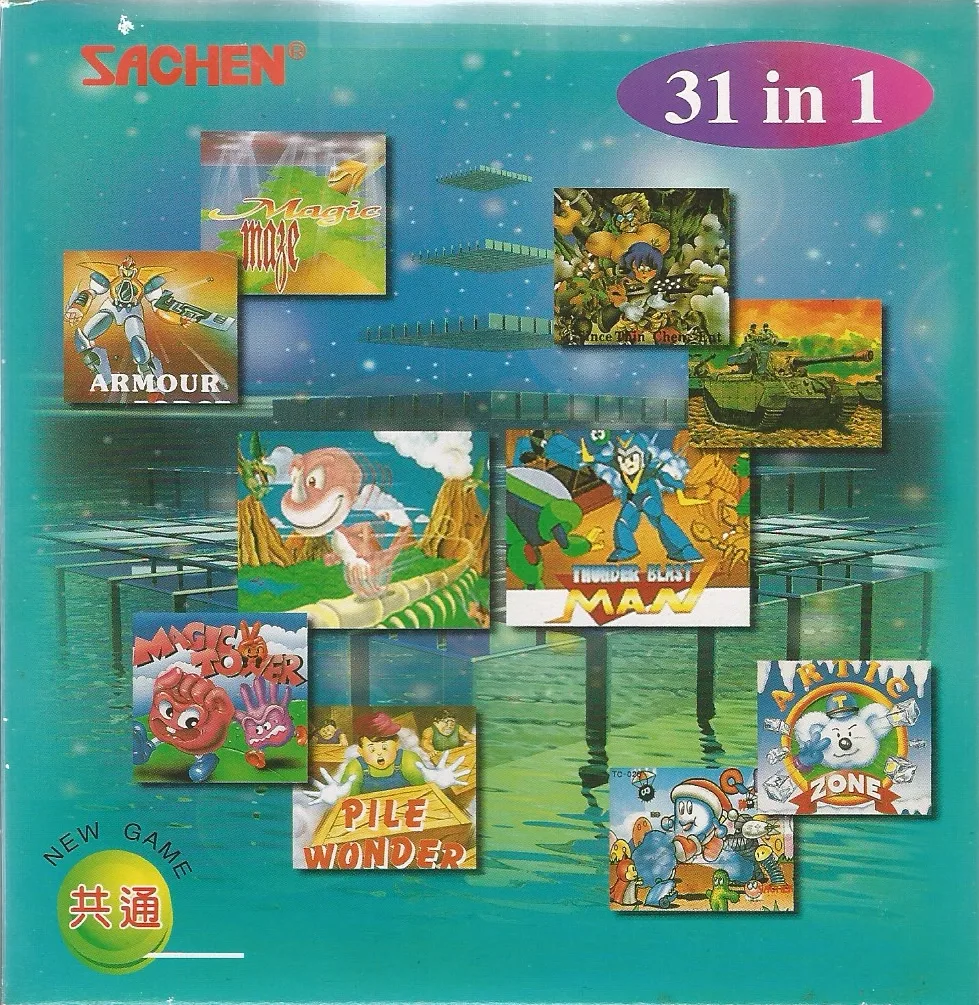
gbc31 in 1
 gbc
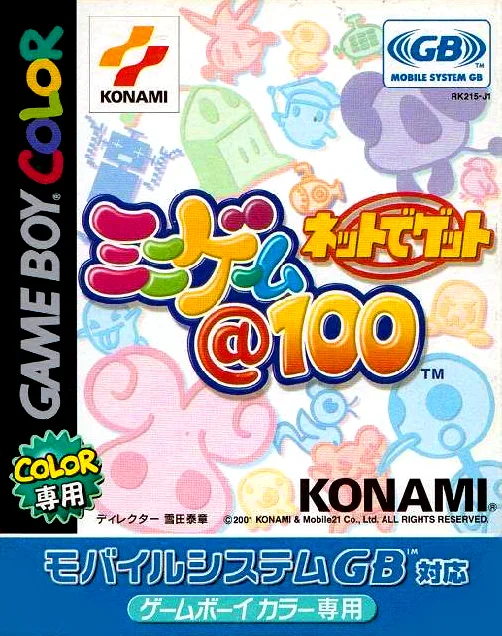
gbcNet de Get - Minigame @ 100
 gbc
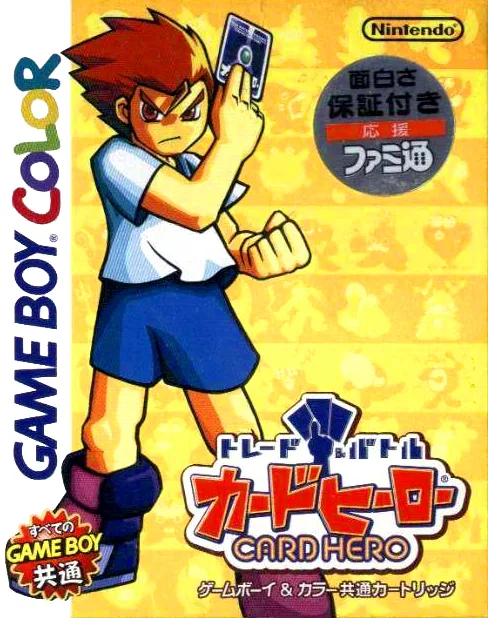
gbcTrade & Battle Card Hero
 gbc
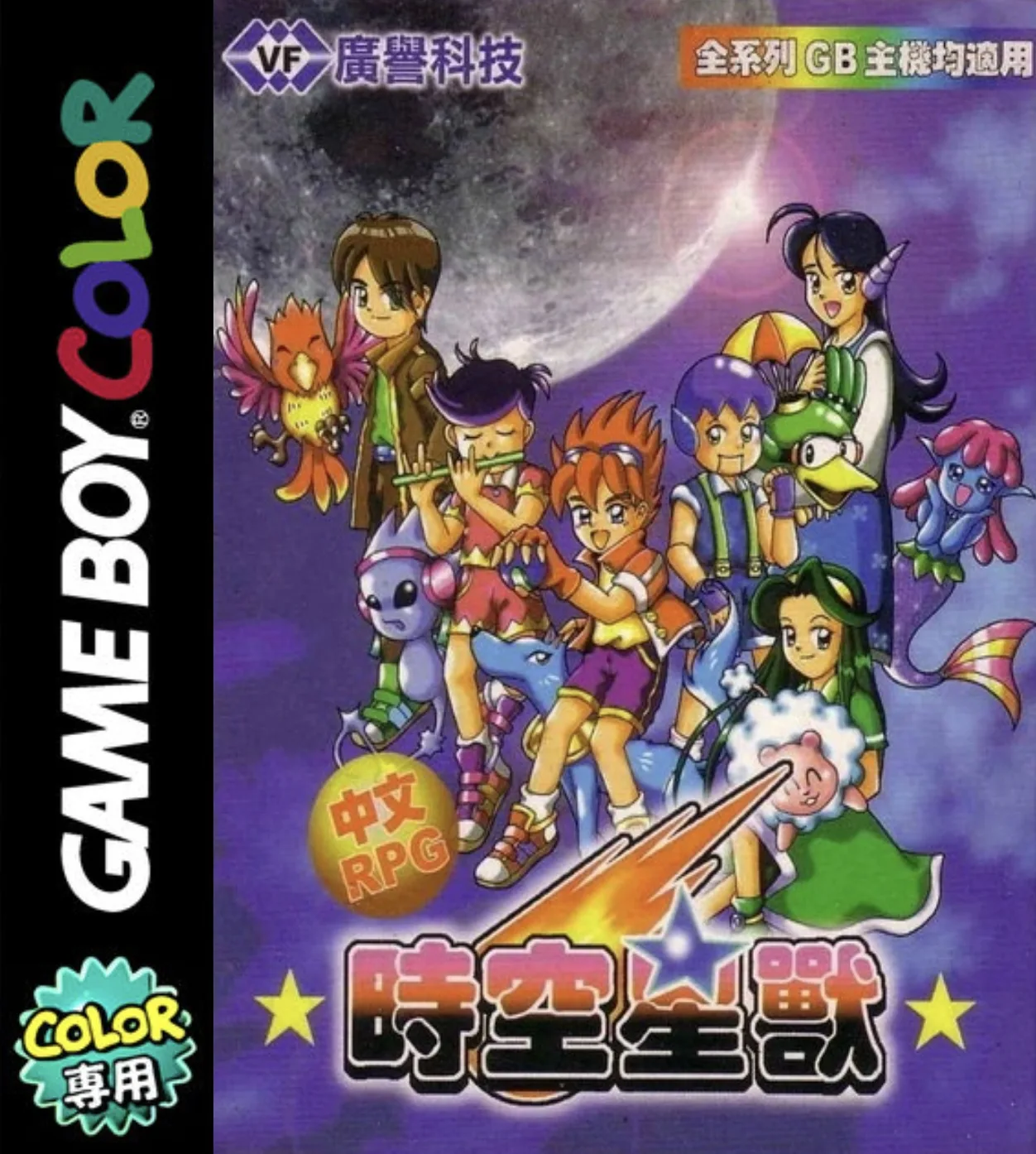
gbcSpace-Time Star Beast
Frequently Asked Questions
Q1.Can I play GameShark Online online in a web browser without downloading?
Yes, EmuAll allows you to play GameShark Online (GBC) directly inside modern web browsers (Chrome, Safari, Edge, Firefox) on PC, Mac, Chromebook, iOS, and Android devices without installing any emulator.
Q2.Does GameShark Online support in-browser save states?
Yes, the in-browser emulator features instant Save States and Load States, storing your game progress directly in your browser storage so you can pick up where you left off.
Q3.What controls are supported? Can I use a controller for GameShark Online?
The emulator fully supports standard keyboard controls as well as plug-and-play USB and Bluetooth gamepads (including Xbox, PlayStation, and generic controllers).